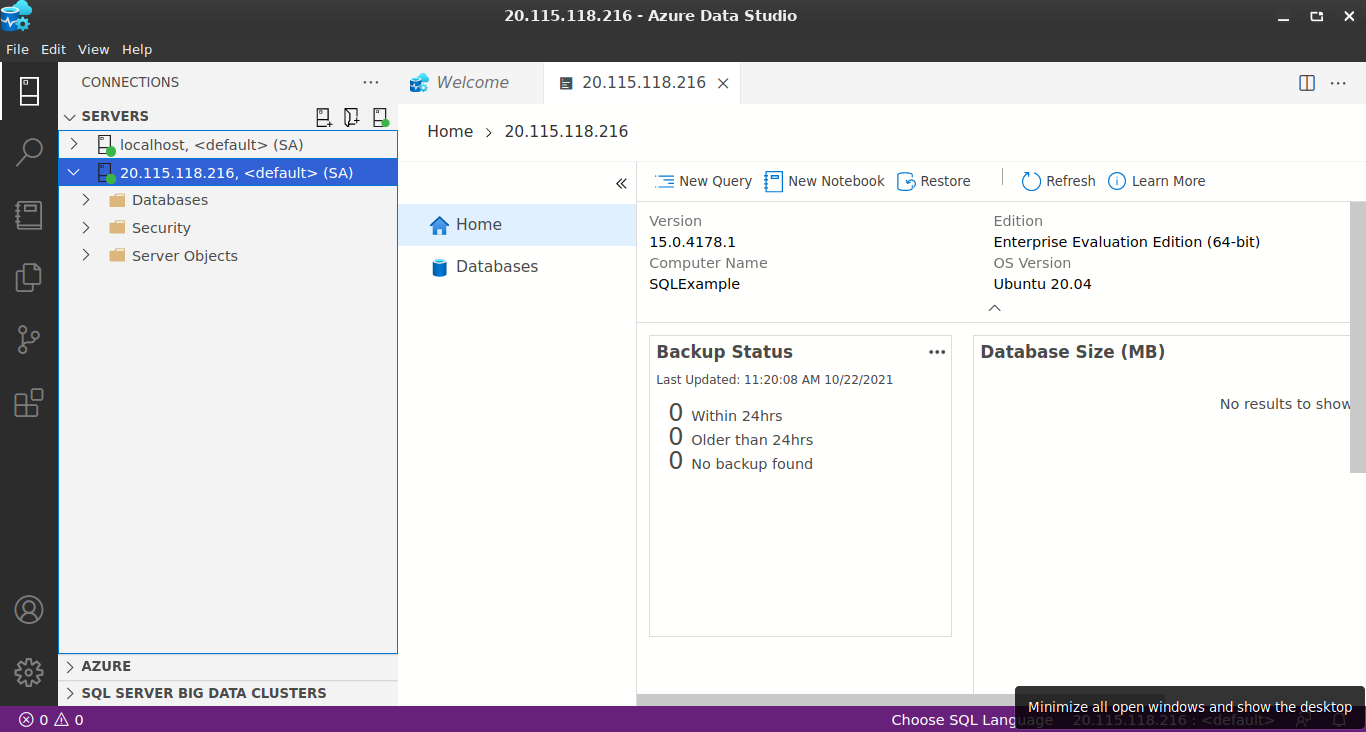
We will set up a low-scale machine on Azure and install Microsoft SQL Server on this machine, then we will connect to this SQL server remotely.
-
1-) By following this documentation, install an ubuntu server 20.04 machine with at least 3 gb ram. Documentation, Create a Linux virtual machine in the Azure portal
-
2-) After these operations, you need to connect to the machine via SSH connection or Azure, you need to install Microsoft SQL server on the machine, you can install SQL server in a simple way by following the document below. Documentation, Install SQL Server and create a database on Ubuntu
-
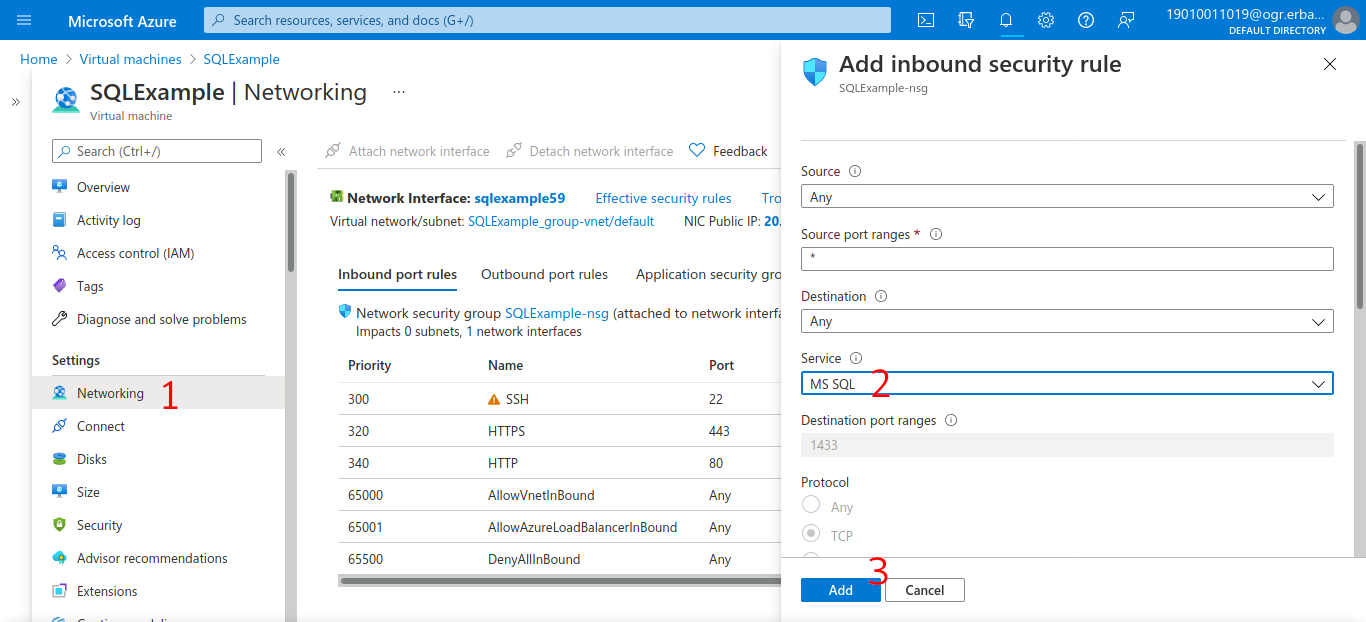
3-) If you have completed the SQL server installation process, now we need to make the connection port for SQL server public on our machine. If you do the operations in the picture below, the 1433 port, that is, the Microsoft SQL port, will become active on your machine, which means that a remote computer can be connected to this SQL server.
-
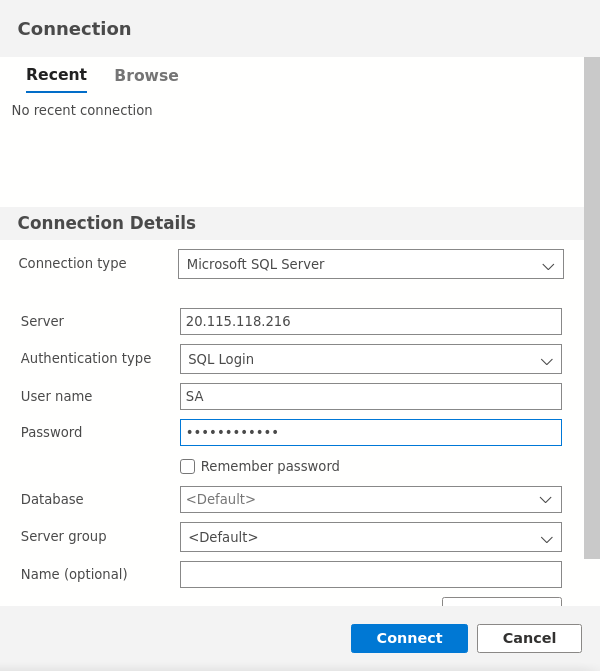
4-) Connect to SQL server via Azure Data Studio or DBeaver as in the picture below. Server: PublicIP, User Name: SA, Password: SQL Server Password, Remember Password: True