
👆️访问 GitHub 上的自述文件以获得更好的体验。


推荐使用:


💡 Tip: 以上已列出的脚本管理器和浏览器不代表全部
脚本在以下环境中运行正常





💡 Tip: 以上已列出的脚本管理器和浏览器不代表全部
脚本在以下环境中运行正常




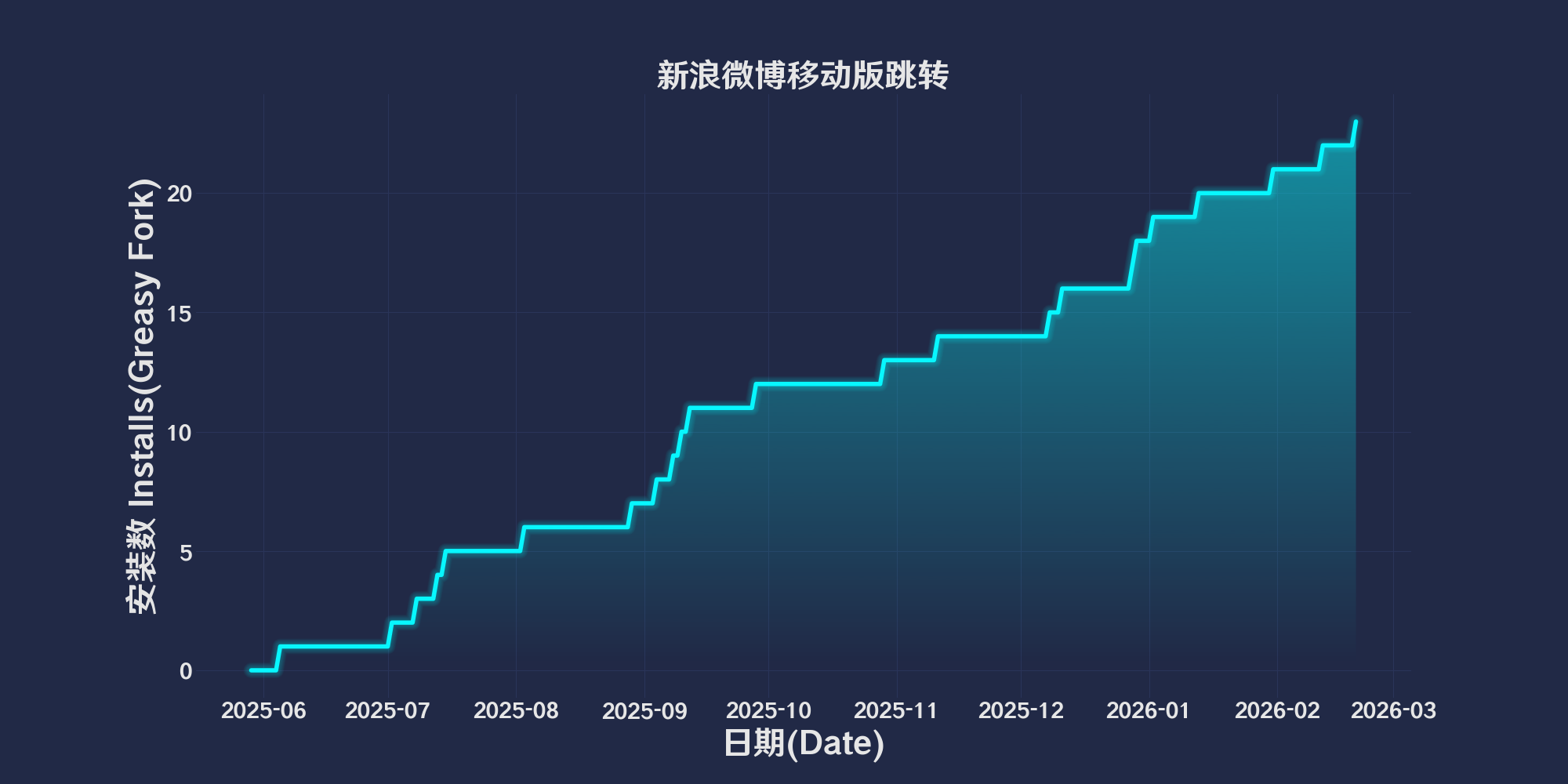
自动将 PC 版的特定链接跳转到对应的移动端版本,提高用户在移动端浏览的体验。支持多种微博链接格式,适用于需要切换至移动端或特定页面的场景。
-
用户主页
- 匹配链接格式:
https://weibo.com/u/1234567890 - 跳转目标:
https://m.weibo.cn/u/1234567890
- 匹配链接格式:
-
文章页面
- 匹配链接格式:
https://weibo.com/ttarticle/p/show?id=1234567890 - 跳转目标:
https://card.weibo.com/article/h5/s#cid=1234567890
- 匹配链接格式:
-
微博详情页面
- 匹配链接格式:
https://weibo.com/1234567890/1234567890123456https://weibo.com/1234567890/abcdEFG89
- 跳转目标:
https://m.weibo.cn/detail/1234567890123456https://m.weibo.cn/status/abcdEFG89
- 匹配链接格式:
-
视频页面
- 匹配链接格式:
https://video.weibo.com/show?fid=1234:1234567890123456 - 跳转目标:
https://weibo.com/tv/show/1234:1234567890123456
- 匹配链接格式:
🧑💻 @Vinfall ⇒ 📜 weibo-mobile-redirect.user.js
推荐浏览器和脚本管理器:
- Greasemonkey + Waterfox
- Tampermonkey/Violentmonkey + Firefox
- Tampermonkey/Violentmonkey + Chrome
- Userscripts + ios Safari
- Violentmonkey/KiWiBrowser + Android
如果你需要了解更多关于如何安装用户脚本,点击我查看图文教学!