BluetoothForQuest
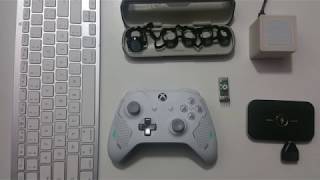
adb devices -l
adb install pathOf.apk
adb shell pm list packages -f -i -3
adb shell am start -a android.settings.BLUETOOTH_SETTINGS
- Enter Developer mode
- Install ADB on your PC
- Define the Window Path System for ADB
- Plug your Quest on the PC
- Type "Win + R" on your keyboard
- Type "cmd" and validate
- Type
adb shell am start -a android.settings.BLUETOOTH_SETTINGS - Go in the headset and use the interface to pair/connect your bluetooth device
- Type "Win + R" on your keyboard
- Type "cmd" and validate
- Download: Android Setting APK
- Type
adb install "pathofthetool/AndroidSetting.apk - Go in Library > TV > the "Setting" application > Bluetooth setting
- Pair/Connect your device (if not recognize turn off and on Bluetooth)
- Install side Quest https://github.com/the-expanse/SideQuest/releases
- Add my repository link : https://gitlab.com/eloistree/eloiexperimentsfreequestgamestosideload/raw/master/
- Install "Android Setting"
- In the Quest, Go in Library > TV > the "Setting" application > Bluetooth setting
- Pair/Connect your device (if not recognize turn off and on bluetooth)
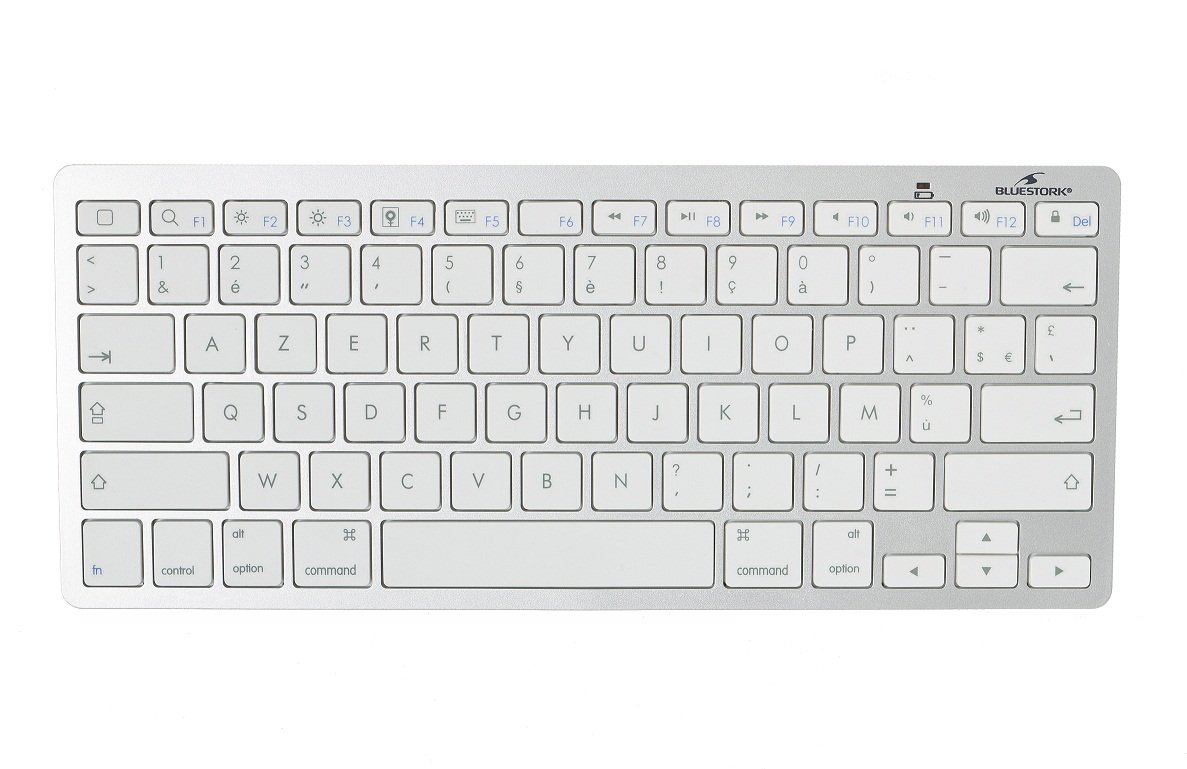
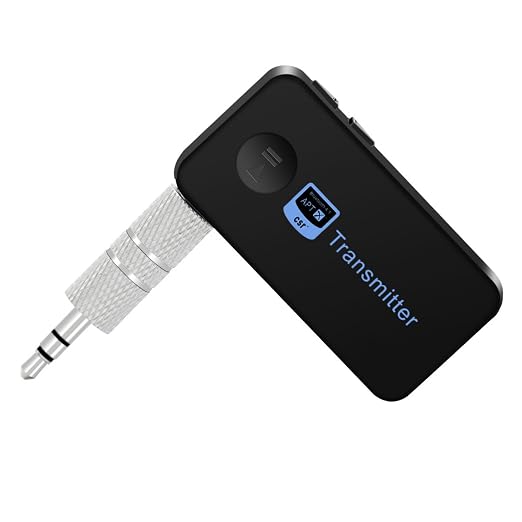
- Multidevice bluetoothkeyboard: https://www.logitech.com/fr-be/product/k780-multi-device-wireless-keyboard?crid=27
- https://www.logitech.com/fr-be/product/multi-device-keyboard-k380?crid=27


 Feel free to support my work. A donation is always welcome to enlight my day.【ツ】
https://tipeee.com/eloilab
Feel free to support my work. A donation is always welcome to enlight my day.【ツ】
https://tipeee.com/eloilab
- Oculus Light
Step in VR by praticing

Réalité Virtuelle  Base de Unity
Painting Jam
- TechnoBel 2018: Specialization VR
- TechnoBel 2017: Quick Introduction to VR
- Technifutur 2018: Unity Developer
- Technifutur 2018: Basic of Unity For Artists
- Technifutur 2019: Virtual Reality Introduciton
What am I working on ?