-
-
Notifications
You must be signed in to change notification settings - Fork 9
Basic Usage
Rangga Fajar Oktariansyah edited this page Mar 31, 2026
·
1 revision
To display a GitHub stats card in your profile README, use the following Markdown syntax:
[](https://github.com/FajarKim/github-readme-profile)Replace USERNAME with your GitHub username.
The only required parameter is username. Example:
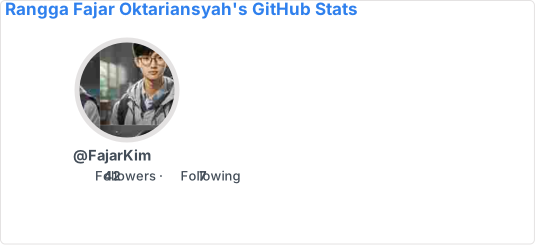Add a theme directly:
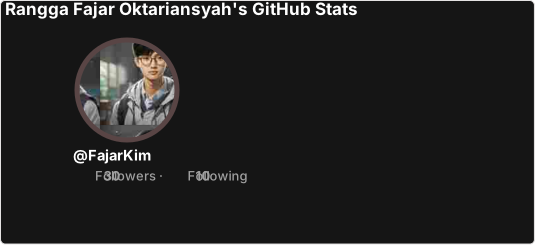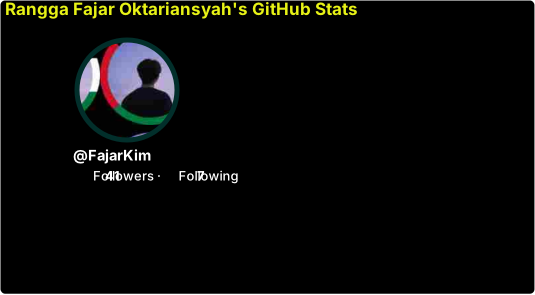By default, the card is displayed as SVG. You can change the output format using the format parameter:
| Format | Description |
|---|---|
svg |
(Default) Scalable vector graphic |
png |
Raster image with white background |
json |
Statistics data in JSON format |
xml |
Statistics data in XML format |
Example:
-
hide_border=true– Removes the outer card border -
hide_stroke=true– Removes the stroke around the profile picture
Use revert=true to move the stats column to the left and the profile picture to the right:
Made with ❤️ using TypeScript