-
-
Notifications
You must be signed in to change notification settings - Fork 9
Customization Parameters
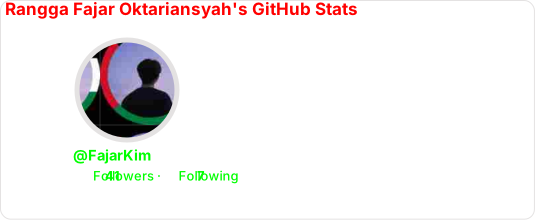
Below are all available URL parameters for customizing the stats card. All parameters are optional and can be combined freely.
| Parameter | Description | Type | Default |
|---|---|---|---|
title_color |
Color of the card title | hex color | 2f80ed |
text_color |
Color of the stat text | hex color | 434d58 |
icon_color |
Color of the icons next to stats | hex color | 4c71f2 |
border_color |
Color of the card border | hex color | e4e2e2 |
bg_color |
Background color (solid or gradient) | hex color or gradient | fffefe |
stroke_color |
Stroke color around the profile picture | hex color | border_color |
username_color |
Color of the username below the picture | hex color | text_color |
| Parameter | Description | Type | Default |
|---|---|---|---|
theme |
Name of a built‑in theme | enum | default |
title |
Custom title (URL‑encoded) | string | null |
locale |
Display language | enum | en |
border_width |
Border width in pixels | number | 1 |
border_radius |
Corner radius in pixels | number | 4.5 |
format |
Output format (svg, png, json, xml) |
enum | svg |
disabled_animations |
Disable CSS animations | boolean | false |
hide_border |
Hide the outer card border | boolean | false |
hide_stroke |
Hide the stroke around the profile picture | boolean | false |
revert |
Flip layout (stats left, picture right) | boolean | false |
photo_quality |
Profile picture quality (1–100) | number | 15 |
photo_resize |
Profile picture size in pixels | number | 150 |
| Parameter | Description | Type | Default |
|---|---|---|---|
hide |
Stats to hide (comma‑separated) | string | null |
show |
Additional stats to show (comma‑separated) | string | null |
| Value | Description |
|---|---|
repos |
Number of repositories |
stars |
Total stars received |
forks |
Total forks |
commits |
Commits this year |
prs |
Pull requests created |
prs_merged |
Merged pull requests |
issues |
Issues opened |
contributed |
Contributions to other repos |
| Value | Description |
|---|---|
reviews |
Number of code reviews |
issues_closed |
Issues closed |
discussions_started |
Discussions started |
discussions_answered |
Discussions answered |
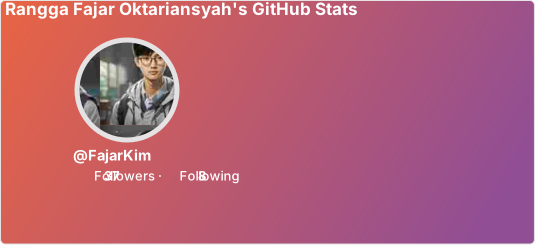
Create a gradient background using the bg_color parameter with the format angle,start,end:
-
angle– Gradient angle in degrees (0–360) -
start– Starting color (hex without#) -
end– Ending color (hex without#)
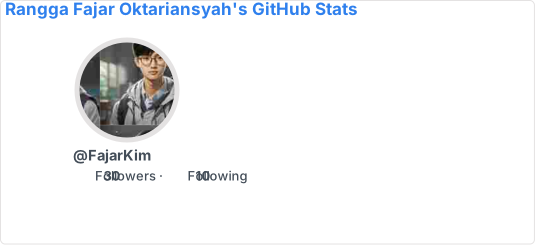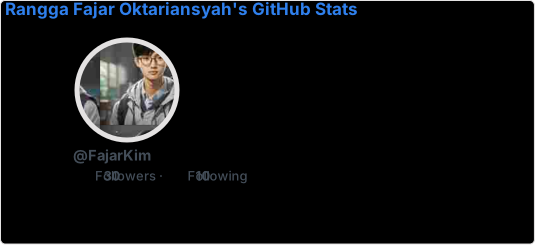00000000 means fully transparent. You can also use partial transparency, e.g., bg_color=00000080 for 50% transparency.
GitHub supports showing different images for light and dark modes using #gh-dark-mode-only and #gh-light-mode-only tags.
[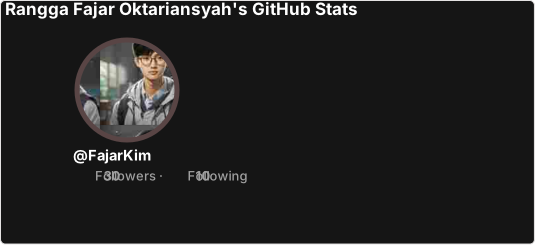](https://github.com/FajarKim/github-readme-profile#gh-dark-mode-only)
[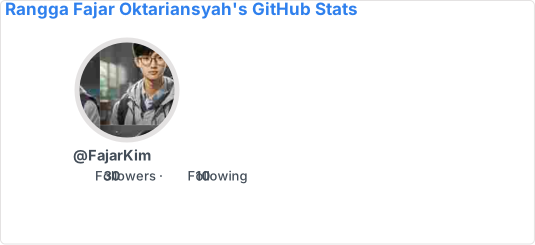](https://github.com/FajarKim/github-readme-profile#gh-light-mode-only)Dark mode users will see the dark theme card, while light mode users will see the default theme card.
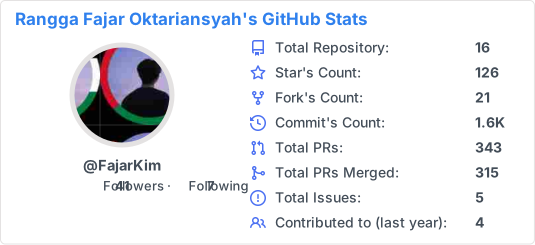
Use the hide parameter to exclude stats you don’t want to show. Separate values with commas and no spaces.
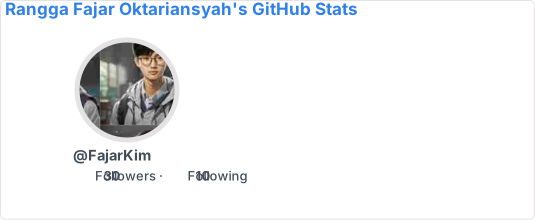Use the show parameter to display extra metrics beyond the default set.
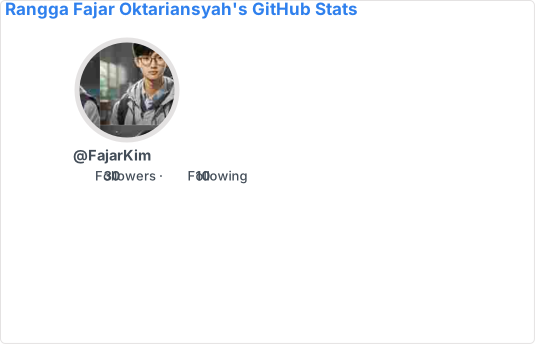The title parameter lets you replace the card title. The value must be URL‑encoded.
If you prefer a static card without animations, use disabled_animations=true:
Made with ❤️ using TypeScript