-
-
Notifications
You must be signed in to change notification settings - Fork 9
Themes
Rangga Fajar Oktariansyah edited this page Mar 31, 2026
·
1 revision
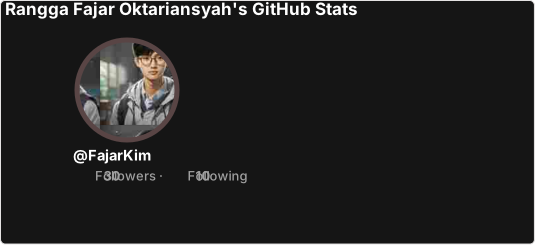
The project provides several built-in themes that you can use immediately. Themes control the color palette for background, text, icons, and border.
Add the &theme=THEME_NAME parameter to the image URL:
| Theme | Description | Example |
|---|---|---|
default |
Default theme with white background and blue accent | theme=default |
transparent |
Transparent background, ideal for embedding | theme=transparent |
dark |
Dark theme with black background | theme=dark |
highcontrast |
High contrast for accessibility | theme=highcontrast |
For a complete list of themes with previews, see the themes/README.md file in the repository.
If the built-in themes don’t meet your needs, you can create a custom theme using individual parameters like title_color, text_color, icon_color, etc. See Customization Parameters for full details.
We welcome theme contributions! Please see the Contributing guide for instructions on adding a new theme.
Made with ❤️ using TypeScript