This repository was archived by the owner on Jan 18, 2023. It is now read-only.
Running the Library Through the a Python File
-
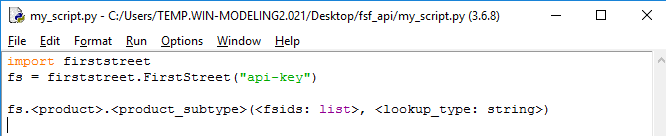
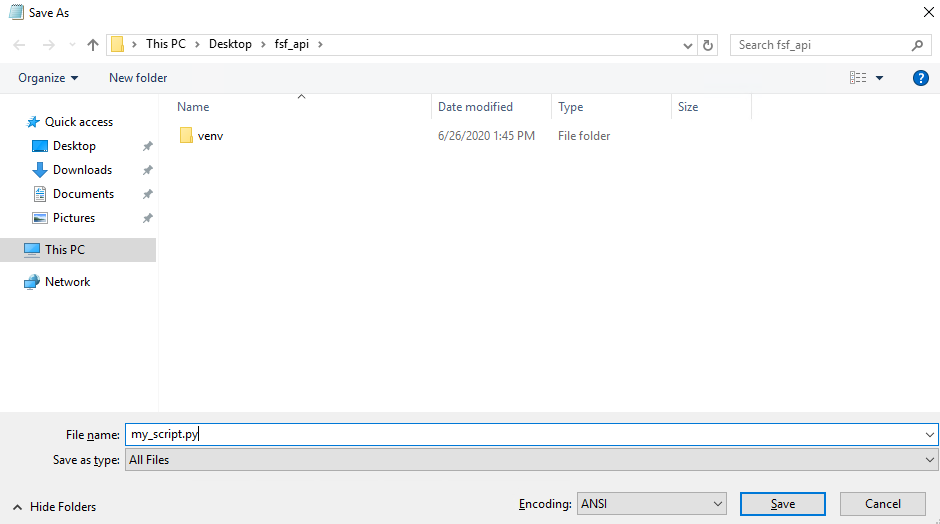
Create a new Python script (by using notepad or any other text editor) and initialize a First Street Foundation API Client.
[Reminder] Keep your API key safe, and do not share it with others!
[NOTE] This method will NOT generate a CSV by default. An argument must be passed to generate a CSV.
# Contents of my_script.py
import firststreet
fs = firststreet.FirstStreet("api-key")
firststreet.FirstStreet(api_key, [connection_limit], [rate_limit], [rate_period], [version], [log])
- api_key
string: The assigned API key to access the API. - connection_limit
int=100: The max number of connections to make - rate_limit
int=20000: The max number of requests during the period - rate_period
int=1: The period of time for the limit - version
string= v1: The version of the API to access. Defaults to the current version. - log
bool= True: Setting for whether to log info or not. Defaults to True.
- api_key
-
Call one of the methods described below in the
Productssection with the required arguments. See theExamplessection for more examples.fs.<product>.<product_subtype>(<search_items: list>, <lookup_type: string>, <csv: boolean>)
OR

-
Run the python script.

-
Add the following to the top of the file before the client initialization to allow the jupyter notebook and download loops to work correctly
# Setup For Notebook only
import nest_asyncio
nest_asyncio.apply()