📢 Use this project, contribute to it or open issues to help evolve it using Store Discussion.
Logo is a VTEX block responsible for displaying an image logo for the store header.
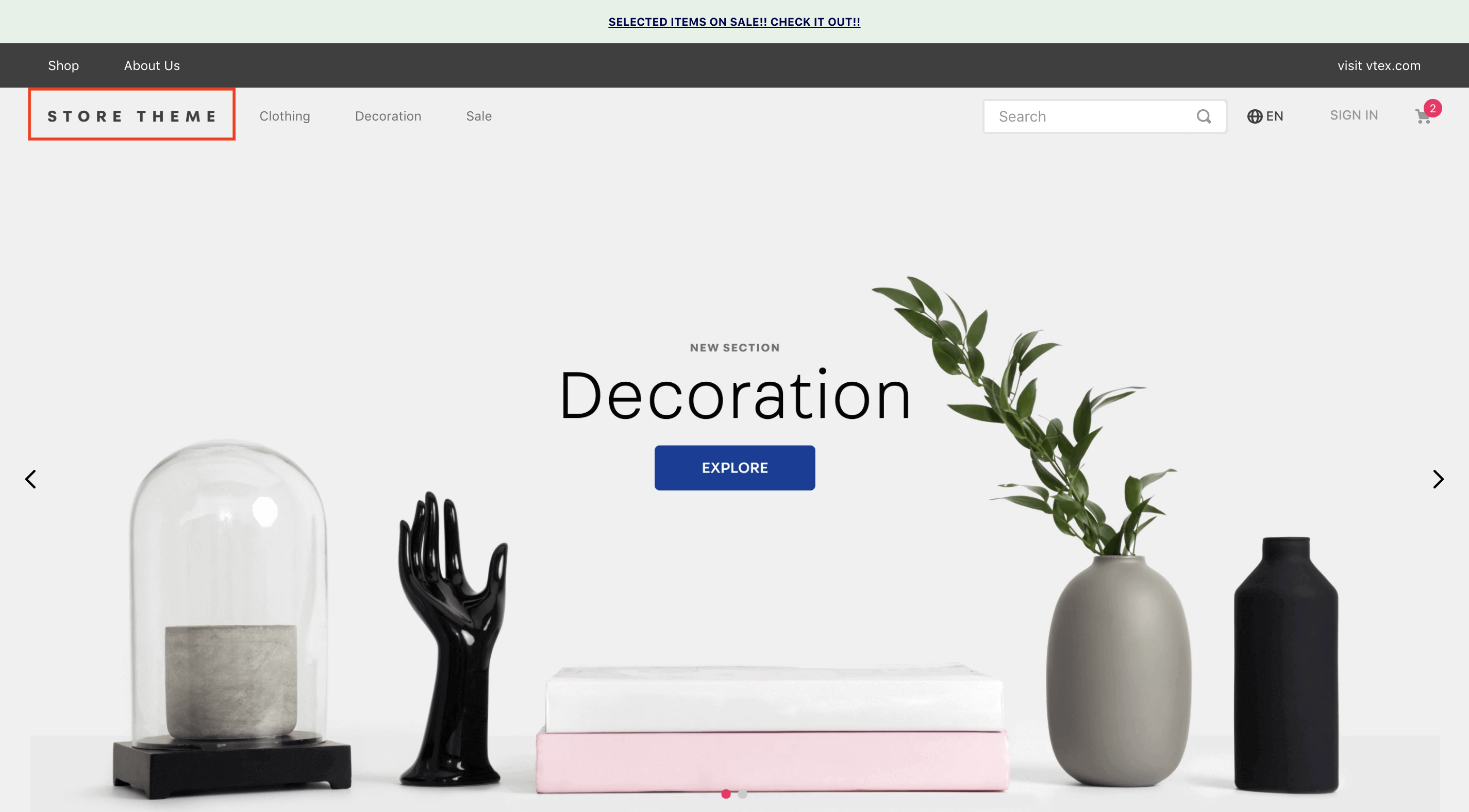
- Import the
vtex.store-componentapp to your theme's dependencies in the manifest.json;
 "dependencies: {
    "vtex.store-components": "3.x"
}- Add the
logoblock into your Header. For example:
"header.full": {
  "blocks": [
    "login",
    "minicart",
    "logo",
    "search-bar",
    "menu-link",
    "telemarketing",
    "category-menu"
  ]
},

 "logo": {
    "props": {
      "width": 132,
      "height": 32,
      "mobileWidth": 90,
      "mobileHeight": 32
    }
  }
}
| Prop name | Type | Description | Default value |
|---|---|---|---|
title |
String! |
The image alt description | VTEX logo |
color |
String |
The image fill color | #F71963 |
showLabel |
Boolean |
Set the label visibility | true |
width |
Number |
The logo image width | 493 |
height |
Number |
The logo image height | 177 |
url |
String |
The image url | - |
href |
String |
Image link | - |
In order to apply CSS customizations in this and other blocks, follow the instructions given in the recipe on Using CSS Handles for store customization.
| CSS Handles |
|---|
sizeDesktop |
sizeMobile |
logoLink |
logoContainer |
logoImage |