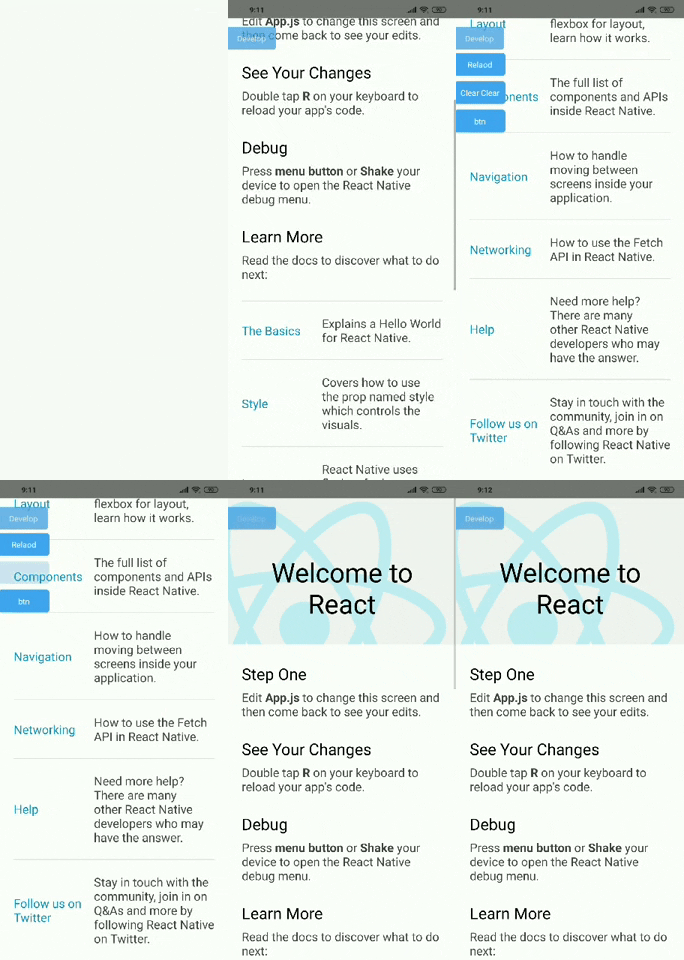
Label for environments your apps
This is the package you need to see the name of your environment, and it also creates your own custom buttons for easy development.
npm i --save react-native-env-label
The package is best rendered in the main component and after all the components as in the example.
import LabelEnv from 'react-native-env-label';

class App extends Component {
  render() {
    const customButtons = [{
      txt: "First Btn",
      handler: () => alert("First")
    }, {
      txt: "Seccond Btn",
      handler: () => alert("Seccond")
    }];

    return (
      <Root>
        <App />

        <LabelEnv
          envName="Env Name"
          buttons={customButtons}
        />
      </Root>
    );
  }
}