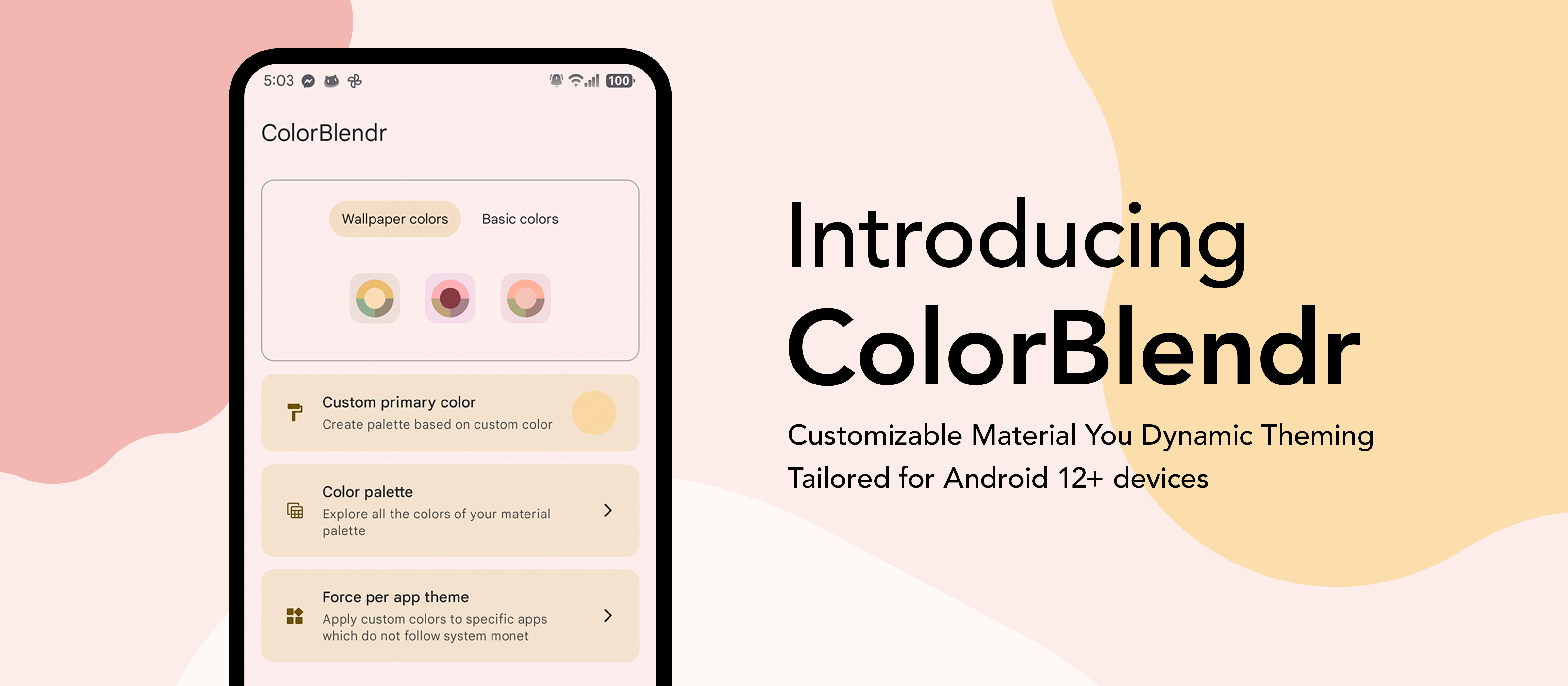



Elevate your creativity with effortless material customization. Instantly tweak colors for a personalized touch in just a few taps.



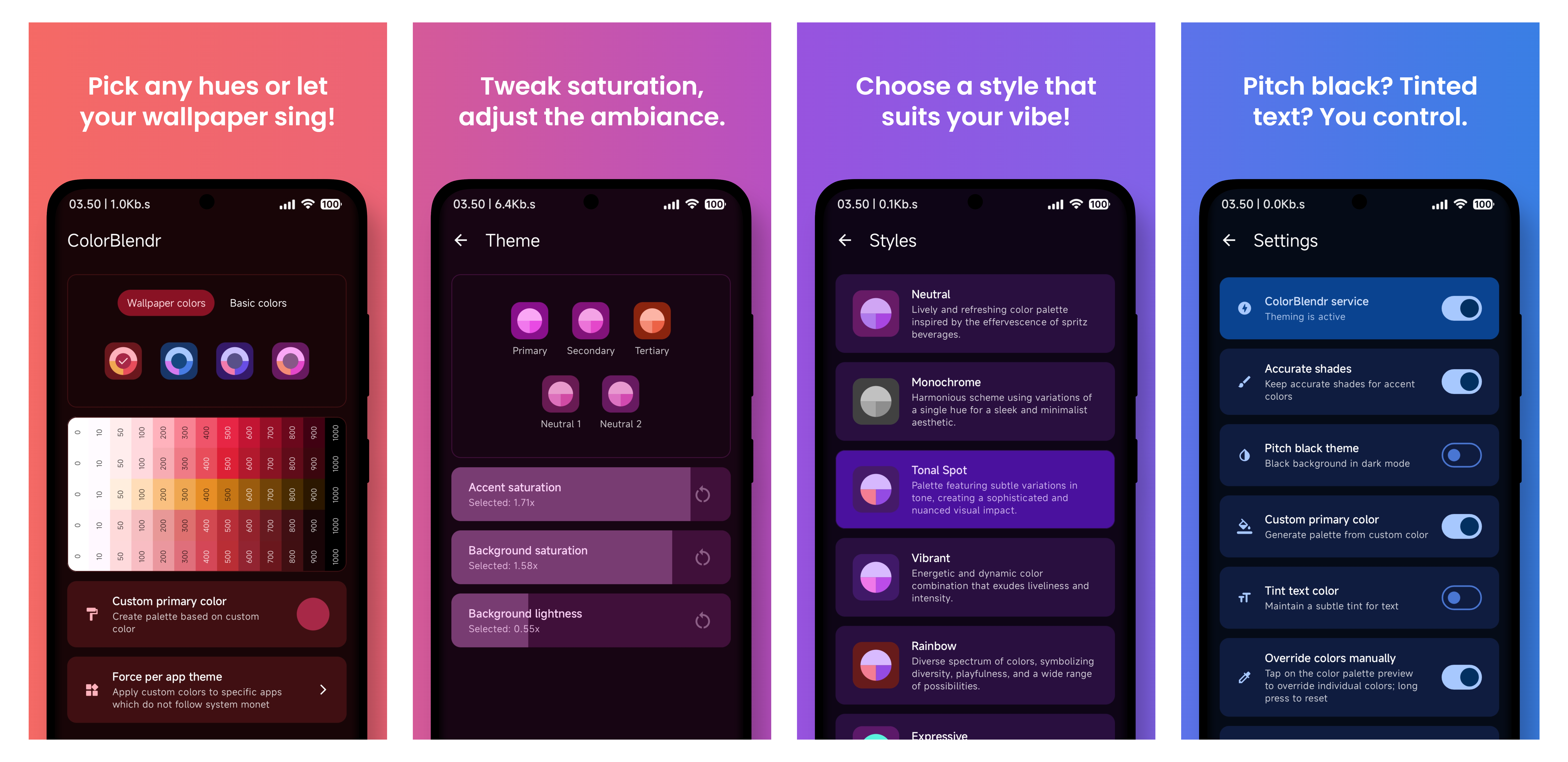
Color sources
- Generate palettes from your wallpaper
- Pick any seed color, or choose from a set of basic colors
- Live preview before applying — see changes as you tweak them
Fine-tuning
- Accent saturation, background saturation, and background lightness sliders
- Ready-made Monet style presets
- Pitch black theme for dark mode
- Tinted text color
- Custom secondary and tertiary colors
Full control
- Manual per-shade color overriding across the whole palette
- Separate configurations for light and dark mode
- Extra tweaks: color spec version, screen-off updates, darker / semi-transparent Pixel launcher icons
Community & backup
- Community creations — browse, apply, upvote, and share themes (see below)
- Backup and restore your entire setup to a file
- Works with Root, Shizuku, or Wireless ADB
- and many more...
- Android 12+ ROM with Material You support
- Working Root, Shizuku, or Wireless ADB environment
- Download and install the apk
- Allow permissions for the app
- Select Root, Shizuku, or Wireless ADB mode
- That's it. Now you are good to go!
- Root is recommended if you want to have the full experience
- Shizuku and Wireless ADB are also supported but customizations are limited
Share your favorite color setups and discover themes crafted by others, right inside the app.
- Browse & search — explore a growing gallery of community-made themes, sorted by popularity or recency
- One-tap apply — preview any creation live and apply it instantly (root mode)
- Upvote — like the themes you enjoy so the best ones rise to the top
- Share your own — publish your current palette with a name and description
Everything is anonymous — no account, sign-up, or personal data required. Submissions go through a quick human review before they appear for everyone.
Note
Browsing and upvoting work on every mode. Applying a community creation requires root.
How does ColorBlendr work without root access?
- ColorBlendr utilizes adb commands to change Material You colors, allowing users to modify these colors without needing root access.
How does ColorBlendr work with root access?
- ColorBlendr leverages the FabricatedOverlay API to dynamically change Material You colors at runtime without creating any permanent files.
Why doesn't ColorBlendr work properly on OneUI?
- OneUI uses its own color palette for system apps, not Material You colors. As a result, ColorBlendr's modifications only affect Google apps and other apps that support Material You, but not OneUI system apps.
Why are some features grayed out or cannot be enabled?
- These features either require a specific Android version or higher, or you need root access to unlock all features.
How do I properly uninstall ColorBlendr?
- First, disable the ColorBlendr Service from app settings. Then, uninstall the app and reboot your device.
Is any personal data collected when I share a theme?
- No. Community creations are fully anonymous — no account or personal data is attached. Only the palette itself, along with the name and description you provide, is submitted.
Why can't I apply a community creation?
- Applying a community creation modifies system colors, which requires root. You can still browse, search, and upvote in Shizuku and Wireless ADB modes.
Can I automate theme changes with Tasker?
-
Yes. Enable Tasker integration in the app's advanced settings, then send a broadcast from Tasker (or MacroDroid / Automate) with:
- Action:
com.drdisagree.colorblendr.action.APPLY_CONFIG - Package:
com.drdisagree.colorblendr(required — broadcasts without it are dropped by Android) - Target: Broadcast Receiver
- Action:
-
Supported extras — include any combination; only the ones you send are changed:
Extra Type Values What it does seedColorString #RRGGBB, e.g.#3F51B5Sets a custom seed color and generates the palette from it randomColorBoolean truePicks a random vivid seed color wallpaperColorsBoolean trueSwitches back to wallpaper-based colors monetStyleString TONAL_SPOT,VIBRANT,EXPRESSIVE,RAINBOW,FRUIT_SALAD,SPRITZ,MONOCHROMATIC,FIDELITY,CONTENT,CMFSets the Monet style preset accentSaturationInteger 0–200(100 = default)Accent saturation slider backgroundSaturationInteger 0–200(100 = default)Background saturation slider backgroundLightnessInteger 0–200(100 = default)Background lightness slider pitchBlackBoolean true/falseToggles the pitch black dark theme accurateShadesBoolean true/falseToggles accurate shades configString JSON with any of the keys above, e.g. {"seedColor":"#3F51B5","pitchBlack":true}Sends everything in one extra — useful since Tasker's UI has limited extra fields -
Values outside their allowed range or malformed colors are ignored. Extras sent both individually and inside
config— the individual one wins. -
Sending any of the three slider extras turns off Mode specific themes, since the automated value replaces the separate light/dark slider setup.
-
If Update colors when screen off is enabled, automated changes are held back and applied once the screen actually turns off.
-
Example: a Tasker time profile repeating every hour + Send Intent with extra
randomColor:truegives you a fresh random theme every hour.
- Assist in translating ColorBlendr into your preferred language through our Crowdin platform. Your contribution will help make ColorBlendr accessible to a wider audience.
- @siavash79 for helping me.
- @fennifith for color picker.
- @MuntashirAkon for lib adb.
- And everyone who contributed and translated... :)