
Hookit automatically creates and listens to GitHub WebHooks, running a specified command after push events.
- Simple usage - see the example.
- Signated WebHooks by default.
- No dependencies.

Download and make Hookit Python script available for usage:
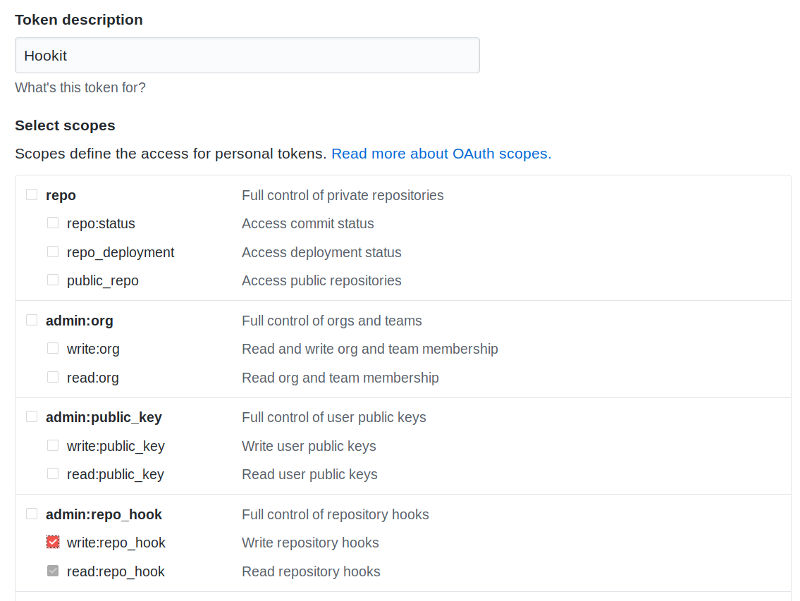
$ curl https://raw.githubusercontent.com/MateusZitelli/hookit/master/hookit > /usr/local/bin/hookit; chmod +x /usr/local/bin/hookitCreate an access token here with the write:repo_hook scope.
With the GitHub access token in hands create a configuration file named .env:
GITHUB_ACCESS_TOKEN=<The created Access Token>
REPOSITORY_NAME=Username/Repository
CALLBACK_URL=http://HOST:PORT
HOOK_SECRET=<A hash to be used for validation>
ON_PUSH_CALL=echo "Such a push"
And then execute Hookit on the folder with the .env file:
$ hookitNow every push to the repository Username/Repository will trigger the script echo "Such a push".