| icon | hand-pointer | ||||||||||||||||||||||||||
|---|---|---|---|---|---|---|---|---|---|---|---|---|---|---|---|---|---|---|---|---|---|---|---|---|---|---|---|
| layout |
|
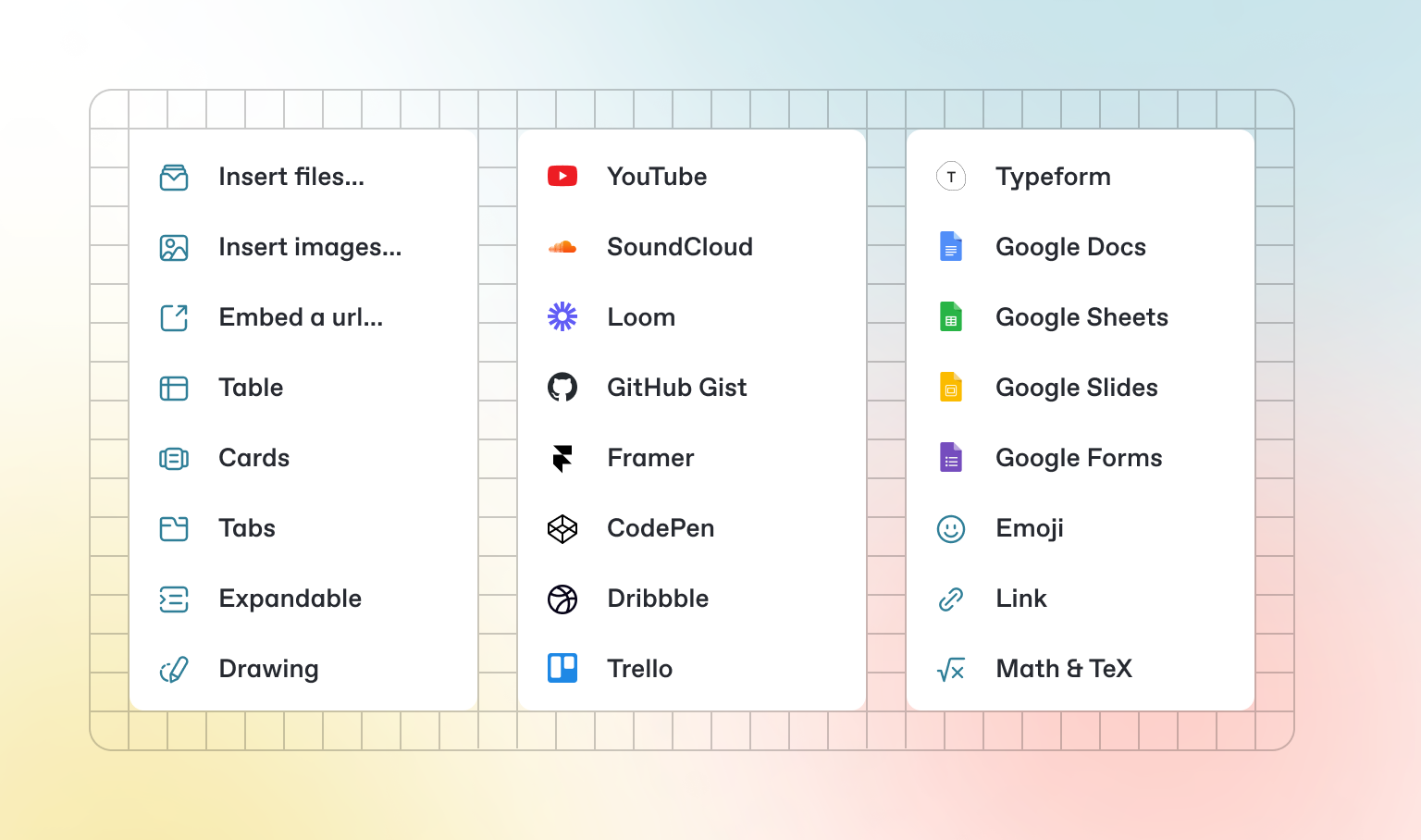
In addition to the default Markdown you can write, GitBook has a number of out-of-the-box interactive blocks you can use. You can find interactive blocks by pressing / from within the editor.
{% tabs %} {% tab title="First tab" %} Each tab is like a mini page — it can contain multiple other blocks, of any type. So you can add code blocks, images, integration blocks and more to individual tabs in the same tab block. {% endtab %}
{% tab title="Second tab" %} Add images, embedded content, code blocks, and more.
const handleFetchEvent = async (request, context) => {
    return new Response({message: "Hello World"});
};
{% endtab %} {% endtabs %}
Click me to expand
Expandable blocks are helpful in condensing what could otherwise be a lengthy paragraph. They are also great in step-by-step guides and FAQs.
{% embed url="https://www.youtube.com/watch?v=YILlrDYzAm4" %}
{% hint style="info" %} GitBook supports thousands of embedded websites out-of-the-box, simply by pasting their links. Feel free to check out which ones are supported natively. {% endhint %}