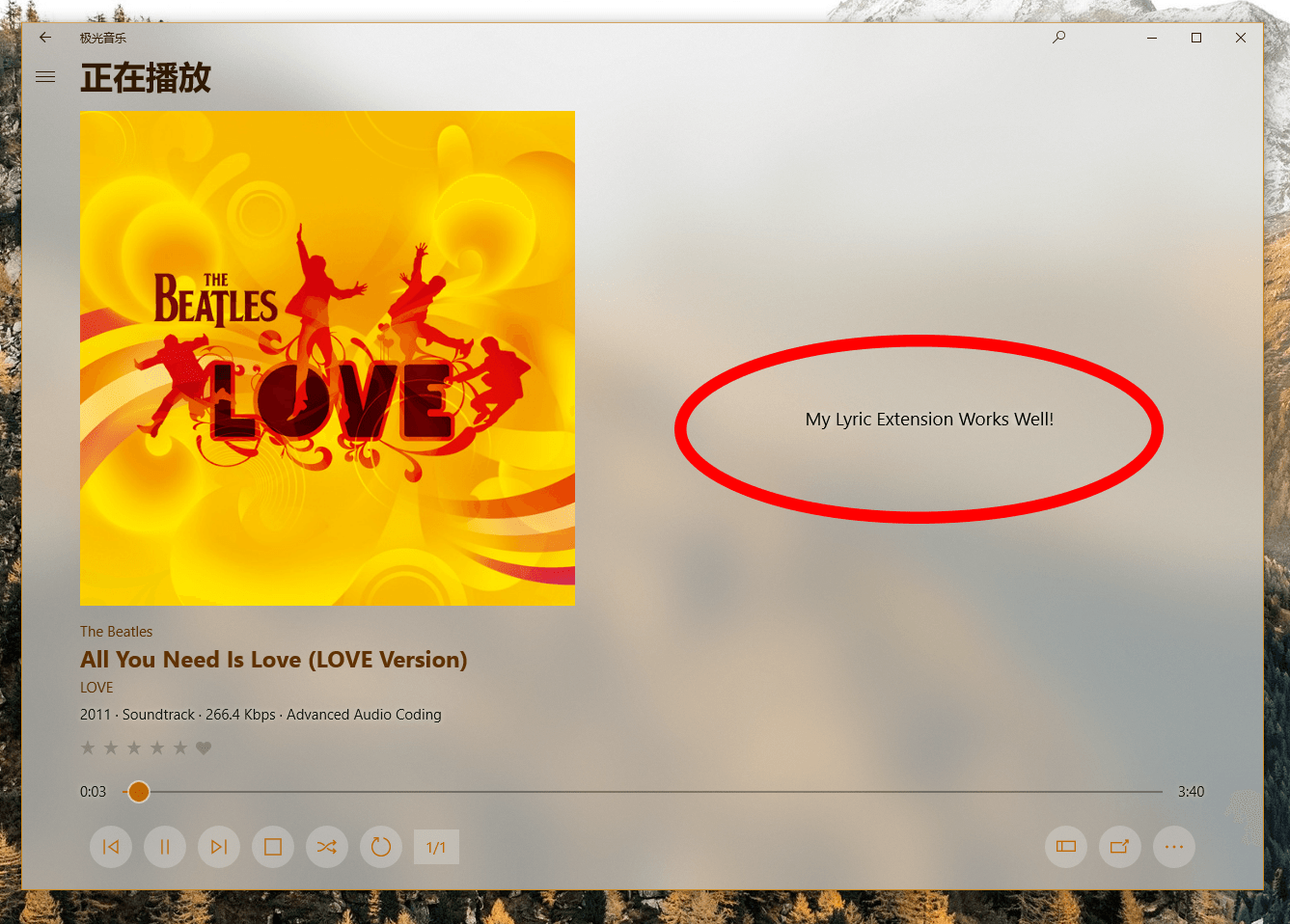
This sample introduces how to implement an extension for Aurora Music. A brief tutorial is announced here.
This sample targets at 10.0.16299, you can clone and build in the latest Visual Studio.
The most important staffs in Package.appxmanifest:
<Extensions>
    <uap:Extension Category="windows.appService">
        <uap:AppService Name="ExtensionSample.Service" />
    </uap:Extension>
    <uap3:Extension Category="windows.appExtension">
        <uap3:AppExtension Name="Aurora.Music.Extensions" Id="Sample" PublicFolder="Public" DisplayName="Extension Sample" Description="This is a sample for lyric extension">
            <uap3:Properties>
                <Service>ExtensionSample.Service</Service>
                <Category>Lyric</Category>
            </uap3:Properties>
        </uap3:AppExtension>
    </uap3:Extension>
</Extensions>
The code to support App Service is in App.xaml.cs
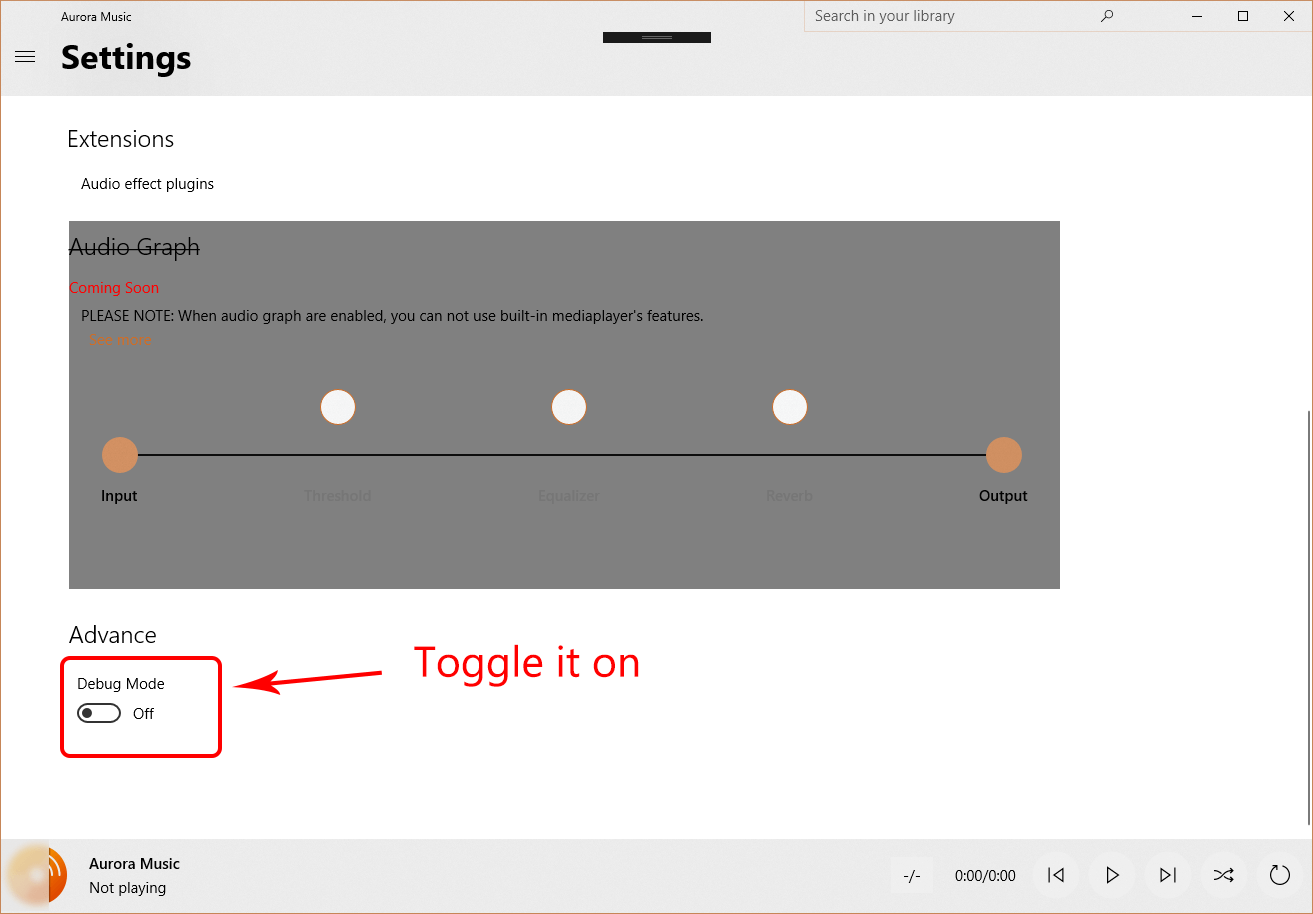
Deploy this app, and turn on the "Debug Mode switch" in Aurora Music->Settings->Advance
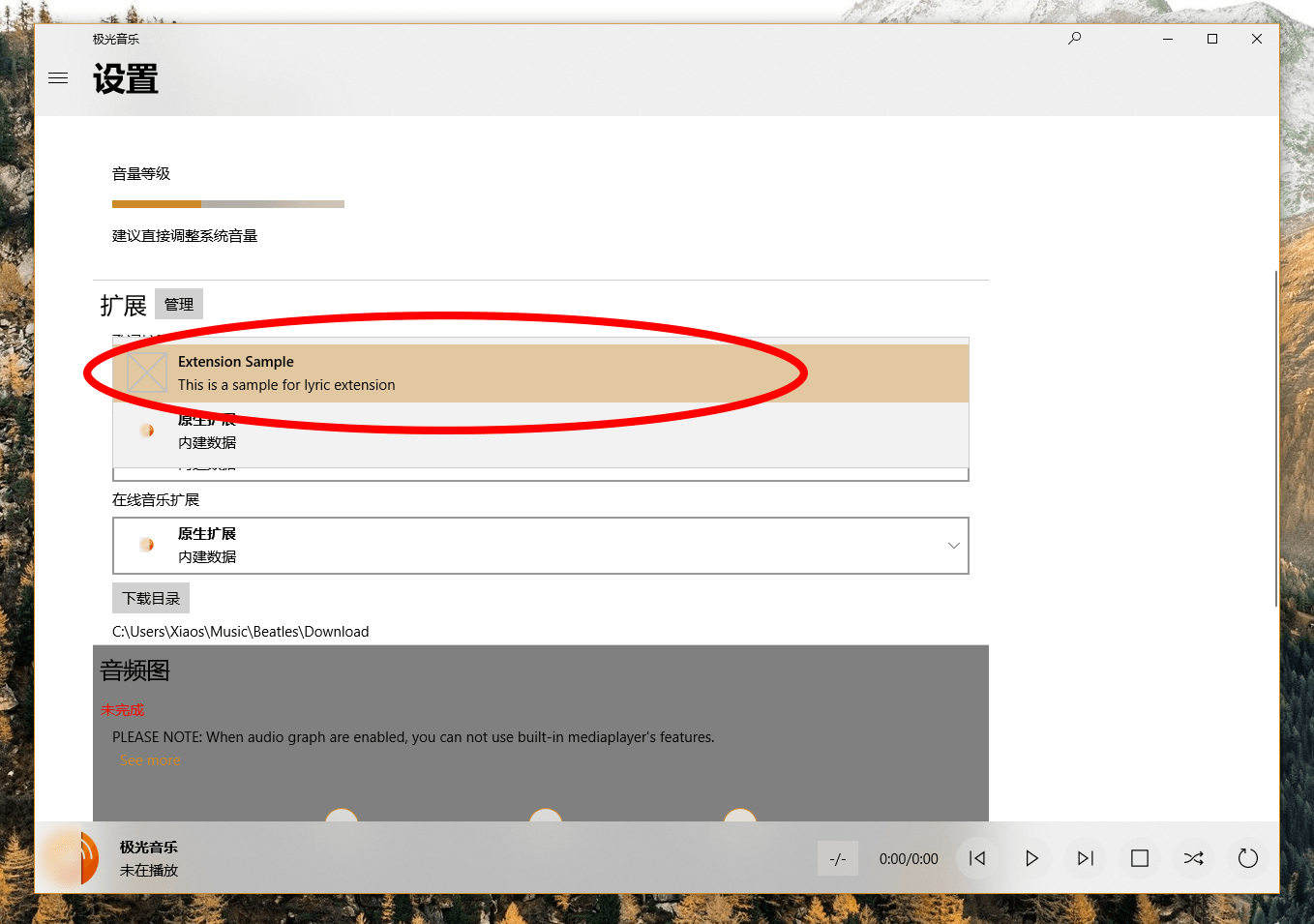
And you will see sample appears in app:

Then choose any song to play, go to Now Playing, you can find it works well: