
FUSE (Fast Universal Simulator Engine) is OpenGolfSim's lightweight 3D golf simulation and physics engine. Providing components and utilities for building fully featured golf simulator experiences in any WebGL-capable browser or device.
Download and install OpenGolfSim Desktop or Mobile, to see the engine in action, connect, and send shots your launch monitor.
This software is licensed under the PolyForm Noncommercial License 1.0.0. For commercial use, please contact us at help@opengolfsim.com.
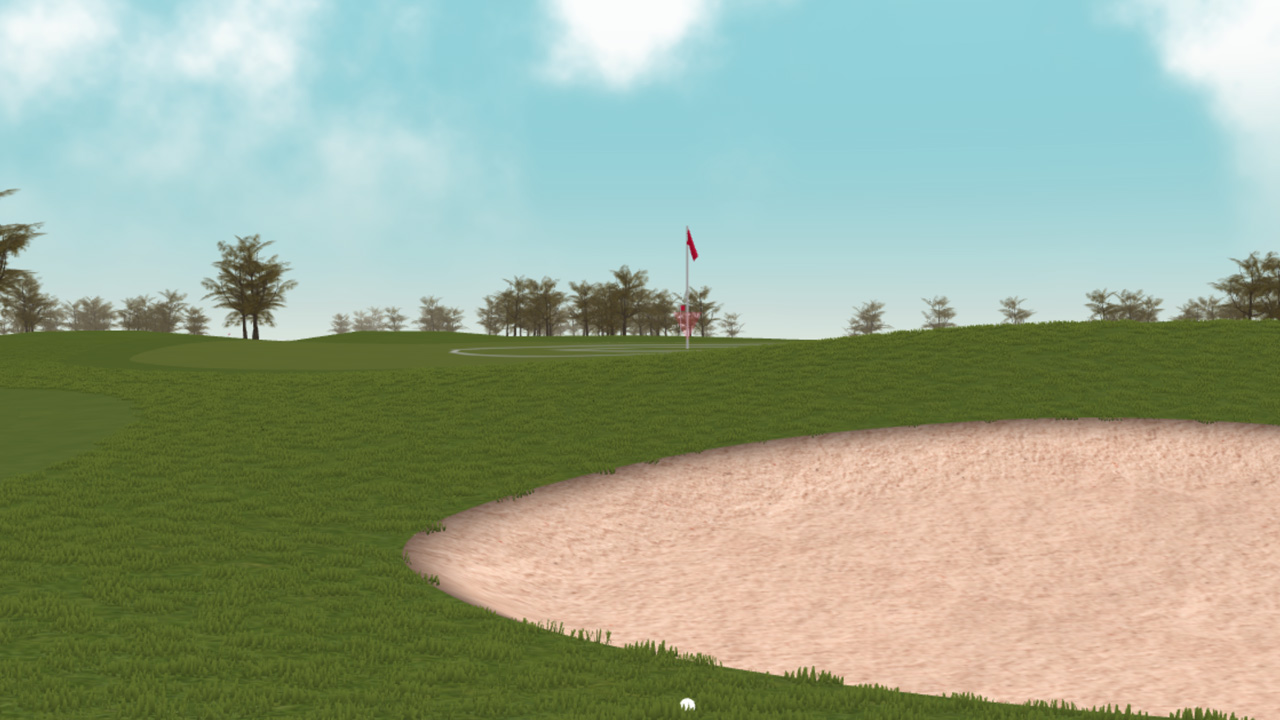
- Real-time ball flight and ground physics
- Custom materials and shaders (grass, sand, water, etc.)
- Aim and keyboard controls
- Practice range mode
- Full course play (multiplayer support)
- Custom courses built via CourseStudio
- SDK for fully custom games
We have an all-in-one course building tool called Meshery for building courses that work with the FUSE course player. If you are just getting started or want to build your a custom course, that's the best place to start.
You can also build fully custom games or simulator environments for FUSE using it as an SDK.
There are a couple ways to develop your own games locally.
You can build and test games that live on your local filesystem and run inside OpenGolfSim Desktop, with just a few simple steps.
-
First, create a new folder for your project in the OpenGolfSim
fusedirectoryWindows
%USERPROFILE%\AppData\Roaming\opengolfsim-desktop\fuse\MyAwesomeGameMac
~/Library/Application Support/opengolfsim-desktop/fuse/MyAwesomeGame -
Add a
game.jsonfile to your project folder. This will act as the manifest for your game.{ "name": "my-awesome-game", "version": "0.0.1", "title": "My Awesome Game", "description": "A custom golf simulator game for OpenGolfSim" }name: Create a unique slug to use as your game IDversion: The current version of your gametitle: The formatted title that will be displayed to usersdescription: A brief description of your game that will be displayed to users
-
Add an
index.htmlfile, which will be the entrypoint of your game. -
Launch OpenGolfSim Desktop and you should see your game displayed in your game library.
From here, you'll want to review our SDK documentation to learn how to initialize the game and receive shots from OpenGolfSim.
You can checkout this repo to build and run our examples or develop your game against the source code, right in the browser.
-
Checkout this repo:
git checkout https://github.com/OpenGolfSim/fuse.git cd fuse -
Install the dependencies
npm install
-
Then run the development server:
npm run dev
-
You should now be able to see and run the examples in your browser.