Samples Guide
OpenIDM 4.5 Samples Guide
https://github.com/OpenIdentityPlatform/OpenIDM/wiki/old/OpenIDM-4.5-Samples-Guide.pdf
OpenIDM samples
JMS Audit Sample - Show Audit Events Published on a JMS Topic.
demonstrates configuring a MySQL database to receive the audit logs for access, activity, sync, and recon using the OpenICF ScriptedSQL connector. It can be used alongside any of the other OpenIDM samples by copying the accompanying files into the respective directories.
illustrates the configuration of a custom endpoint, and the structure of custom endpoint scripts
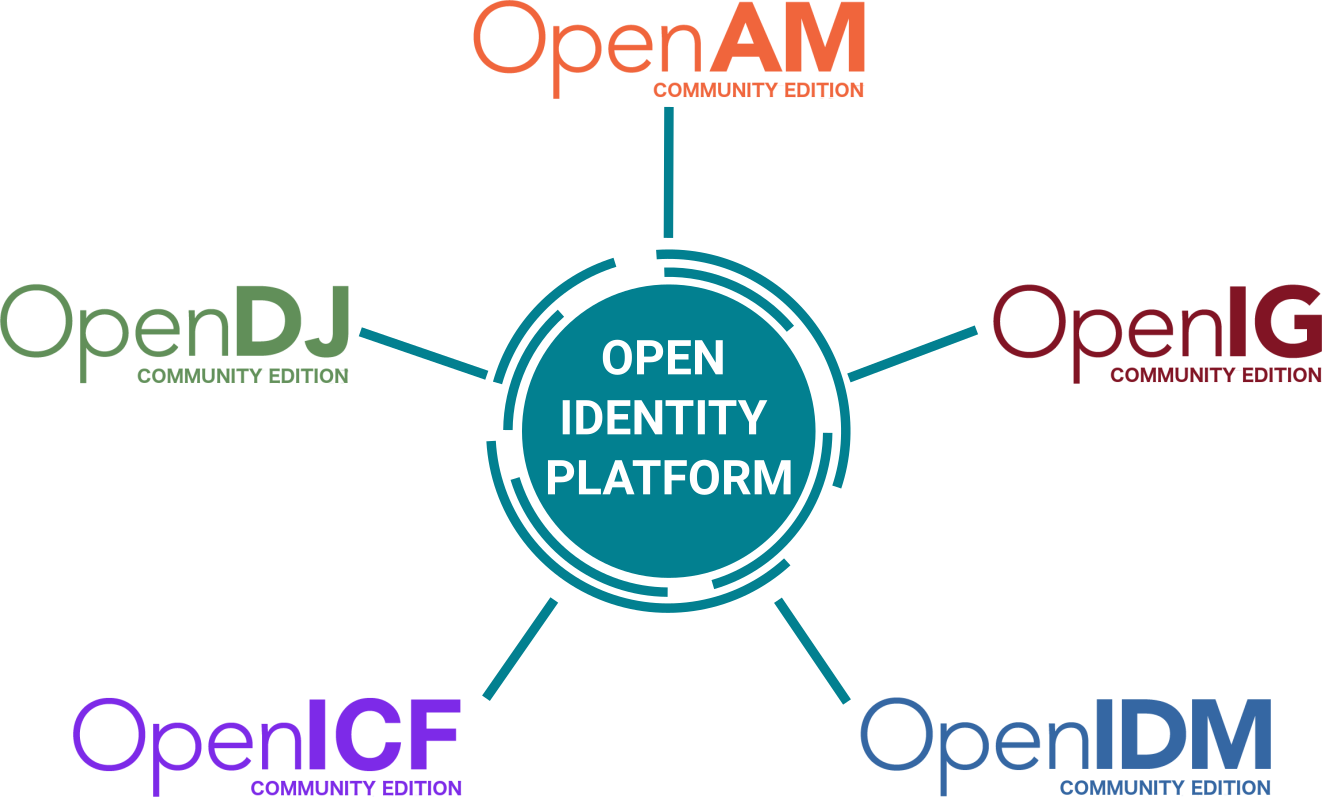
demonstrates how to use OpenIDM together with OpenAM and OpenDJ, showing how the entire Open Identity Platform Stack can be used to maximize identity and access management (IAM) functionality. Any application for which your users need access can be secured with OpenAM, and the data for those users can be maintained with OpenIDM.
Getting Started how OpenIDM reconciles user data between two data stores
shows you historical account linking between OpenIDM's managed users and a local LDAP directory server, such as OpenDJ.
demonstrates management of kerberos users via OpenIDM internal managed user objects. The provisioner for this sample assumes that OpenIDM is running on a host separate from the kerberos host.
illustrates how OpenIDM addresses links from multiple accounts to one identity
shows you how to set up multiple passwords for OpenIDM's managed users internal repository and how to sync them each to different LDAP targets
The tools/ folder contains a bunch of samples for the OpenICF PowerShell Connector.
demonstrate the capabilities of the Azure AD Powershell Connector. In addition, this will also show how these scripts get applied, in OpenIDM, with a mapping from 'AzureAD User Accounts and Groups' to 'Managed Users and Roles'
example configuration files for many different OpenICF connectors. The goal is for these to aid in the process of creating a new OpenIDM project configuration. It is expected that these will need to be updated in various ways to make them work with the particular remote system in question.
available in the sub-directories provide all the information you need to manage Roles in OpenIDM, via either REST or via the Administrative UI
demonstrates reconciliation between an external XML file and the OpenIDM internal repository, with data flowing from the XML file into the internal repository.
shows you reconciliation between the OpenIDM internal repository and a local LDAP directory server, such as OpenDJ, with data flowing from OpenDJ into the internal repository. No changes are pushed from OpenIDM to OpenDJ.
shows you reconciliation between the OpenIDM internal repository and a local LDAP directory server, such as OpenDJ, with data flowing from OpenDJ into the internal repository, and from the internal repository into OpenDJ.
same as sample 2b except that it focuses on one special attribute, ldapGroups, which is used to synchronize LDAP group membership.
same as sample 2c except that it focuses on synchronizing LDAP groups.
demonstrates creating a new custom scriptedSQL connector, using the custom-scripted-connector-bundler-4.0.0-SNAPSHOT.jar that is included in the tools directory of the OpenIDM zip file. The sample relies on the new custom connector that you will create with the connector bundler. It provides an example configuration and a handful of Groovy scripts that are used to communicate with an SQL server.
demonstrates flowing data between external resources. It simulates two diectory resources using XML files. It is different from sample4 in that it routes changes through managed/user, rather than having them directly mapped to each other. It also demonstrates the use of a reconciliation report delivered via email.
demonstrates flowing data between external resources just as in the regular sample 5 on which it is based. It simulates two directory resources using XML files. It extends sample 5 in that it configures a compensation script that attempts to ensure either all the synchronization or none of the synchronization is performed after making a change to a managed user.
demonstrates use of two real LDAP connections, and both reconciliation and LiveSync. The configurations provided are tailored for working with Microsoft Active Directory and ForgeRock OpenDJ, however they could be easily changed to work with any standard LDAP servers.
demonstrates using scripting to expose users according to a SCIM-like schema.
demonstrates logging capabilities available to OpenIDM scripts, providing you an alternative method for debugging your scripts.
demonstrates how to perform an asynchronous action from a reconciliation.
demonstrate using a Scripted JMS Message Handler to perform CRUDPAQ operations by subscribing to a ActiveMQ message queue
demonstrates how to use Groovy to connect to AD Graph API. This sample enables the basic create, read, update, and delete (CRUD) operations for groups and users. This sample requires a fresh install of OpenIDM.
demonstrates how to use Scripted CREST to connect to OpenDJs REST API. This sample enables the basic create, read, update, and delete (CRUD) operations for groups and users.
demonstrates how to use Scripted REST to connect to OpenDJs REST API. This sample enables the basic create, read, update, and delete (CRUD) operations for groups and users.
contain fragments to add to provisioner configuration to enable the sync-failure handling supported by OpenIDM.
demonstrates how to use a custom servlet filter and the "Trusted Request Attribute Auth Module" in OpenIDM to let the servlet filter perform authentication against another service.
This section describes a number of sample workflows, that demonstrate typical use cases for OpenIDM. The use cases, provided in /path/to/openidm/samples/usecase, work together to describe a complete business story, with the same set of sample data. Each of the use cases is integrated with the Self-Service UI
demonstrates a typical use case of a workflow for provisioning new users and the self-service UI to finalize their account. It is designed to simulate an employee requesting an outside contractor be granted access to the system (in this case, the system is OpenIDM's repository and a "remote" datasource represented by an xml file).











OpenIDM is an open-source identity management solution that automates user provisioning, synchronization, and lifecycle management. It supports integration with diverse systems, enabling secure, centralized control over user identities and access.
OpenIDM enables you to consolidate multiple identity sources for policy and workflow-based management. OpenIDM can consume, transform and feed data to external sources so that you maintain control over the identities of users, devices and other objects.
OpenIDM provides a modern UI experience that allows you to manage your data without writing a single line of code. The standard RESTful interfaces also offer ultimate flexibility so that you can customize and develop the product to fit the requirements of your deployment.