Versions
-
PaddlePaddle >= 2.0.2
-
Python >= 3.7+
Due to the high computational cost of model, PaddleSeg is recommended for GPU version PaddlePaddle. CUDA 10.0 or later is recommended. See PaddlePaddle official website for the installation tutorial.
git clone https://github.com/PaddlePaddle/PaddleSegcd PaddleSeg/Matting
pip install "paddleseg>=2.5"
pip install -r requirements.txtDownload the pre-trained model in Models to pretrained_models. Take PP-MattingV2 as an example.
mkdir pretrained_models && cd pretrained_models
wget https://paddleseg.bj.bcebos.com/matting/models/ppmattingv2-stdc1-human_512.pdparams
cd ..export CUDA_VISIBLE_DEVICES=0
python tools/predict.py \
--config configs/ppmattingv2/ppmattingv2-stdc1-human_512.yml \
--model_path pretrained_models/ppmattingv2-stdc1-human_512.pdparams \
--image_path demo/human.jpg \
--save_dir ./output/results \
--fg_estimate TruePrediction results are as follows:

Note: --config needs to match --model_path.
export CUDA_VISIBLE_DEVICES=0
python tools/bg_replace.py \
    --config configs/ppmattingv2/ppmattingv2-stdc1-human_512.yml \
    --model_path pretrained_models/ppmattingv2-stdc1-human_512.pdparams \
    --image_path demo/human.jpg \
    --background 'g' \
    --save_dir ./output/results \
    --fg_estimate True
The background replacement effect is as follows:

Notes:
--image_pathmust be the specific path of an image.--configneeds to match--model_path.--backgroundcan be passed into the background image path, or one of ('r','g','b','w'), representing a red, green, blue, or white background, default green if not passed.
Run the following commad to predict the video, and remember to pass the video path by --video_path.
export CUDA_VISIBLE_DEVICES=0
python tools/predict_video.py \
    --config configs/ppmattingv2/ppmattingv2-stdc1-human_512.yml \
    --model_path pretrained_models/ppmattingv2-stdc1-human_512.pdparams \
    --video_path path/to/video \
    --save_dir ./output/results \
    --fg_estimate True
Prediction results are as follows:

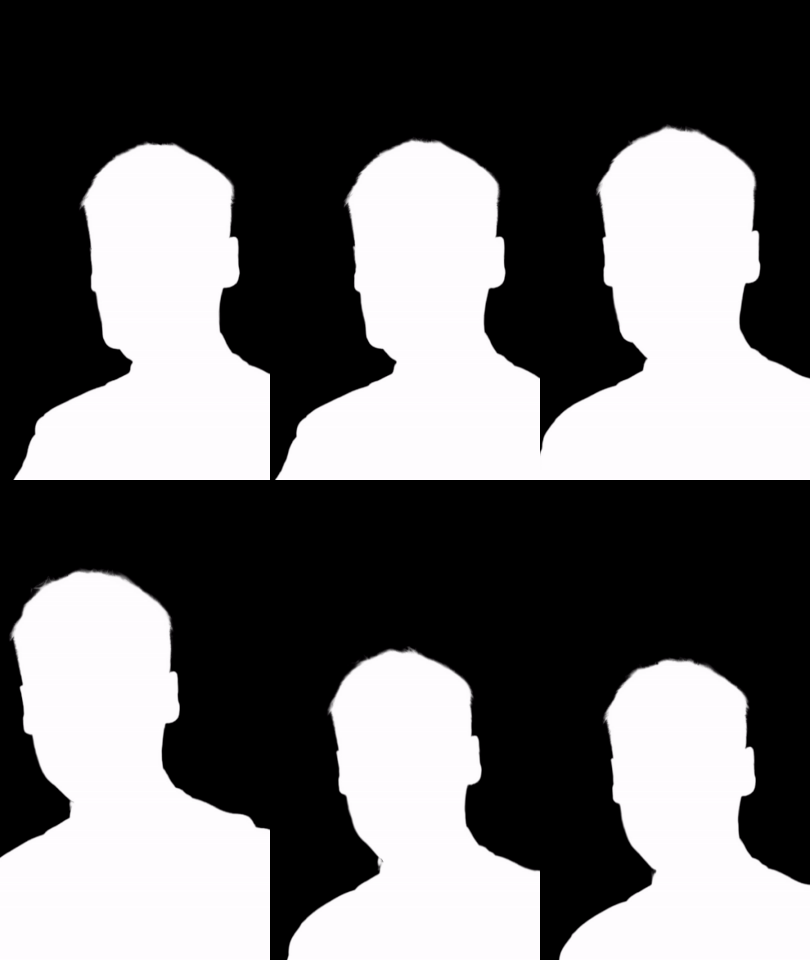

Run the following commad to replace video background, and remember to pass the video path by --video_path.
export CUDA_VISIBLE_DEVICES=0
python tools/bg_replace_video.py \
    --config configs/ppmattingv2/ppmattingv2-stdc1-human_512.yml \
    --model_path pretrained_models/ppmattingv2-stdc1-human_512.pdparams \
    --video_path path/to/video \
    --background 'g' \
    --save_dir ./output/results \
    --fg_estimate True
The background replacement effect is as follows:

Notes:
--backgroundcan be passed into the background image path, or background video path, or one of ('r','g','b','w'), representing a red, green, blue, or white background, default green if not passed.