
-
In this article I am gonna take you through the development of Swipe Delete Feature, specifically we are going to delete the data present in Cloud Firestore Database in just a swipe.
-
Sounds amazing, yes it is amazing, let's start :
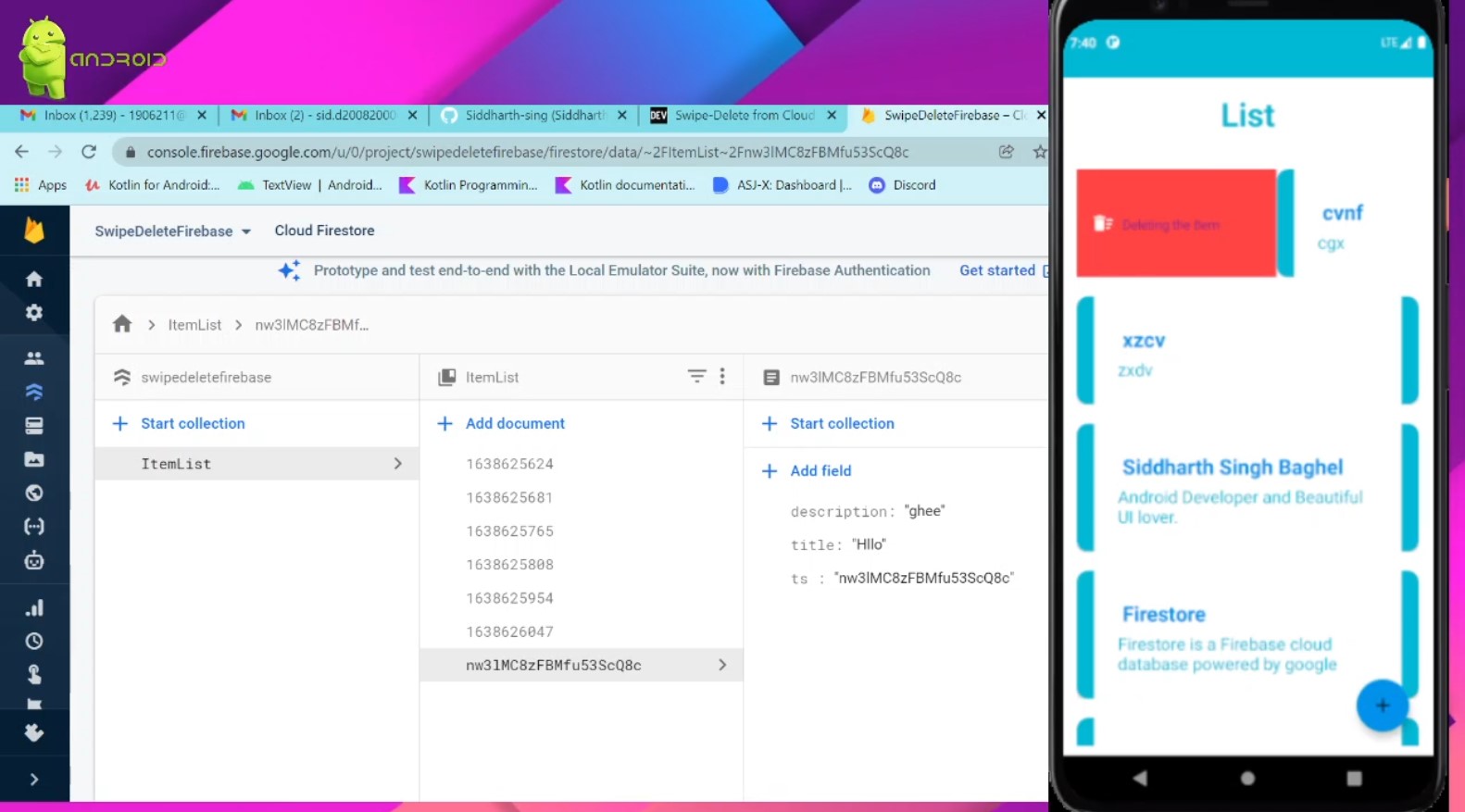
The article only contains the explanation of "swipe to delete" feature, firebase implementation and UI details are not discussed, but I will provide the GitHub from which you can easily go through the complete code of the app.
- I have used an external library to create and decorate the swipe to delete feature, it is called RecyclerViewSwipeDecorator.
dependencies{

   implementation 'it.xabaras.android:recyclerview-swipedecorator:1.2.3'

}
- Create an
ItemTouchHelper.SimpleCallback, instantiate an
ItemTouchHelperwith this callback. - Copy the code snippet below 👇
Reference - ListActivity.kt
/*

   -> `SimpleCallback` gives us option to tell about the swipe
       direction.

   -> `ItemTouchHelper.RIGHT or ItemTouchHelper.LEFT`

*/

   val callback: ItemTouchHelper.SimpleCallback = object :

            ItemTouchHelper.SimpleCallback(0, ItemTouchHelper.RIGHT or ItemTouchHelper.LEFT) {

            override fun onMove(

                recyclerView: RecyclerView,

                viewHolder: RecyclerView.ViewHolder,

                target: RecyclerView.ViewHolder

            ): Boolean {

                return false

            }

            override fun onSwiped(viewHolder: RecyclerView.ViewHolder, direction: Int) {


               //Take action for swiped direction

               //Delete on swipe left

               //Archive on swipe right

              //Customise according to your mood

         }
-
Now let us attach our
ItemTouchHelperwith theRecyclerView. -
Copy the below 👇 code snippet just outside
callback
val itemTouchHelper = ItemTouchHelper(callback)

        itemTouchHelper.attachToRecyclerView(rv)

/* rv - replace with your  recycler view variable name */
- The above code is sufficient for the swipe to delete feature. It will look something like below 👇

-
To decorate our swipe feature we will override
onChildDrawmethod. This method has various functions, some of them will be discussed in this article others you can explore here. -
Override
onChildDrawmethod belowonSwipedmethod. -
Copy the below code snippet👇
  override fun onChildDraw(c: Canvas, recyclerView: RecyclerView, viewHolder: RecyclerView.ViewHolder, dX: Float, dY: Float, actionState: Int, isCurrentlyActive: Boolean) {


                RecyclerViewSwipeDecorator.Builder(c, recyclerView, viewHolder, dX, dY, actionState, isCurrentlyActive)

                    .addBackgroundColor(

                        ContextCompat.getColor(

                            this@ListActivity,

                            android.R.color.holo_red_light

                        )

                    )

                    .addActionIcon(R.drawable.ic_baseline_delete_sweep_24)  // add any icon of your choice

                    .addSwipeRightLabel("Deleting the Item") //Label according to your choice

                    .addSwipeLeftLabel("Deleting the Item")

                    .setSwipeRightLabelColor(R.color.white) // behind color on  swiping

                    .setSwipeLeftLabelColor(R.color.white)
                    .create()
                    .decorate()

                super.onChildDraw(c, recyclerView, viewHolder, dX, dY, actionState, isCurrentlyActive)

            }
- That's all now you can see the magic 😇
- Fork the repository for better and easy understanding and for quick learning.

- If you find the article useful show some ❤️ by staring at some of my repositories and following me on dev.to and github.
