


A small WinForms tool for browsing and editing .arc (.swf) and .pck packages used in legacy Minecraft console editions.
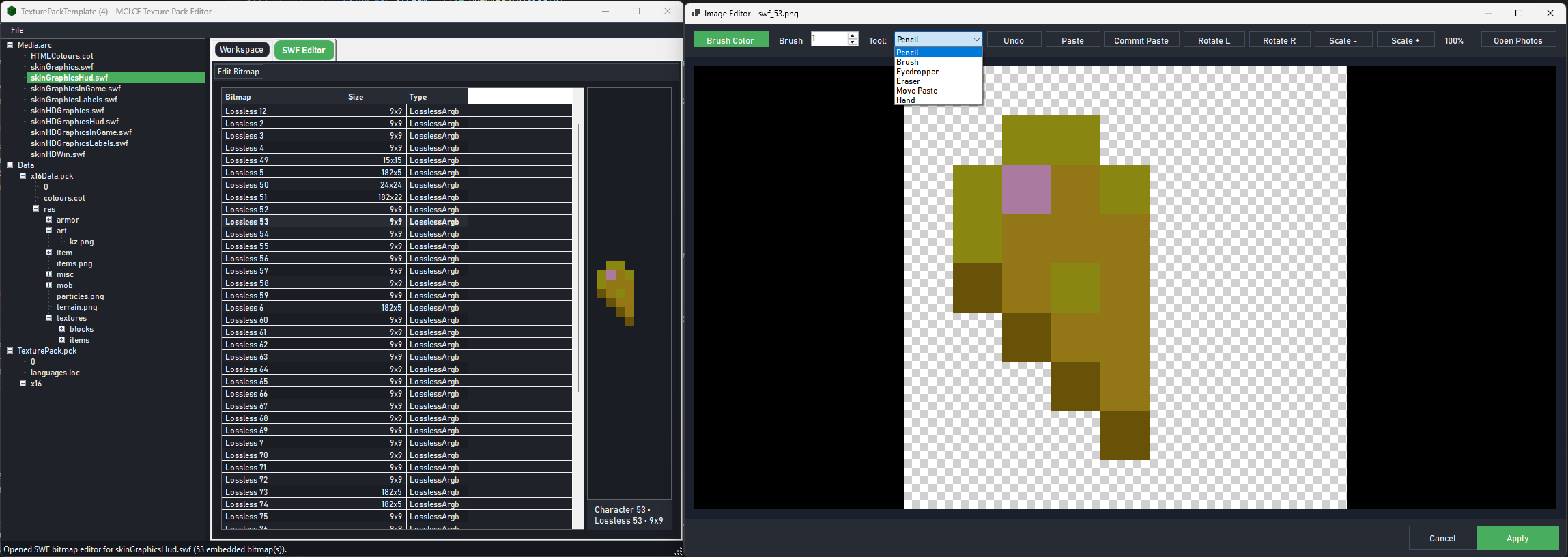
- Open
.arcarchives and browse their contents - Open and edit embedded
.pckassets (extract / replace / delete) - Open
.swffiles from.arcand edit them via an external editor (auto-sync back into the archive) - Preview and edit image assets
Head to the releases and download the prebuilt installer!
- Windows 10+
- .NET 8 runtime (or .NET 8 SDK to build)
- Java 8+ (only required if you want to edit SWF in the embedded SWF editor)
The app will automatically locate it and use it when you choose Edit SWF.
From a PowerShell prompt in this folder:
dotnet build -c ReleaseAfter building and adding the needed files, run the executable under:
bin\\Release\\net8.0-windows\\LegacyConsolePackEditor.exe
- Add an app icon
- Make the
.locfile editing work correctly with safeguards - Revamp the UI to make it feel comfortable to use
- In-app
.swfeditor - Download a pre-made example pack
- Animation viewer
- Maybe a web app?
- In-app .png editor
- Open folders
- Basic Hex editor
- Beginner/Baby mode with basic file names etc...
- CheapManga for his Template
- MUArchiveEditor's source code to understand
.arcunzipping - PCK Studio's source code to understnad
.pckediting - Jpexs decompiler's source the the painful
.swfediting