






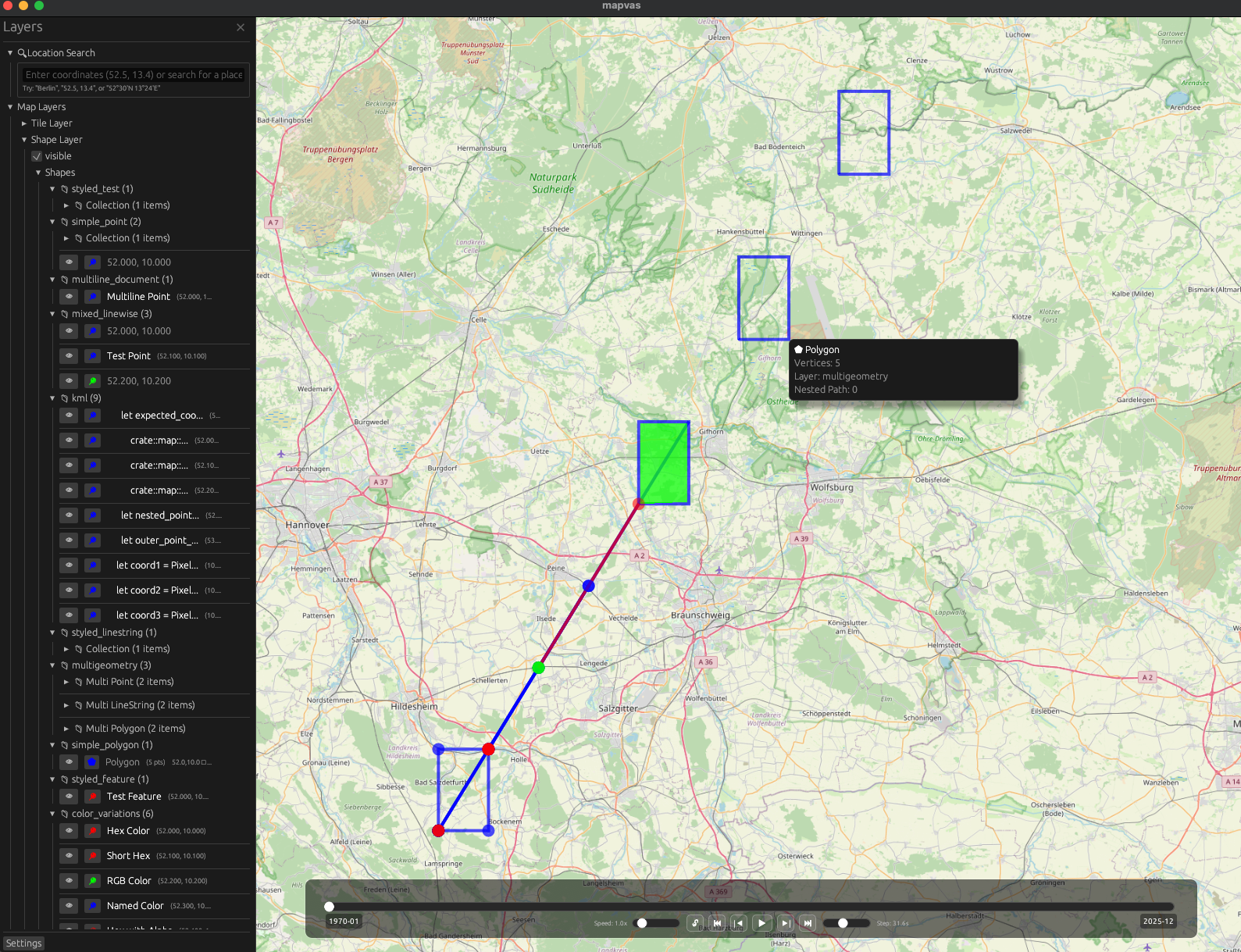
A map canvas that shows all kind of geospatial data on an interactive map.
Cargo:
cargo install mapvasmacOS (Homebrew):
brew tap udho/mapvas && brew install mapvasFrom source:
git clone https://github.com/UdHo/mapvas.git
cd mapvas && cargo install --path .View a file:
mapcat data.geojson
mapcat routes.gpx
mapcat points.kml
Pipe data:
echo "52.521853, 13.413015" | mapcat          # Point in Berlin
curl 'https://api.example.com/geo' | mapcat   # From API
Or just drag and drop files onto the map window.
Render point data as a colour-gradient heatmap instead of individual shapes:
# All inputs as heatmap
mapcat -H points.geojson

# Mix: one file as heatmap, another normal
mapcat routes.geojson points.geojson:heatmap

# Headless heatmap
mapcat -o map.png -H points.geojsonRender maps directly to PNG without opening a window:
# Render a file
mapcat -o map.png data.geojson

# Multiple files
mapcat -o map.png routes.geojson points.geojson

# Pipe data
cat data.geojson | mapcat -o map.png

# Custom image size
mapcat -o map.png data.geojson --width 3200 --height 2400

# Black background, no map tiles
mapcat -o map.png --no-map data.geojson| Action | Description |
|---|---|
| Scroll / +/- | Zoom |
| Drag | Pan |
| V | Paste coordinates |
| Drop file | Load data |
| F | Focus all elements |
| / | Search |
| F1 | Toggle sidebar |
mapvas.nvim provides a Neovim plugin with commands to send buffers/selections to the map, coordinate highlighting, auto send-on-save, and a layer explorer sidebar.
- Usage Guide - Full controls and features
- Parsers - Supported formats (GeoJSON, GPX, KML, etc.)
- Configuration - Tile providers, caching, environment variables
MIT OR Apache-2.0