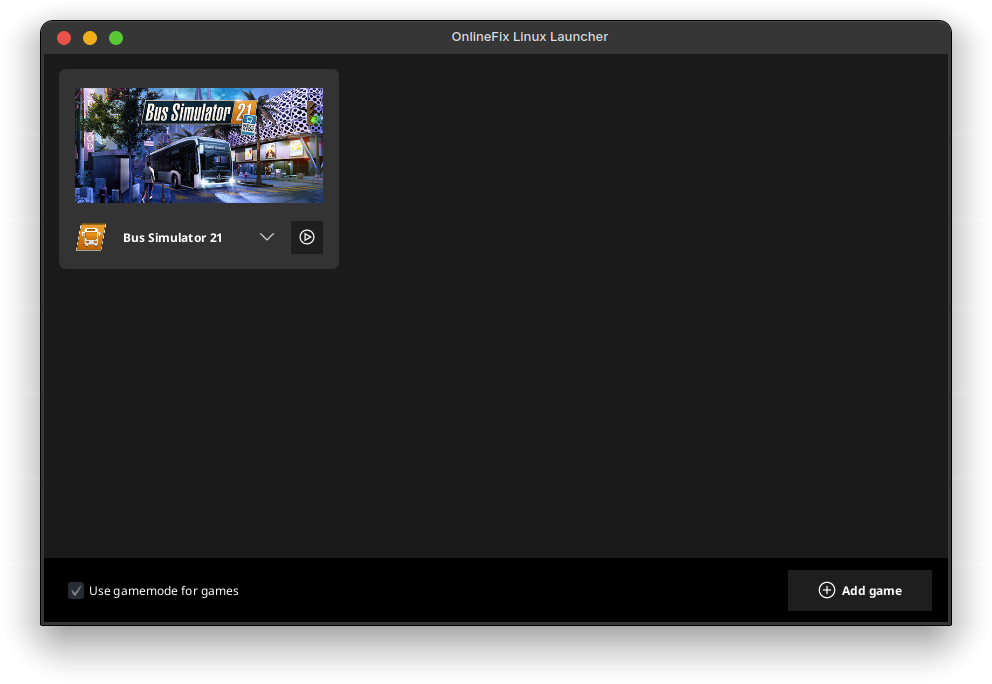
A simple and convenient launcher for running games with custom multiplayer fixes on Linux
- Launch games without manually configuring
WINEDLLOVERRIDESand other parameters - Automatically fetch game covers from Steam
- Steam overlay support
- Automatic installation of OnlineFix and FreeTP games
- Specific patches for certain types of fixes
- Automatic extraction of icons from games
- Create desktop and application menu shortcuts for games
- Download games directly from the launcher (requires
aria2and an OnlineFix source from Hydra Launcher)
- SteamFix
- OnlineFix - full 64-bit support, 32-bit may have issues
- FreeTP - only fixes older than 2026
- Custom OnlineFix servers (Photon Launcher)
- Full support
- SteamFix + EOSFix (combined)
- OnlineFix - full support
- FreeTP - completely broken
- EOSFix
- OnlineFix - with EOSAuthHooker, legacy mode untested
- FreeTP - completely broken
Before using the launcher, make sure the following packages are installed:
ffmpegsteamicoextract(optional) – for better extraction of icons from .exe filesaria2(optional) – for downloading games
If you are using Arch Linux or an Arch-based distribution, install the package onlinefix-linux-launcher-bin from the AUR (for example, yay -S onlinefix-linux-launcher-bin).
If you are using a different distribution, use the installer from the Releases section.
To build the launcher, you will need DevelNext:
- Open DevelNext
- Clone the repository to any folder on your disk:
git clone https://github.com/ZzEdovec/onlinefix-linux- Open the
.dnprojectfile in DevelNext - A message about missing dependencies will appear, install them in the
Project > Packagestab:- jphp-animatefx-ext
- jphp-controlsfx-ext
- jphp-vdf-ext (manual compilation to
dnbundlevia jppm is required) - jphp-websocket-client
- Click the build button at the top of the window
After building, you will get the launcher executable file.