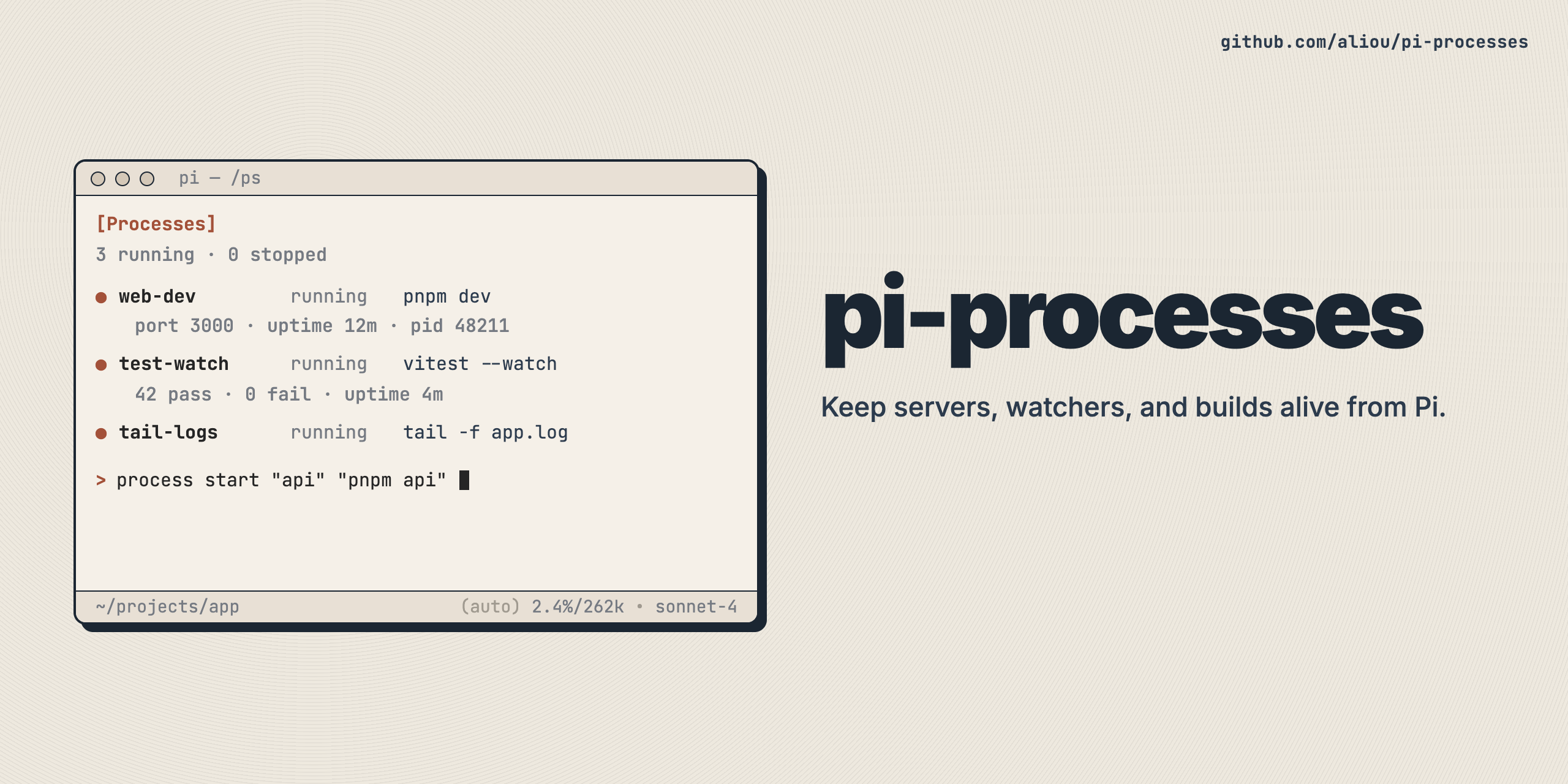
Manage background processes from Pi without blocking the conversation.
This extension lets Pi keep long-running commands alive while the conversation continues. It is useful for dev servers, test watchers, local APIs, builds, and log tails.
When a task needs a long-running command, Pi can start it in the background by itself and keep helping with the rest of the work.
That means Pi can, for example:
- start a dev server and keep coding
- keep a test watcher running while it fixes failures
- run a local API while it inspects logs
- watch build output without blocking the conversation
You can then inspect, pin, or stop those processes from the UI.
From npm:
pi install npm:@aliou/pi-processesFrom git:
pi install git:github.com/aliou/pi-processesUse /ps to open the main process panel.
From there you can:
- see running and finished processes
- inspect recent output
- pin a process to the dock
- kill a running process
- clear finished entries
Keys:
j/kor arrow keys: move selectionJ/K: scroll previewenter: pin selected process to the dockx: kill selected processc: clear finished processesqoresc: close
Use /ps:logs [id|name] to open the log overlay for one process.
This is useful when Pi started a server, watcher, or local API and you want to follow what it is doing in more detail.
Keys:
tab/shift+tab: switch process tabsg/G: jump to top or bottomj/kor arrow keys: scrolls: switch between combined, stdout, and stderrf: toggle follow mode/: searchn/N: move between search matchesqoresc: close
Use /ps:pin [id|name] to keep the dock focused on one process.
This is useful when one process matters more than the others, such as a dev server or a test watcher.
Without arguments, Pi shows a picker.
Use /ps:dock [show|hide|toggle] to control dock visibility.
The dock gives you a compact live view without leaving the conversation.
Use /ps:settings to configure the extension.
Available settings include:
- process list size
- output limits
- shell path override
- dock defaults
- follow mode behavior
- optional background command interception
- macOS: supported
- Linux: supported
- Windows: not supported
Use process tool start with logWatches to trigger immediate alerts while the process is still running.
- default behavior: each watch fires once (
repeat: false) - set
repeat: trueto trigger on every match - scope by stream (
stdout,stderr,both) to reduce noise
Example: server ready marker (one-time default)
{
  "action": "start",
  "name": "dev-server",
  "command": "pnpm dev",
  "logWatches": [
    { "pattern": "ready on http://localhost:3000" }
  ]
}
Example: error marker from stderr
{
  "action": "start",
  "name": "builder",
  "command": "pnpm build --watch",
  "logWatches": [
    { "pattern": "TypeError|ReferenceError", "stream": "stderr" }
  ]
}
Example: repeatable watch on stdout only
{
  "action": "start",
  "name": "worker",
  "command": "pnpm worker",
  "logWatches": [
    { "pattern": "job completed", "stream": "stdout", "repeat": true }
  ]
}
Invalid regex patterns fail fast at process start with a clear error.
Open /ps for a quick overview, or use /ps:logs for full logs.
Use /ps:pin to focus the dock on that process.
Enable background command interception in /ps:settings. When enabled, Pi avoids normal shell background patterns and uses the process workflow instead.
For development, testing, docs generation, and extension internals, see CONTRIBUTING.md.
MIT