These pages walk through the main parts of the MagicMirror Module Sandbox UI.
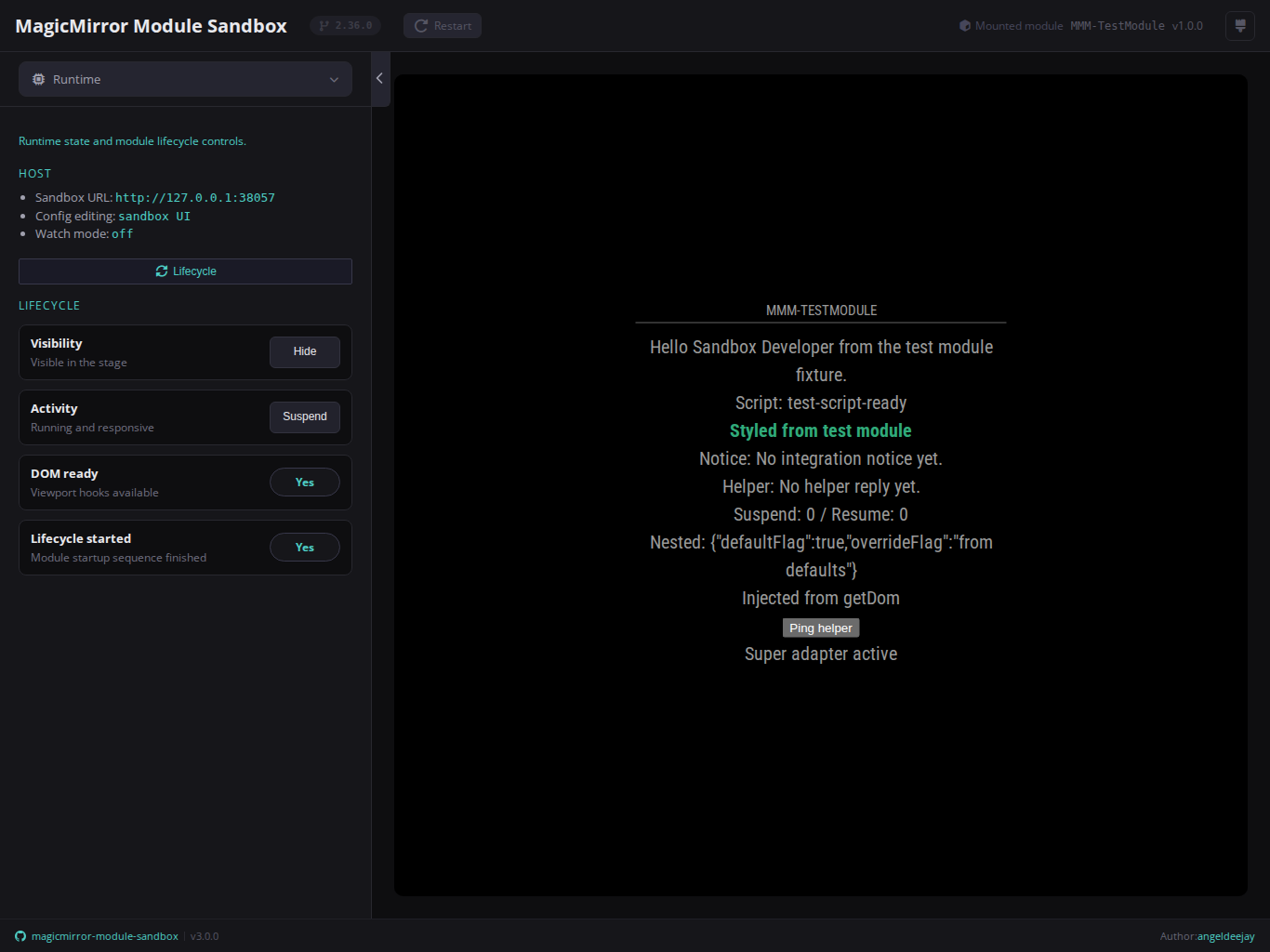
The sidebar is organized into seven main areas, and the topbar includes a version badge and a theme switcher:
These guides describe the sandbox as it exists today. They are meant to help you use the product, not to promise broad compatibility outside the supported slice.
- Start the sandbox from the consumer module root with either
npx @angeldeejay/magicmirror-module-sandbox@latestor a locally installednpx magicmirror-module-sandbox. - Open
http://127.0.0.1:3010. - Use the topbar to open one sidebar domain at a time.
- Interact with the mounted module in the stage while inspecting logs and state from the sidebar.
- Mounted-module config is resolved from three sources in priority order:
config.sandbox.jsonin the module root (highest),package.json → sandbox.moduleConfig(read-only seed, promoted toconfig.sandbox.jsonon first save), or a sandbox-owned temp file as fallback. See Config for details. - Runtime language/locale persistence stays in a sandbox-owned temp file beside the module config.
- Each module repo keeps its own saved config by default; switching projects does not silently reuse another module's persisted editor state.
node_helper.jsis optional. Frontend-only modules still mount as long as the frontend entry can be detected.- Watch mode emits reload events with fresh versioned stage URLs so stage-local changes refresh the iframe without keeping stale browser-cached assets.
- The sandbox mounts one real MagicMirror module at a time, not a multi-module layout.
- The screenshots in this manual are maintained from the preview fixture so they track the current sandbox UI rather than a stale mockup.