CodeWithByte-blog
A Django blog app with features of a standard blogging platform.
General info
Standalone Project
Screenshots
Features
Technologies
Setup
General info
An Open-Source Django blogging app like Medium and Real Python. It has features of a standard blogging platform. Standalone Project You can get it from its GitHub Repo.
Screenshots
Main Page

Article Detail
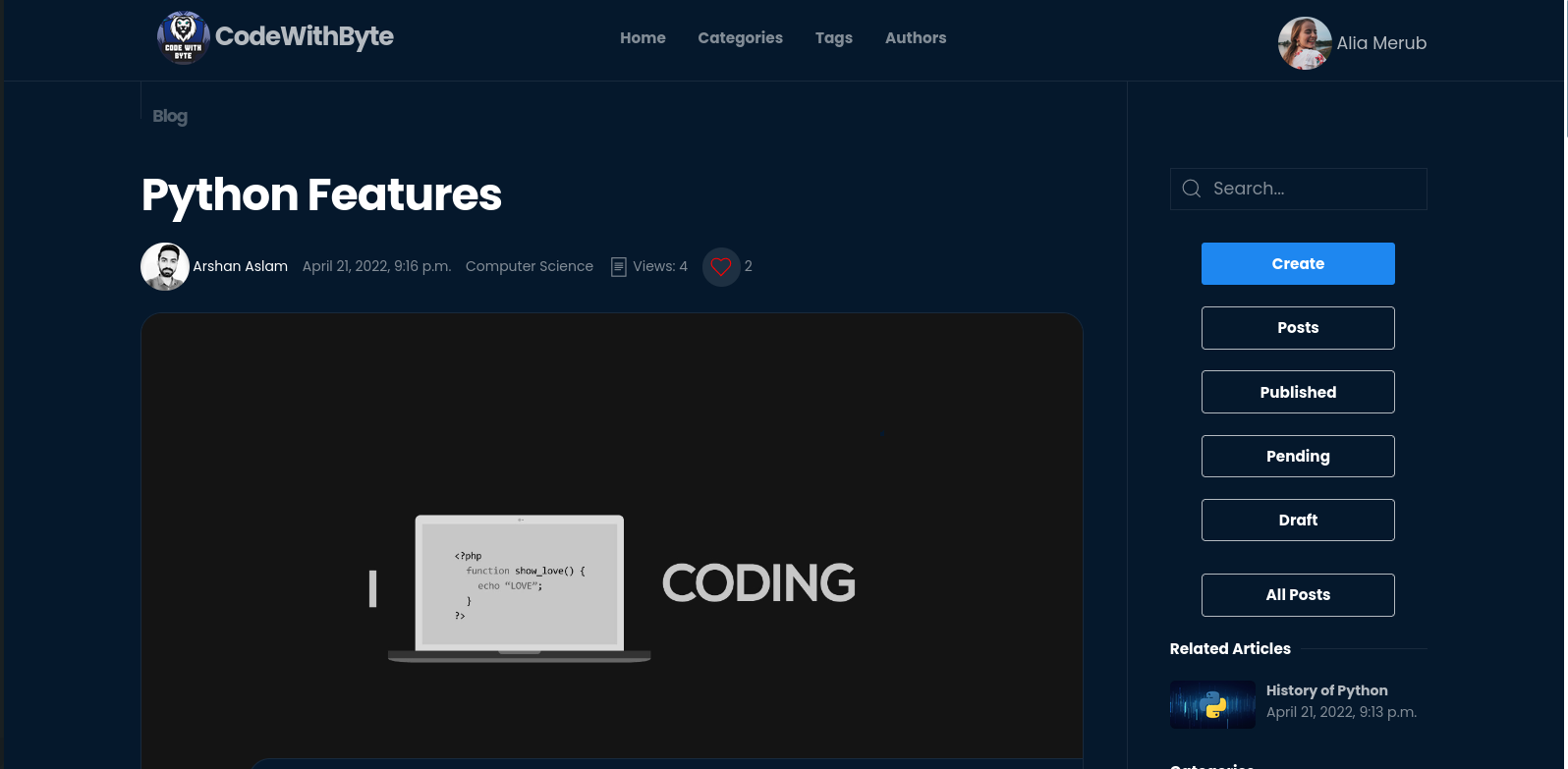
Catagory List

Tag List
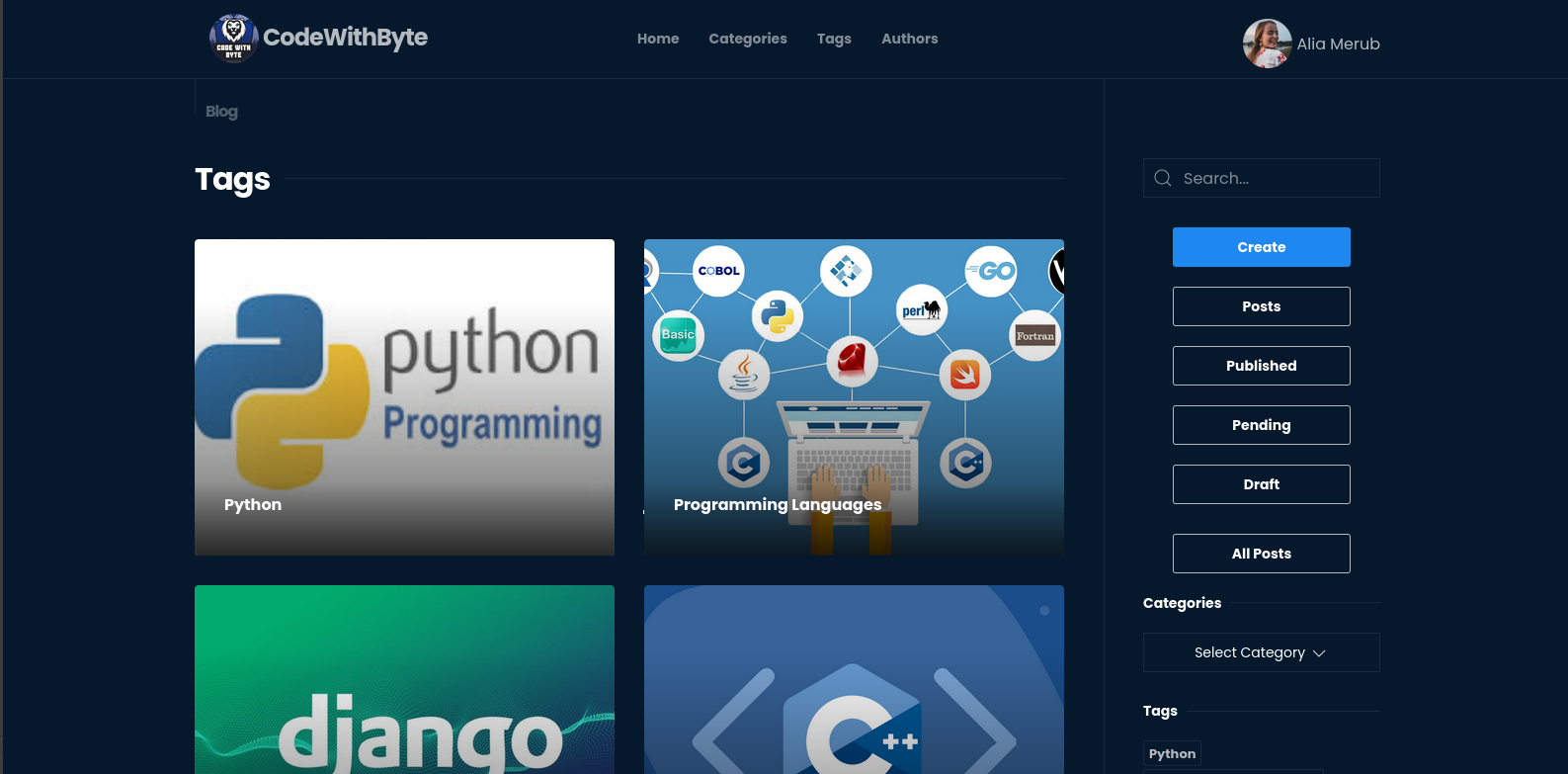
Author List
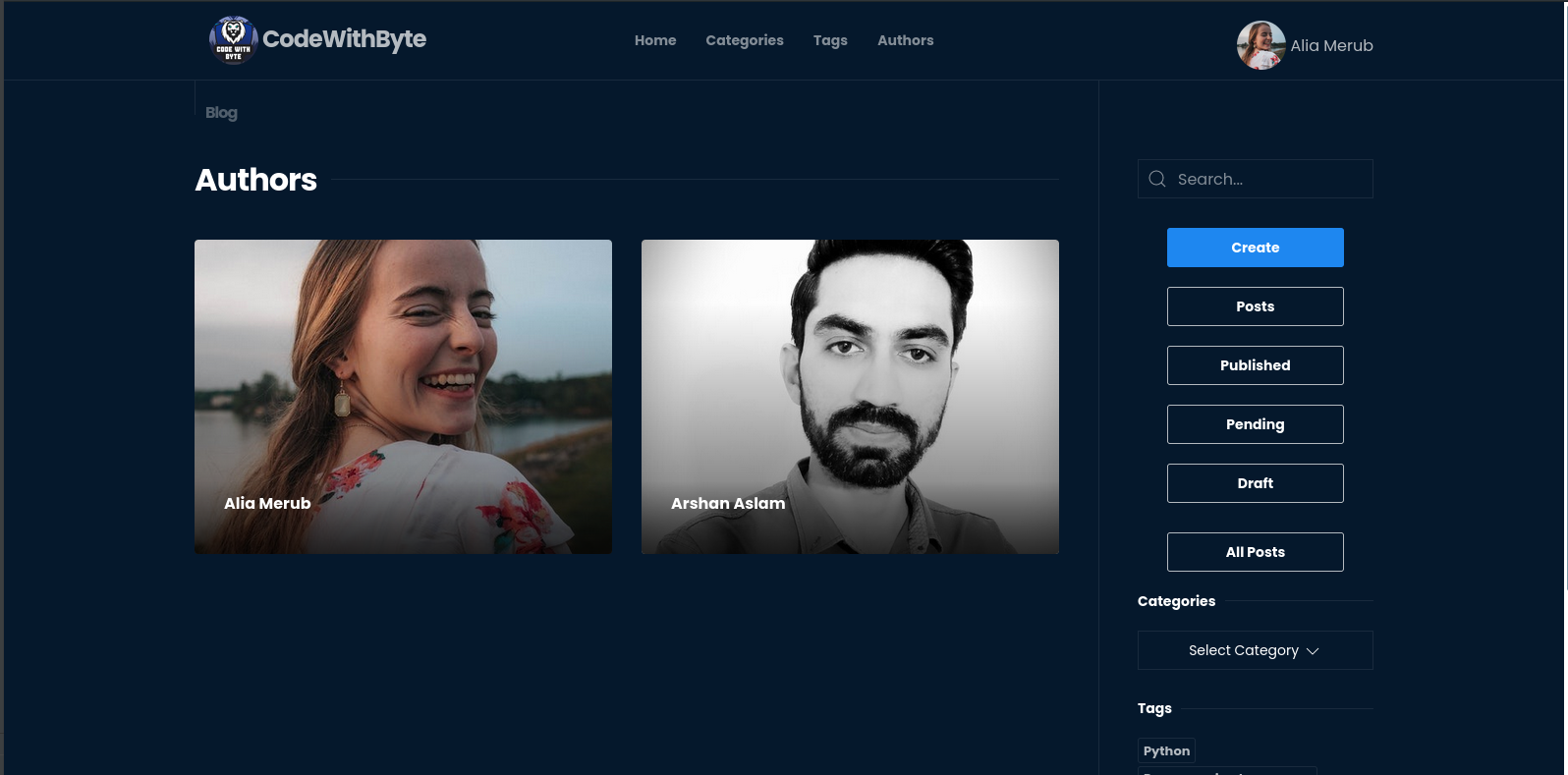
Author Resume
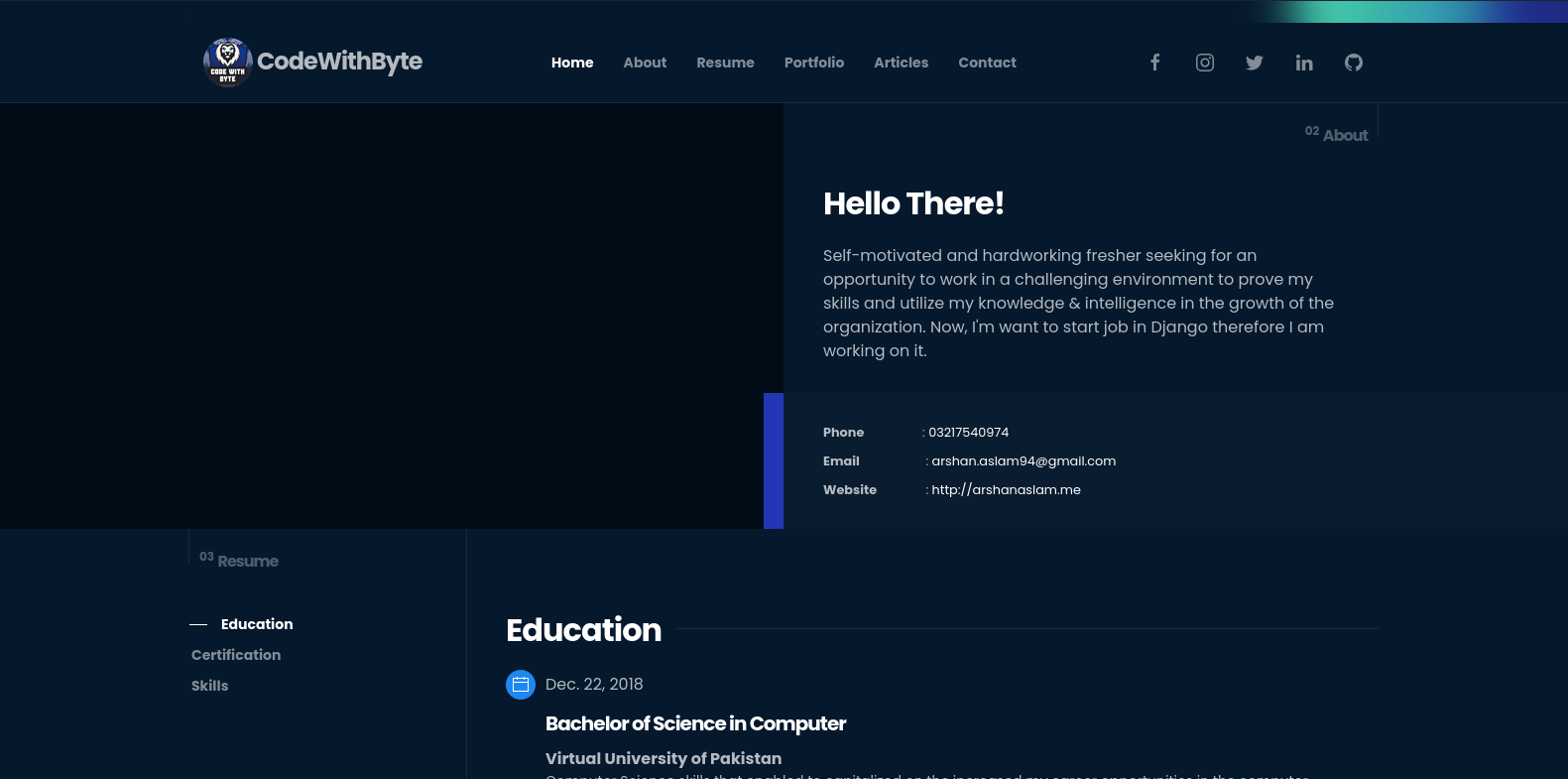
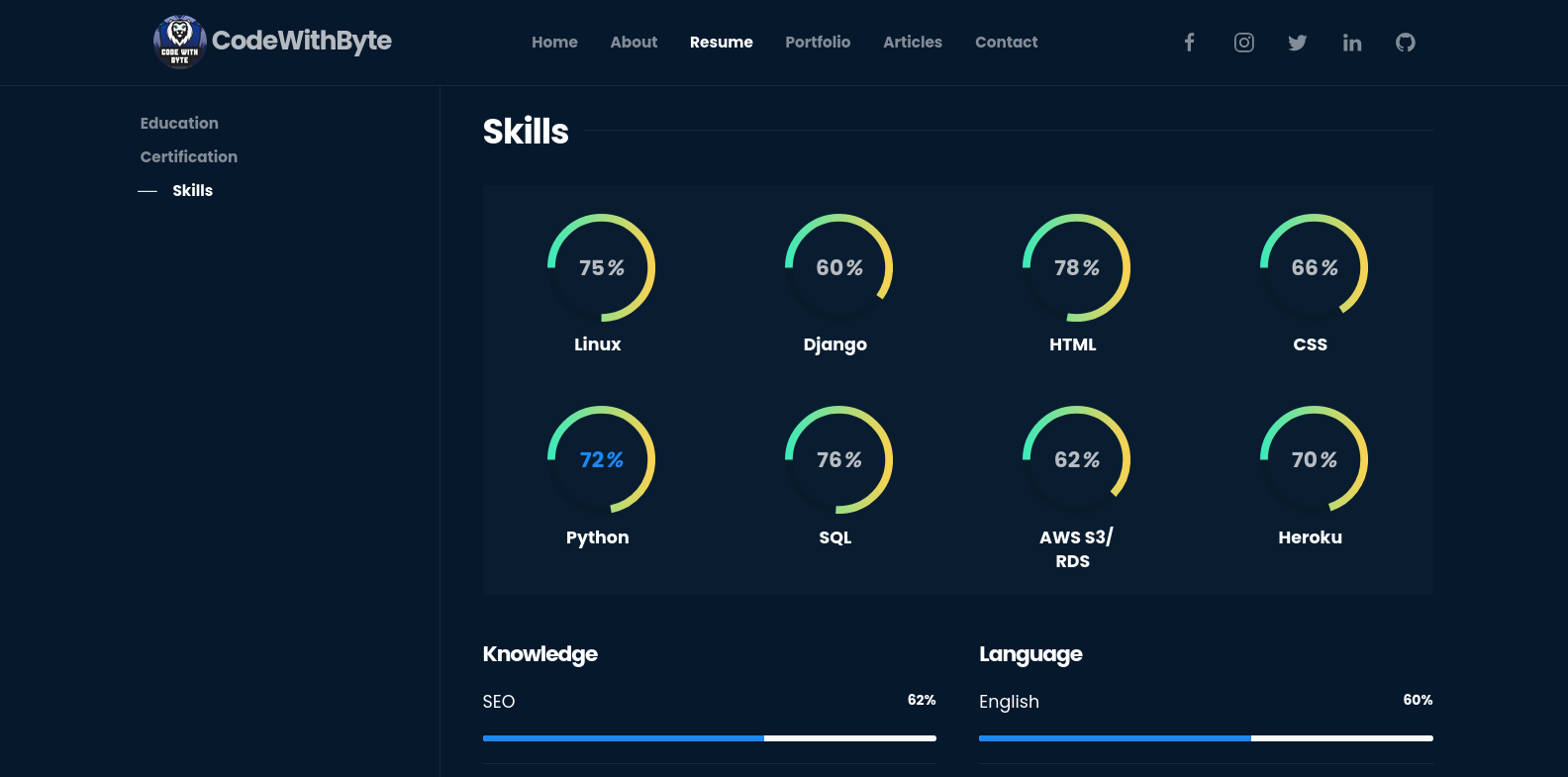
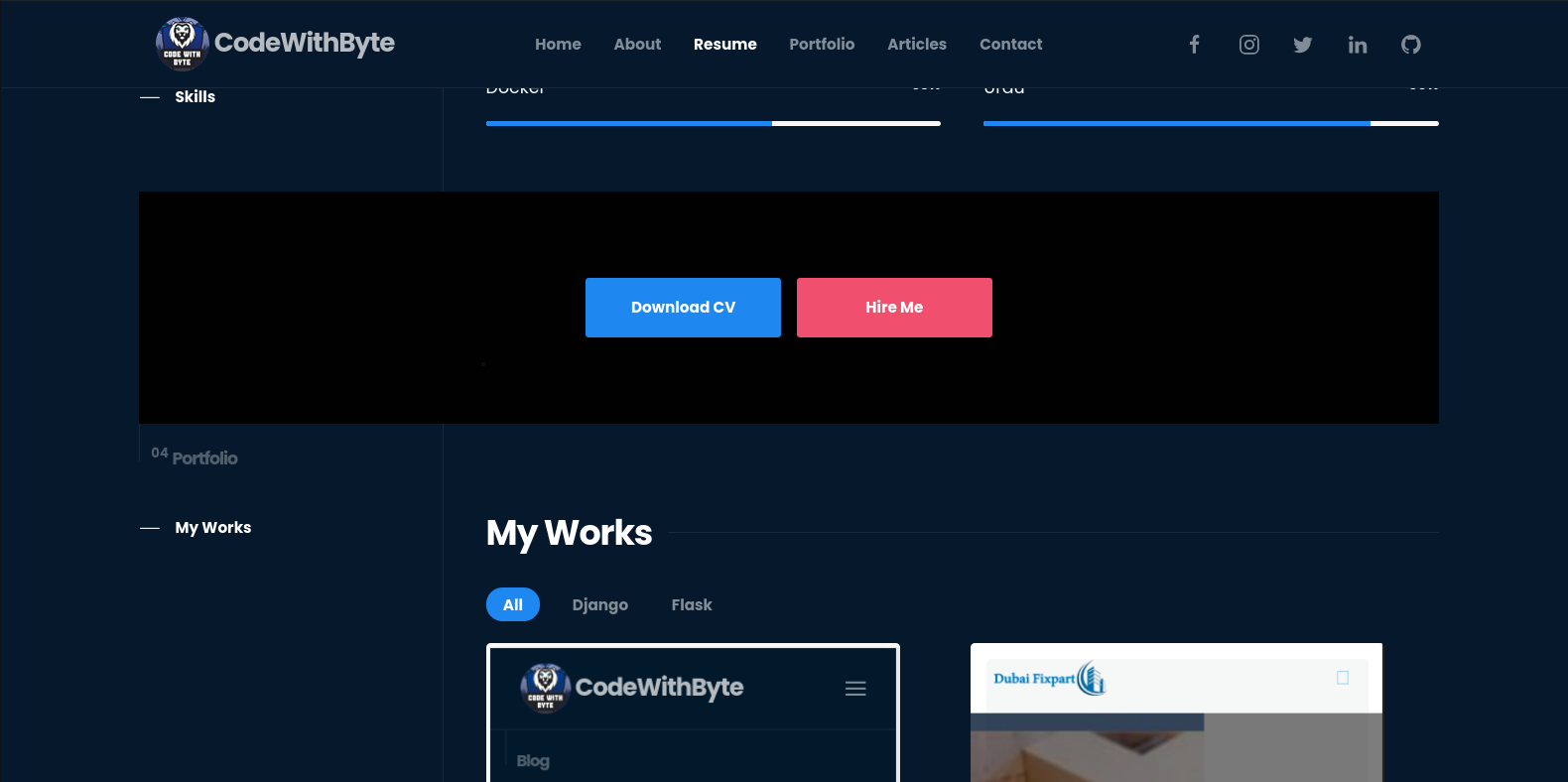
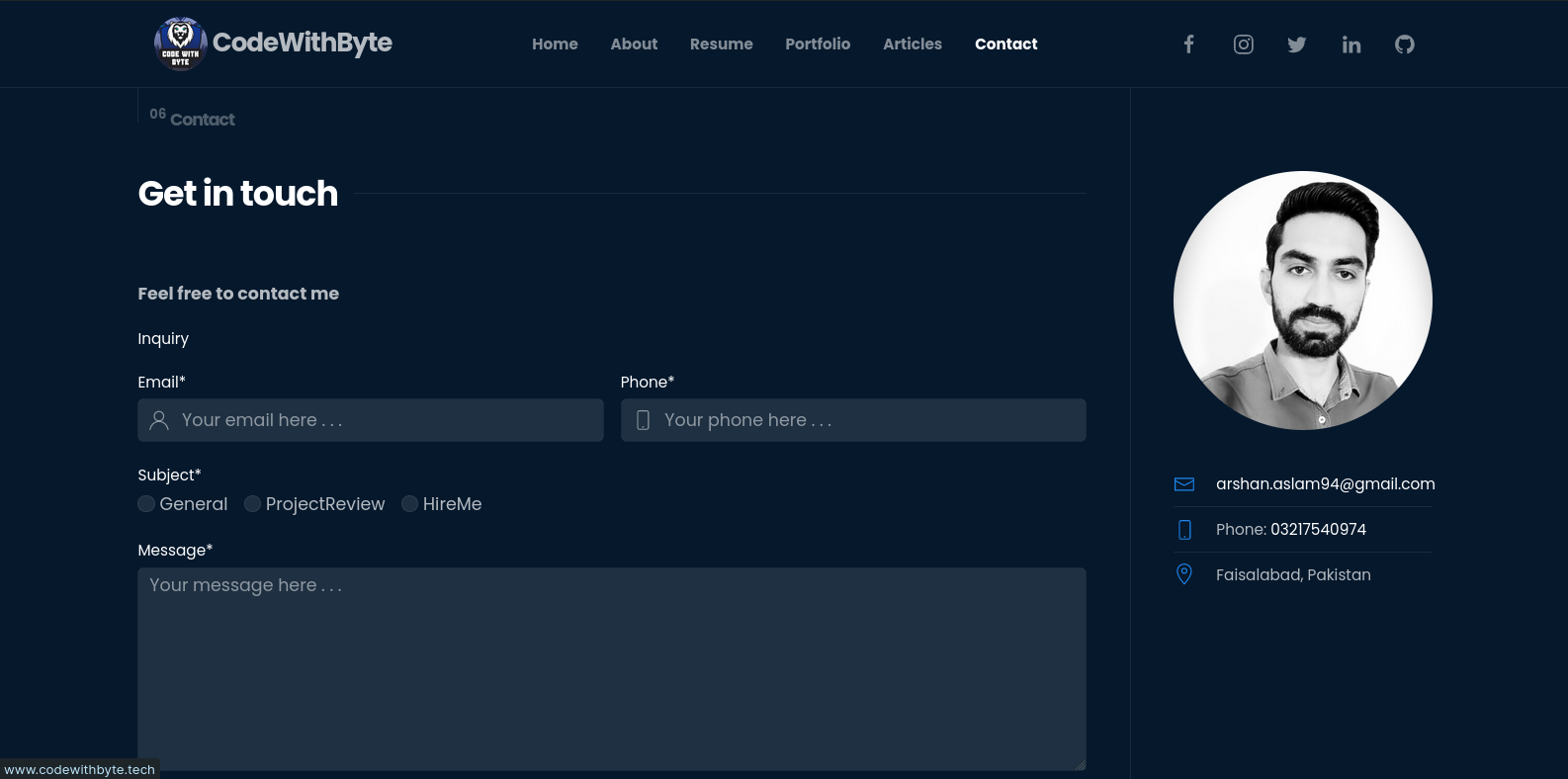
Author Resume Edit
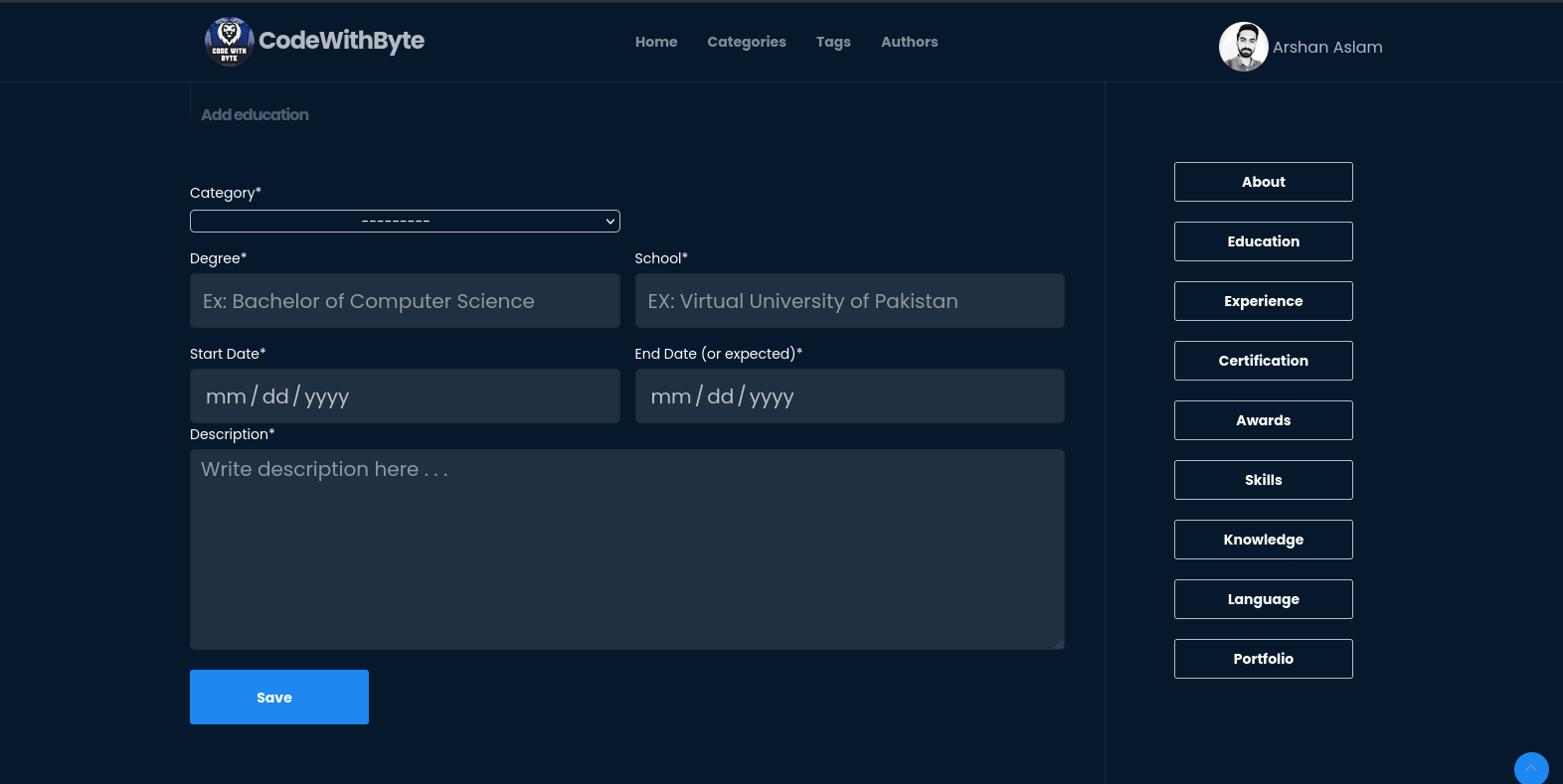
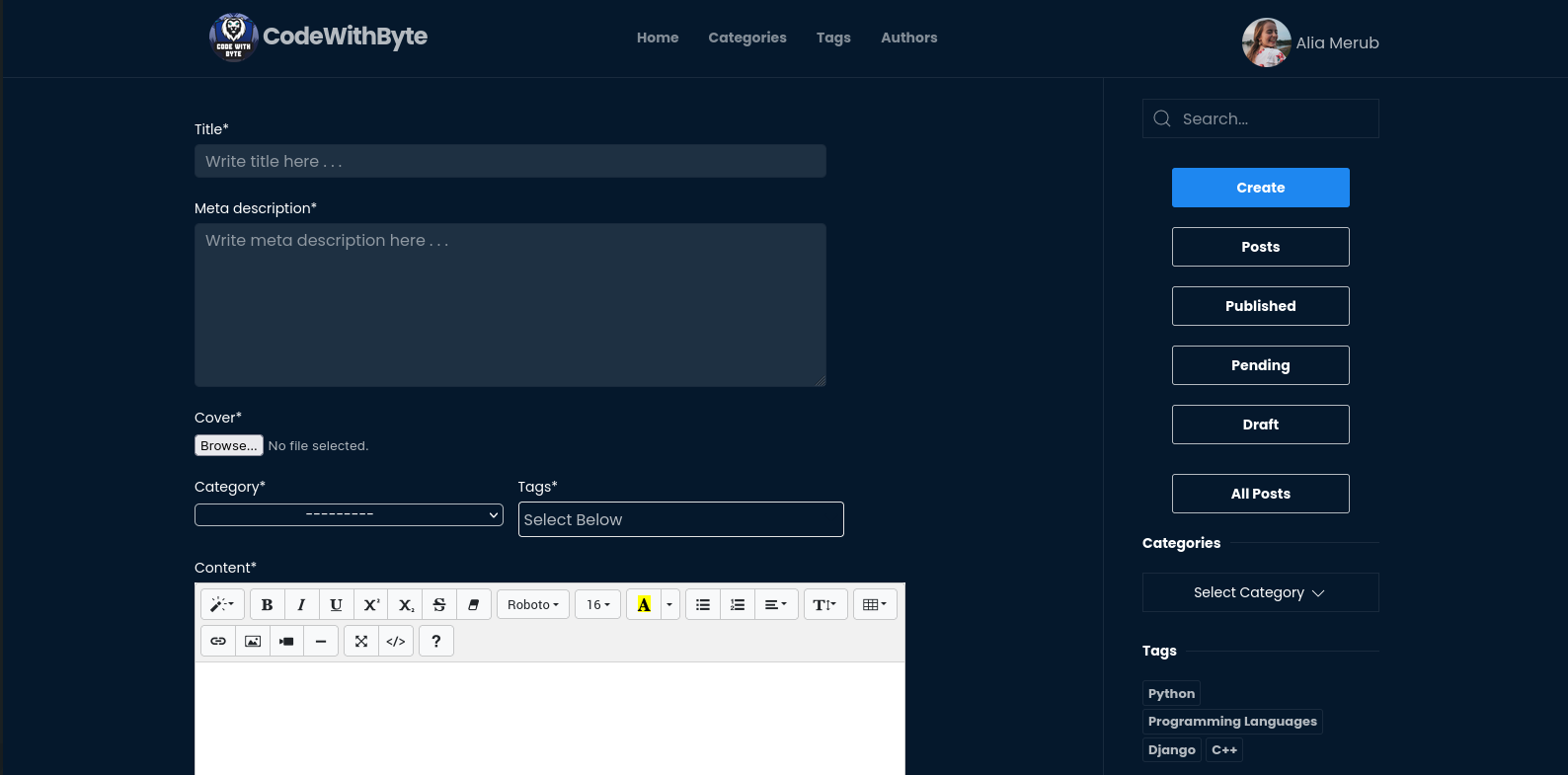
Create Article
Features
Mobile App Version
WYSIWYG Editor
Account Verification
Author Login
Author Password Reset
Category List
Category Articles List
Tag List
Tag Articles List
Author List
Author Articles List
Related Articles
Comments
Likes
Articles Search
Article Social Media Share
Article Number of Views
Auhtor Resume/ Profile
Responsive on all devices
Pagination
Admin can Add Tagss and Catagories
Clean Code
Technologies
Python 3.9
Jquery
Ajax
Django 4.0
HTML5
CSS3
Bootstrap 4
Summernote
MySQL
SQLite
PostgreSQL
Setup
To run this app, you will need to follow these 3 steps:
-
Requirements
a Laptop
Text Editor or IDE (eg. vscode, PyCharm)
Python 3.8 +
Django 4.0 +
-
Install Python and Pipenv
Python3
Pipenv
-
Local Setup and Running on Windows, Linux and Mac OS
-
Change Data Base Setting If use AWS RDS set value True and AWS Credential and for SQL Lite Set False
USE_AWS_RDS = True
if USE_AWS_RDS:
  DATABASES = {
      'default': {
          'ENGINE': 'django.db.backends.mysql',
          'NAME': os.environ.get('DATABASE_NAME'),
          'USER': os.environ.get('DATABASE_USER'),
          'PASSWORD': os.environ.get('DATABASE_PASSWORD'),
          'HOST': os.environ.get('DATABASE_HOST'),
          'PORT': os.environ.get('DATABASE_PORT'),
      }
  }
else:
  DATABASES = {
      'default': {
          'ENGINE': 'django.db.backends.sqlite3',
          'NAME': BASE_DIR / 'db.sqlite3',
      }
  }
- Change Media and Static File Setting if use local server then set False and if you want to use AWS S3 Then set Value True and cofigure Credential
# S3
USE_S3 = True
if USE_S3:
  AWS_ACCESS_KEY_ID = os.environ.get('AWS_ACCESS_KEY_ID')
  AWS_SECRET_ACCESS_KEY = os.environ.get('AWS_SECRET_ACCESS_KEY')
  AWS_STORAGE_BUCKET_NAME = os.environ.get('AWS_STORAGE_BUCKET_NAME')
  AWS_S3_CUSTOM_DOMAIN = '%s.s3.amazonaws.com' % AWS_STORAGE_BUCKET_NAME
  AWS_QUERYSTRING_AUTH = False
  AWS_S3_FILE_OVERWRITE = True
  AWS_DEFAULT_ACL = None

  STATICFILES_LOCATION = 'static'
  STATICFILES_STORAGE = 'Online_Portfolio_and_Blog_With_CMS.aws.utils.StaticStorage'
  STATIC_URL = 'https://{}/{}/'.format(AWS_S3_CUSTOM_DOMAIN, STATICFILES_LOCATION)

  MEDIAFILES_LOCATION = 'media'
  DEFAULT_FILE_STORAGE = 'Online_Portfolio_and_Blog_With_CMS.aws.utils.MediaStorage'
  MEDIA_URL = 'htts://{}/{}/'.format(AWS_S3_CUSTOM_DOMAIN, MEDIAFILES_LOCATION)
else:
  STATIC_URL = 'static/'
  # Location of static files
  STATIC_ROOT = os.path.join(BASE_DIR, 'static')
  # Base url to serve media files
  MEDIA_URL = '/media/'
  # Path where media is stored
  MEDIA_ROOT = os.path.join(BASE_DIR, 'media')
-
Email Settings (Production)
EMAIL_BACKEND = ''
EMAIL_HOST = ''
EMAIL_HOST_USER = ''
EMAIL_HOST_PASSWORD = ""
EMAIL_PORT = 587
EMAIL_USE_TLS = True