Welcome to SimpleMVC, a web application built with PHP that provides a versatile platform for creating, managing, and sharing posts. This project follows the MVC (Model-View-Controller) architecture, ensuring a clean and organized codebase.
- Clone the repository:
git clone https://github.com/bckelley/SimpleMVC.git - Navigate to the project directory:
cd SimpleMVC - Set up the configuration file:
config/config.phpwith required values. - Ensure the following PHP and MySQL and Apache are installed. a. PHP version 8.1 b. MySQL version 8.0 c. Apache version 2.4
- Visit the project URL in your browser.
- Setup Configuration
a. Open the
config/config.phpfile and configure settings such as database connection details and other constants. - Setup Database
a. Create a MySQL database based on the configured details in
config/config.php. b. Import the provided SQL file to set up the necessary tables and data.
config/: Contains configuration files.helpers/: Includes helper functions for URL and sessions.libraries/: Core libraries with autoloading.app/: Application files including controllers, models, and views.public/: Publicly accessible files (CSS, JS, images).README.md: Project documentation.LICENSE: Project License.
Controller.php: Base controller class.Core.php: Core class for URL handling and loading controllers.Database.php: PDO Database class for database operations.Post.php: Class handling post-related database operations.User.php: Class handling user-related database operations.- ...
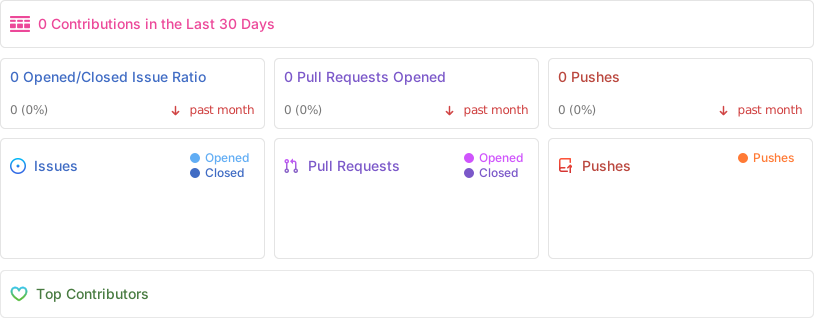
If you'd like to contribute to the project, please follow the standard procedures:
- Fork the repository.
- Create a new branch:
git checkout -b feature/new-feature - Make your changes and commit them:
git commit -m '[Your feature commit message]' - Push to the branch:
git push origin feature/new-feature - Create a pull request.
This project is licensed under a derivative of the CC-BY-NC-SA License - see the LICENSE file for details.