Run the demo app:
cd example
flutter run
The examples now focus on motion. BottomBarMotion() defaults to Motor-backed Cupertino spring motion, so quick scroll direction changes redirect naturally instead of restarting a fixed curve.
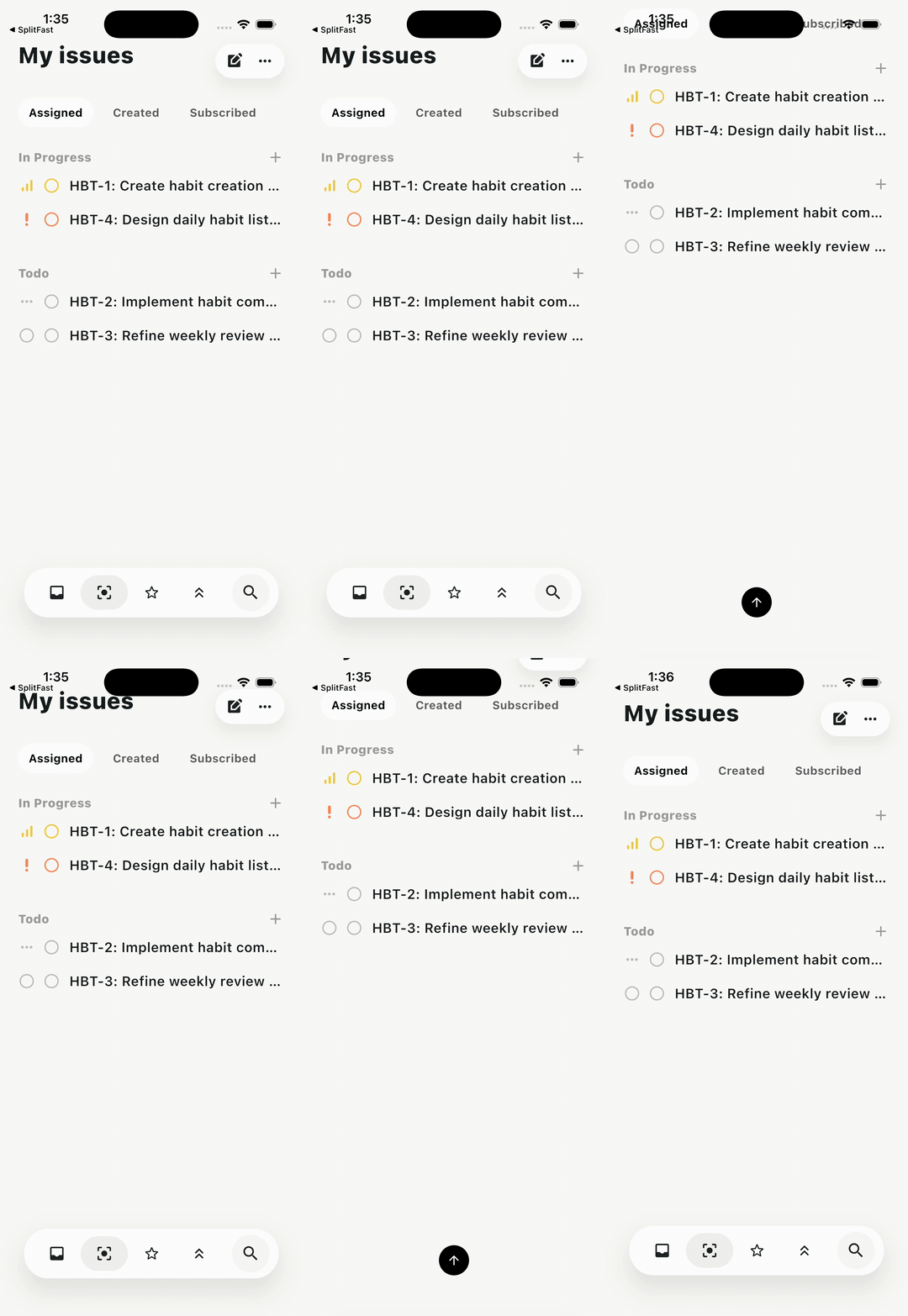
Reference-inspired issue list with a floating icon dock and search puck. Scroll quickly up/down to see the Cupertino spring redirect mid-flight.
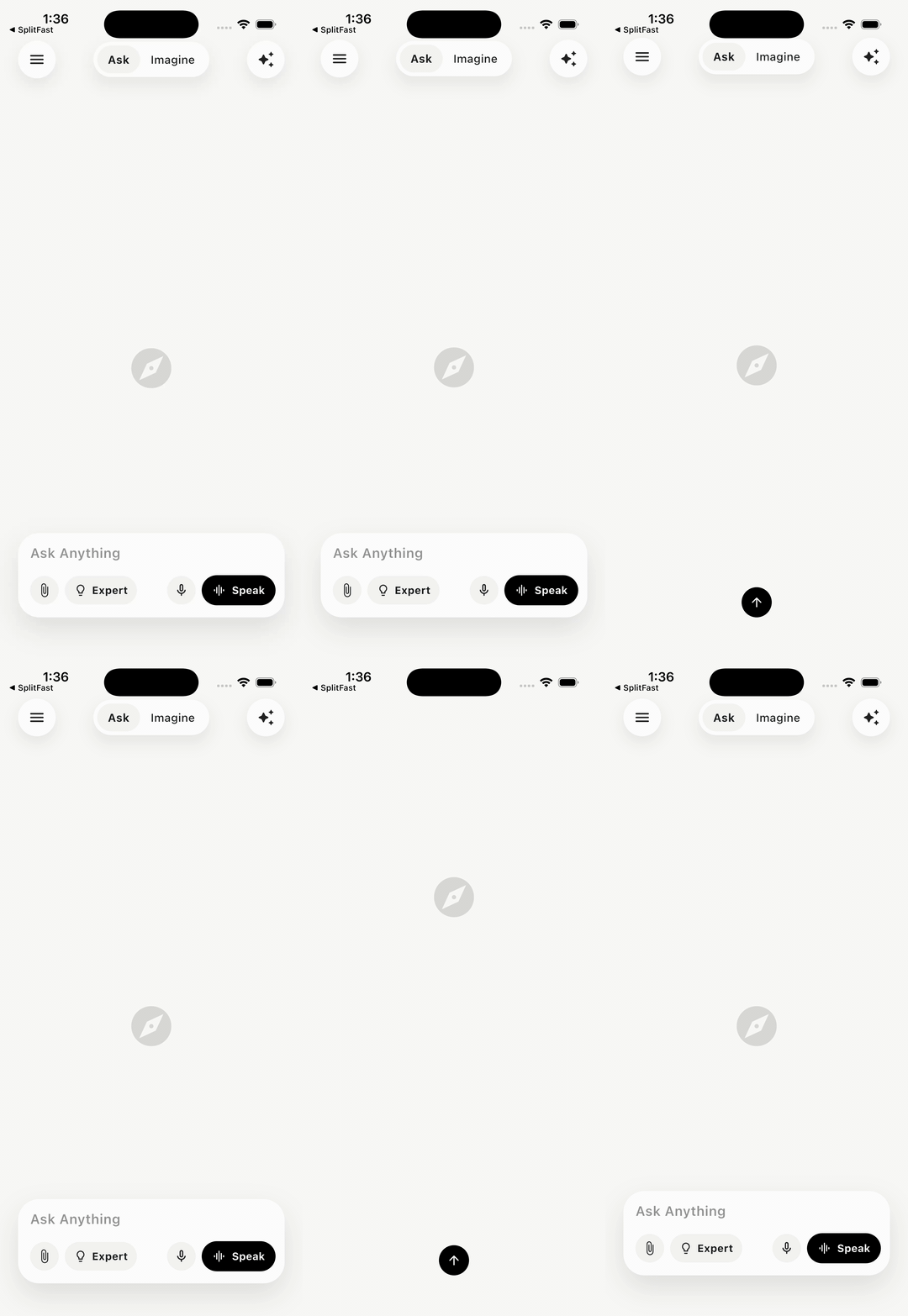
Large prompt composer with pill actions, a speak button, and interactive Cupertino motion.
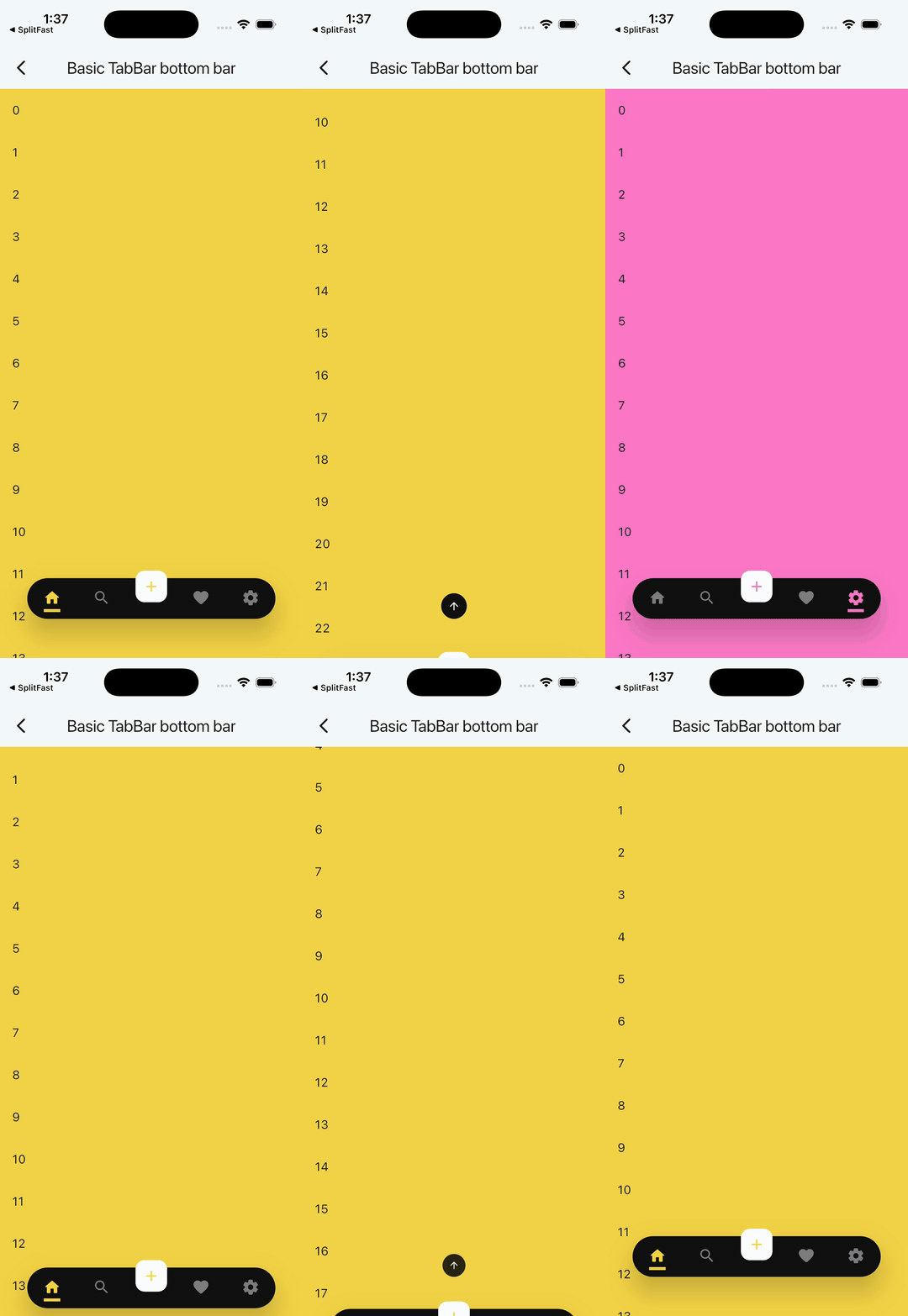
Direct five-tab bottom bar with a floating center action, colored pages, hide-on-scroll, and the default Cupertino-style spring.
Compact example showing the default spring behavior with the smallest useful BottomBar setup.
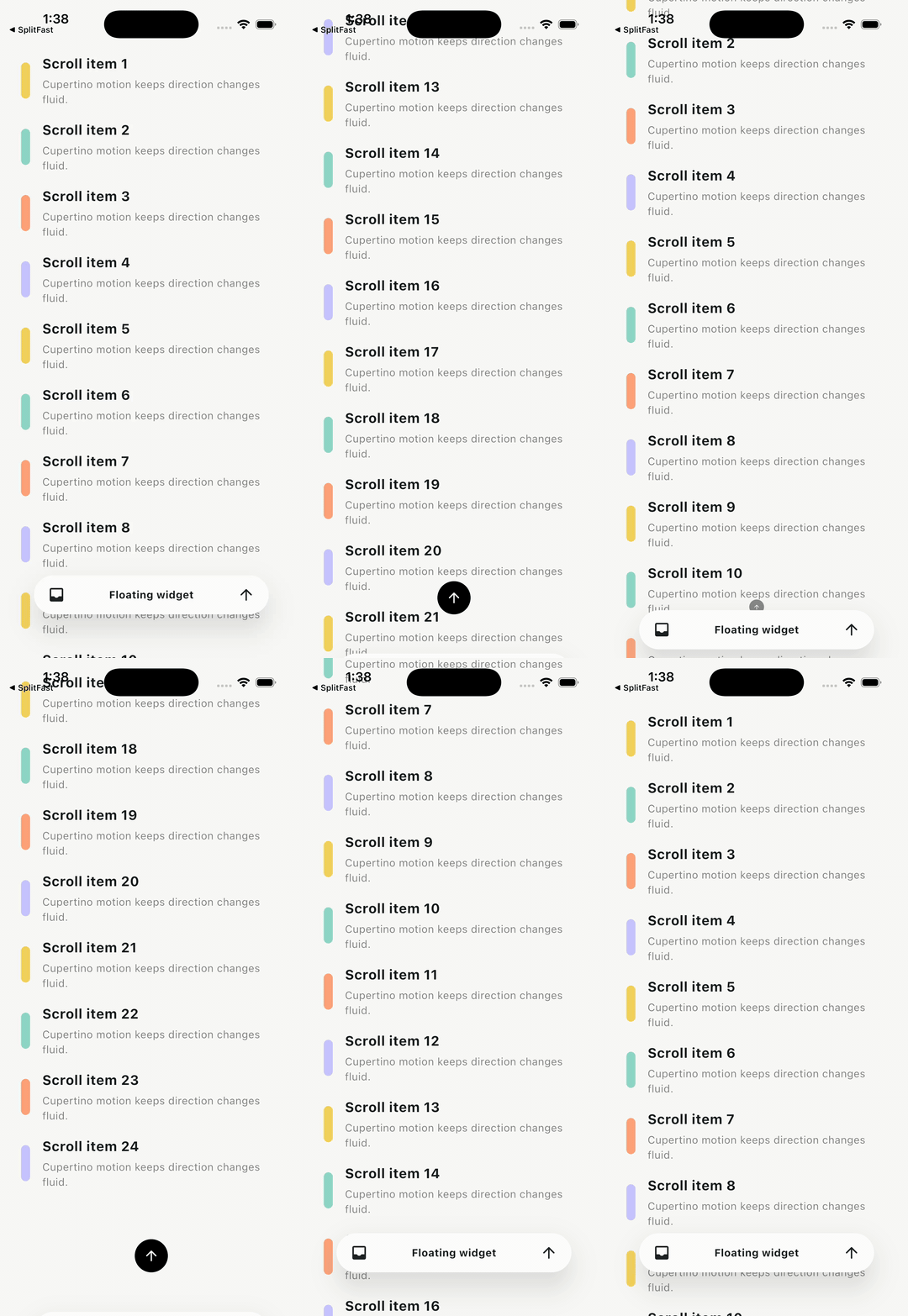
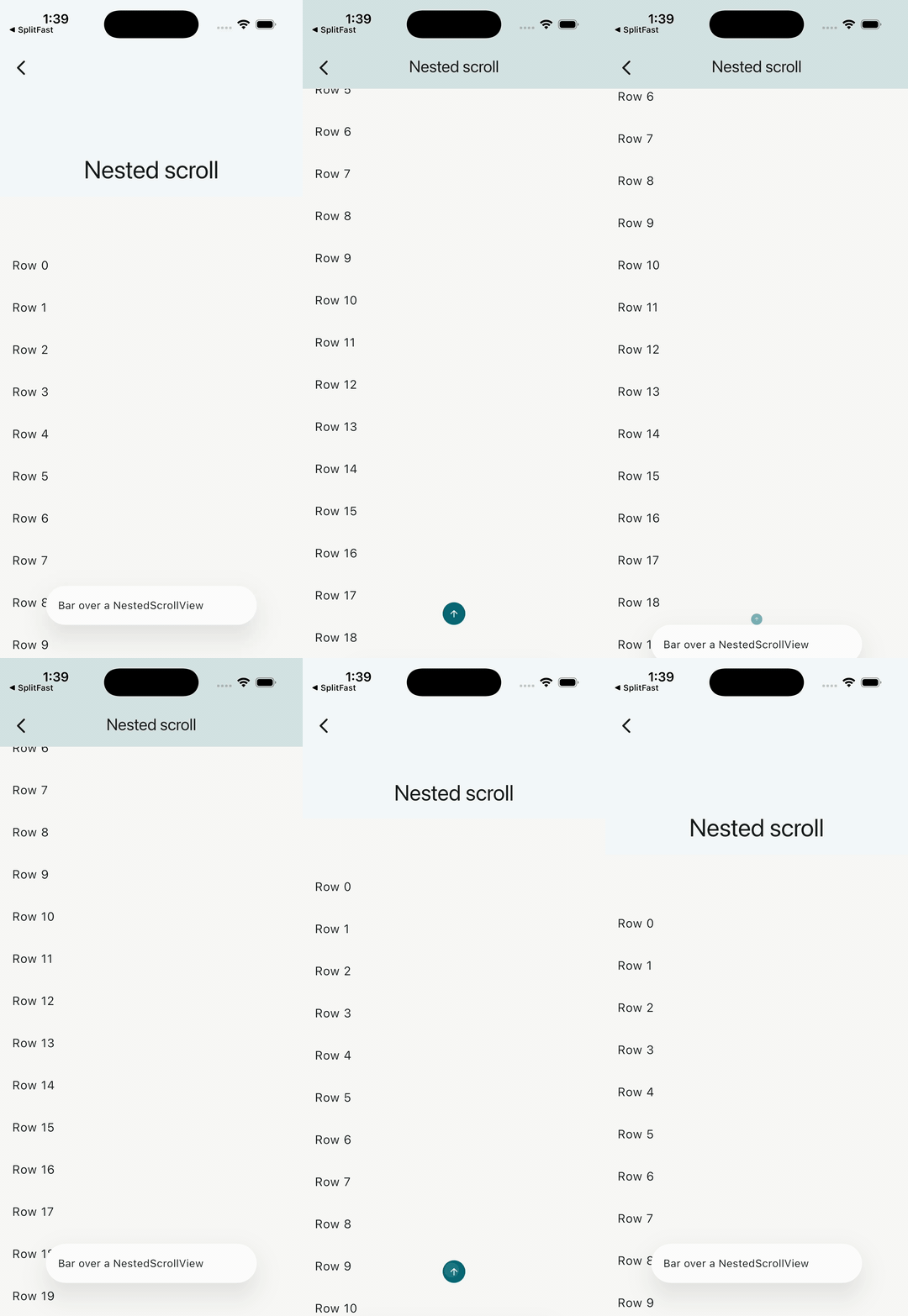
NestedScrollView support with smooth spring show/hide.
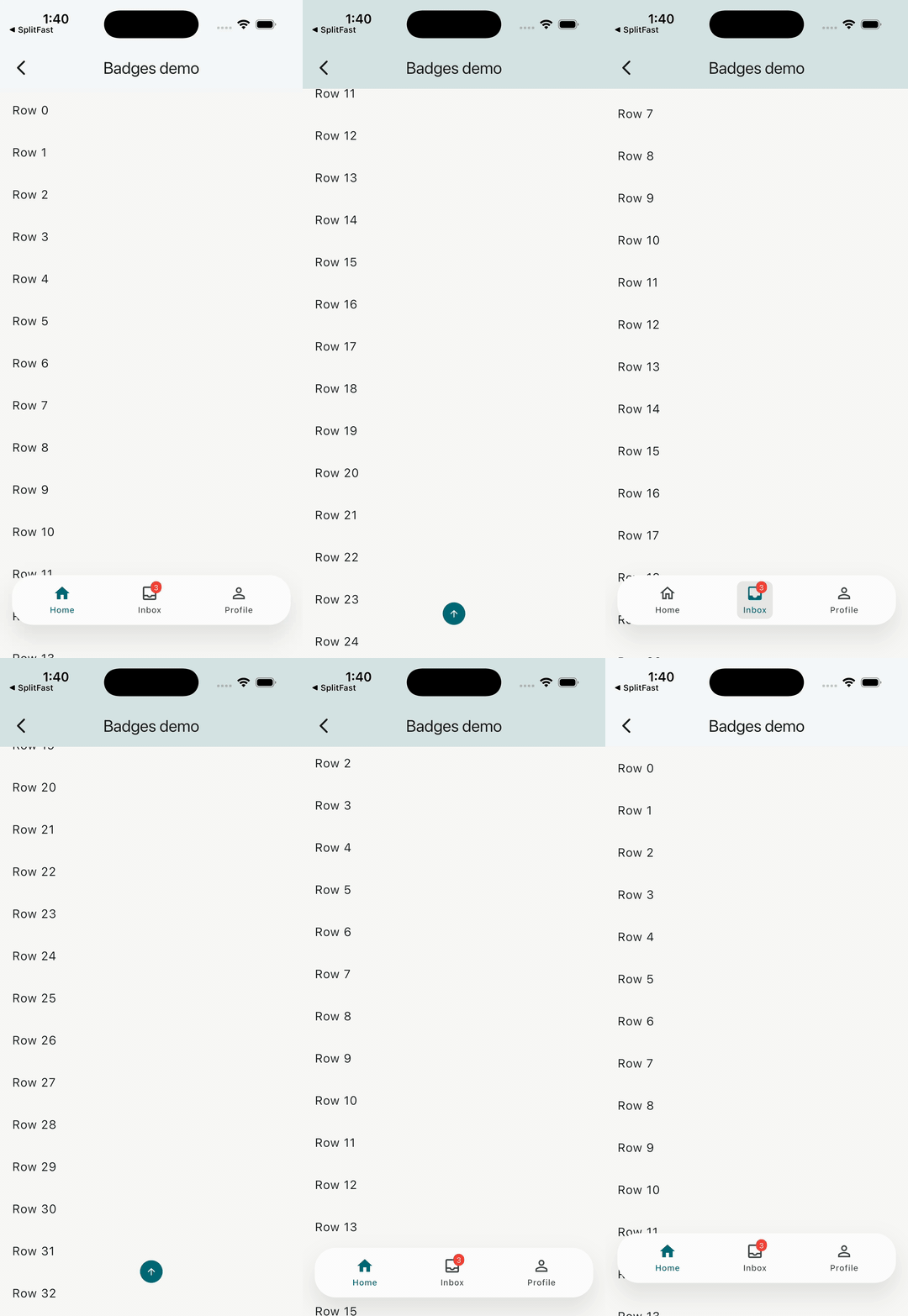
BottomBarItems and BottomBarItem with bouncy Cupertino motion.
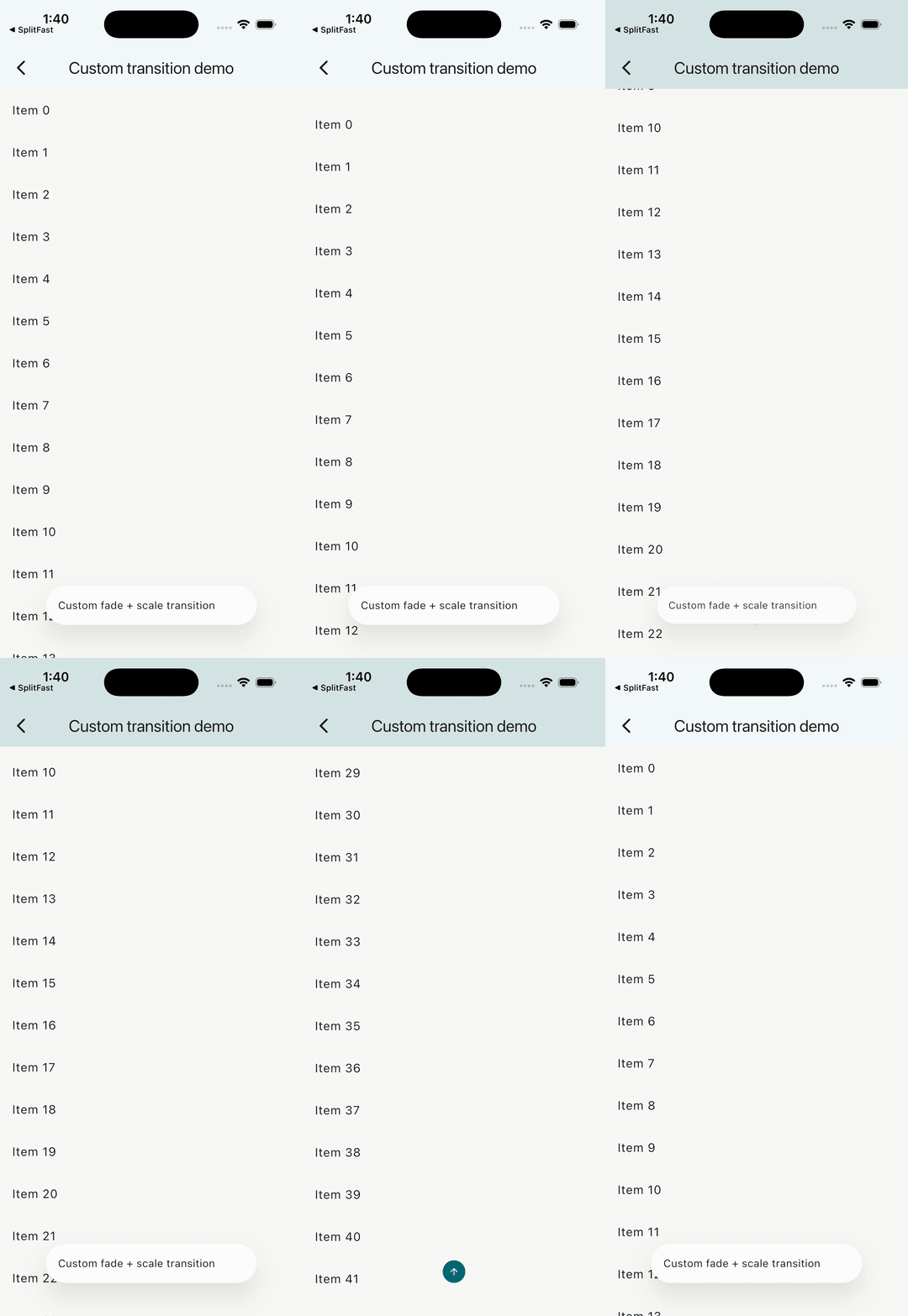
Deterministic BottomBarMotion.curved(...) plus a custom fade/scale builder. Clamp opacity and size in custom builders because spring progress can overshoot.
// Default Cupertino spring.
const BottomBarMotion()
// A more expressive spring.
const BottomBarMotion.cupertino(
preset: BottomBarCupertinoMotion.bouncy,
extraBounce: 0.04,
)// Traditional fixed-time motion for deterministic tests/goldens.
const BottomBarMotion.curved(
duration: Duration(milliseconds: 280),
curve: Curves.easeOutCubic,
)// Raw Motor motion.
const BottomBarMotion.motor(
Motion.snappySpring(),
)The repo ships a small recording helper for the iOS Simulator at tool/record_gif.sh.
- Boot the iOS Simulator and run the demo app:
make run-ios
- Pick a demo from the list and navigate to it.
- In a second terminal, start recording with the slug for that demo:
make record NAME=1-issues-dock
- Interact with the simulator (scroll, tap, etc.). Press
Ctrl+Cin the recording terminal to stop and finalize. - The gif is written to
screenshots/<NAME>.gif.
Use these slugs so they line up with the README grid:
| # | Demo | Slug |
|---|---|---|
| 1 | Issues dock | 1-issues-dock |
| 2 | AI prompt dock | 2-ai-prompt-dock |
| 3 | Basic TabBar | 3-basic-tab-bar |
| 4 | Minimal API | 4-minimal-api |
| 5 | Nested scroll | 5-nested-scroll |
| 6 | Badged nav | 6-badged-nav |
| 7 | Custom transition | 7-custom-transition |
Tunables (env vars): GIF_FPS (default 24), GIF_WIDTH (default 360).