A little helper for content creators sharing their screen with OBS.
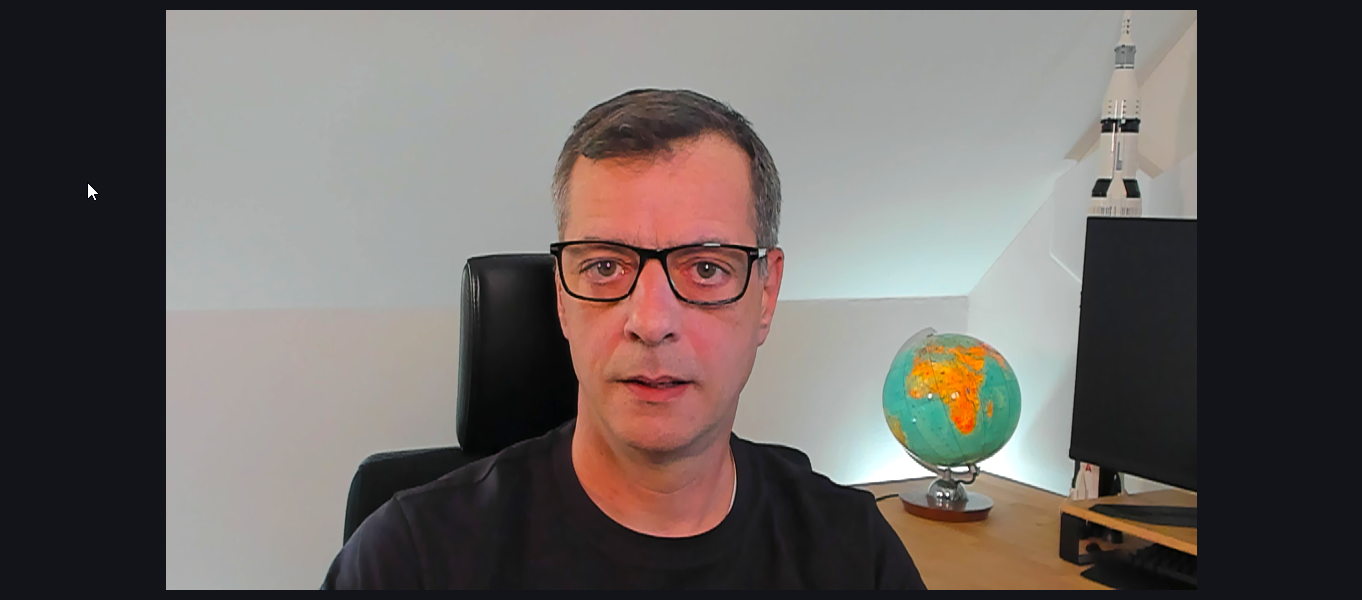
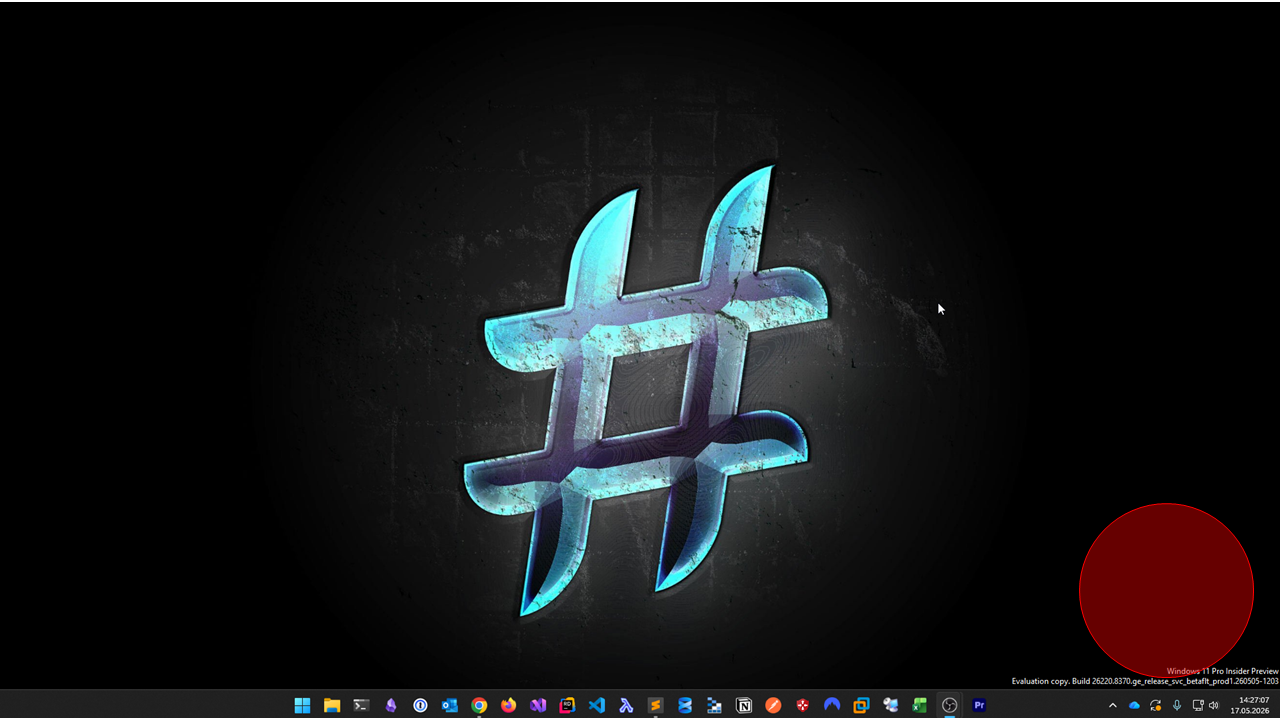
As a creator I don't see the same as my viewers when sharing my screen. Here is an example of this.
What my viewer see:
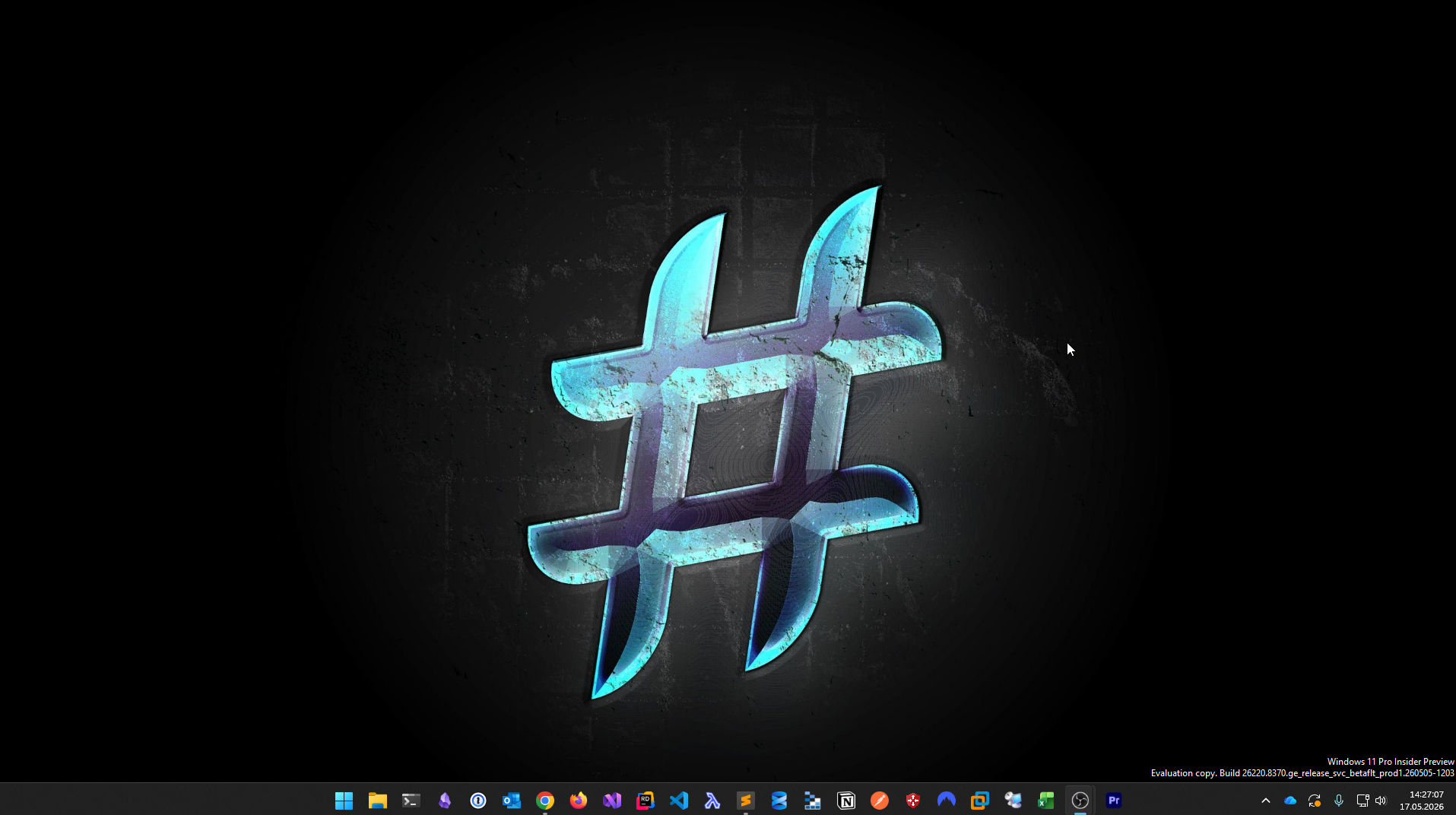
What I see on my screen:
When obscene is ready-to-use it will show my desktop to me like this:
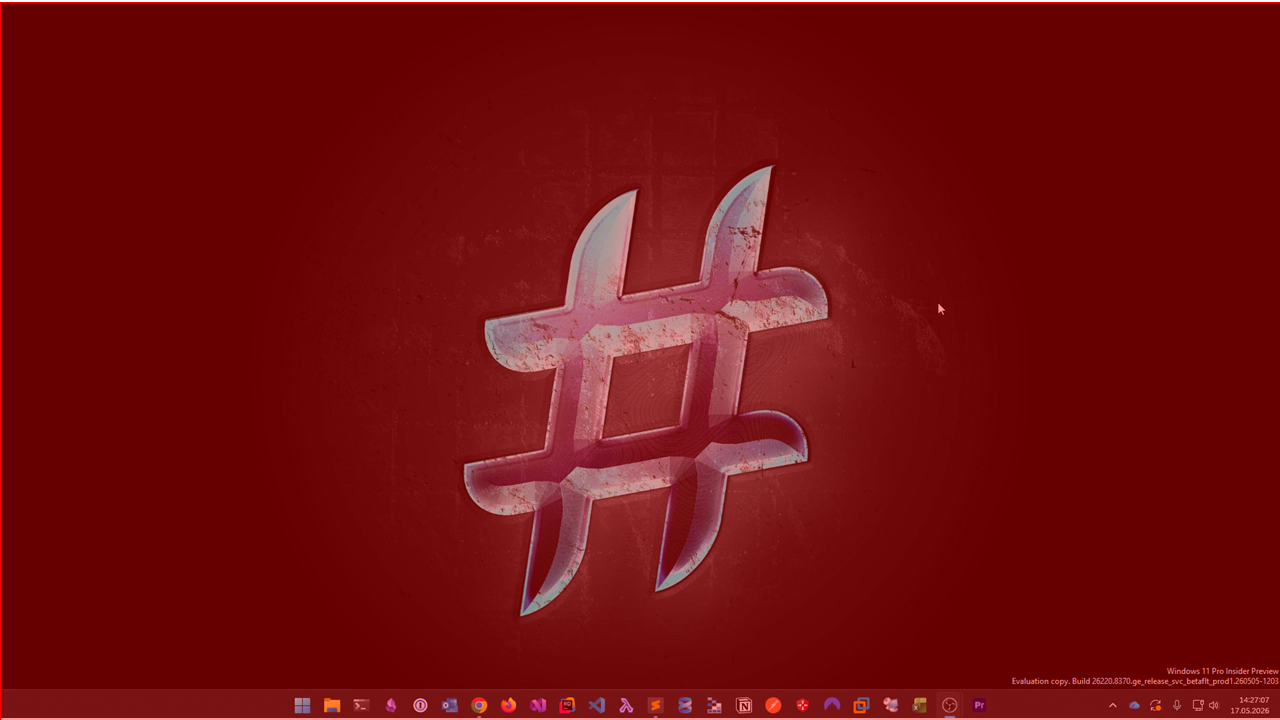
However if viewers see this:
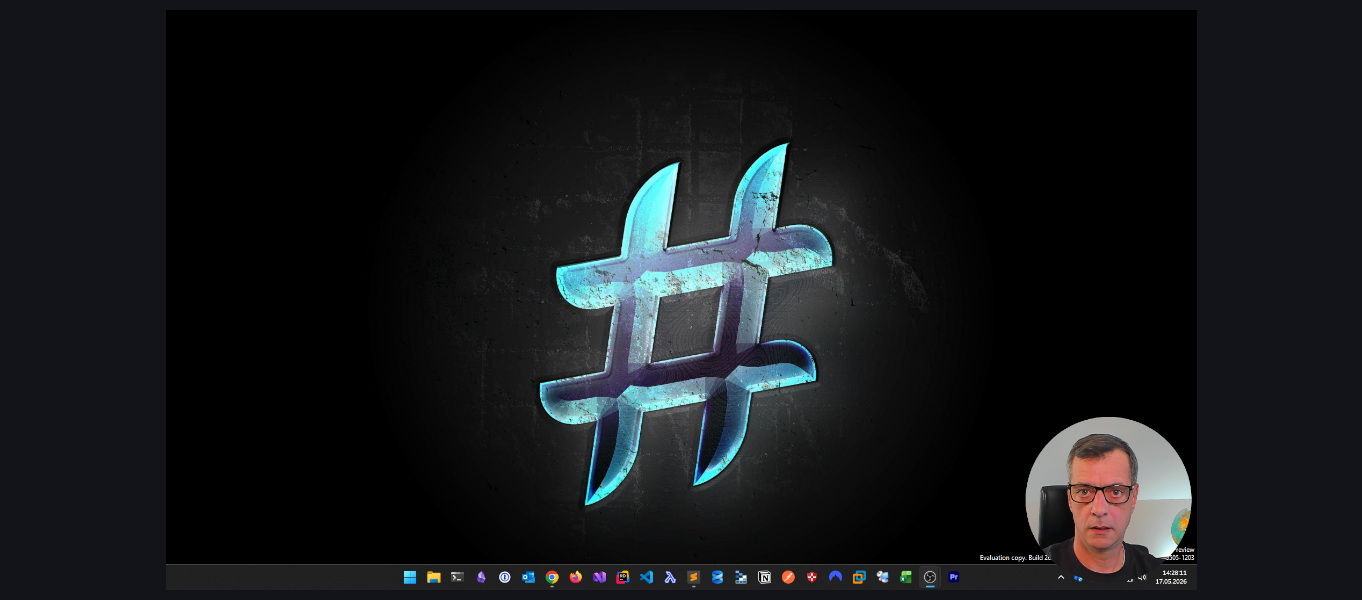
I would see:
- .NET 10 SDK (
dotnet --list-sdks) - Obsence only runs on Windows!
Open a terminal.
- Clone the code locally.
- From the root directory execute
dotnet run --project .\src\Ui\Ui.TestConsole\.
You should see a red circle. Hit any key in the terminal to exit the program.