Prerequisites
Please answer the following questions for yourself before submitting an issue.
Expected Behavior
The project to run in its initial state in Expo Go
Current Behavior
What is the current behavior?
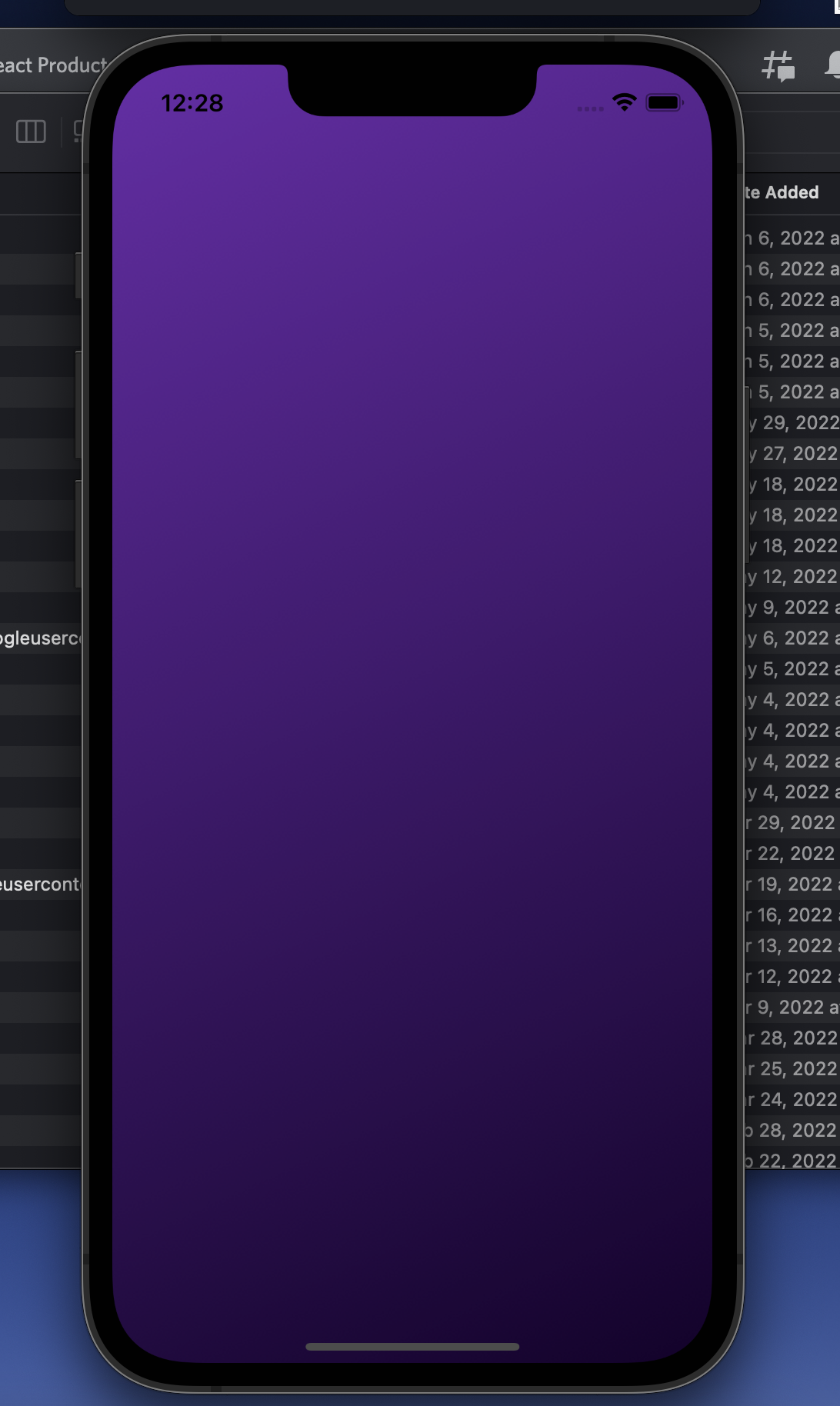
A blank purple screen with no ability to click on anything or move anywhere
(See picture below)
Failure Information (for bugs)
No error logs
Steps to Reproduce
Please provide detailed steps for reproducing the issue.
- Download an unmodified version of the latest Material Kit React Native PRO
- Update Expo and React Native SDK to version 44
- run
expo start and run on iOS simulator
Context
Please provide any relevant information about your setup. This is important in case the issue is not reproducible except for under certain conditions.
- Device: iPhone 13 (simulator)
- Operating System: iOS 15
- Browser and Version: N/A
Failure Logs
Please include any relevant log snippets or files here.
Prerequisites
Please answer the following questions for yourself before submitting an issue.
Expected Behavior
The project to run in its initial state in Expo Go
Current Behavior
What is the current behavior?
A blank purple screen with no ability to click on anything or move anywhere
(See picture below)
Failure Information (for bugs)
No error logs
Steps to Reproduce
Please provide detailed steps for reproducing the issue.
expo startand run on iOS simulatorContext
Please provide any relevant information about your setup. This is important in case the issue is not reproducible except for under certain conditions.
Failure Logs
Please include any relevant log snippets or files here.