| title | Introduction |
|---|---|
| description | CtrlNode control plane for AI agents, Bridge architecture, and the four-step setup wizard |
| icon | star |
| sidebarTitle | Introduction |
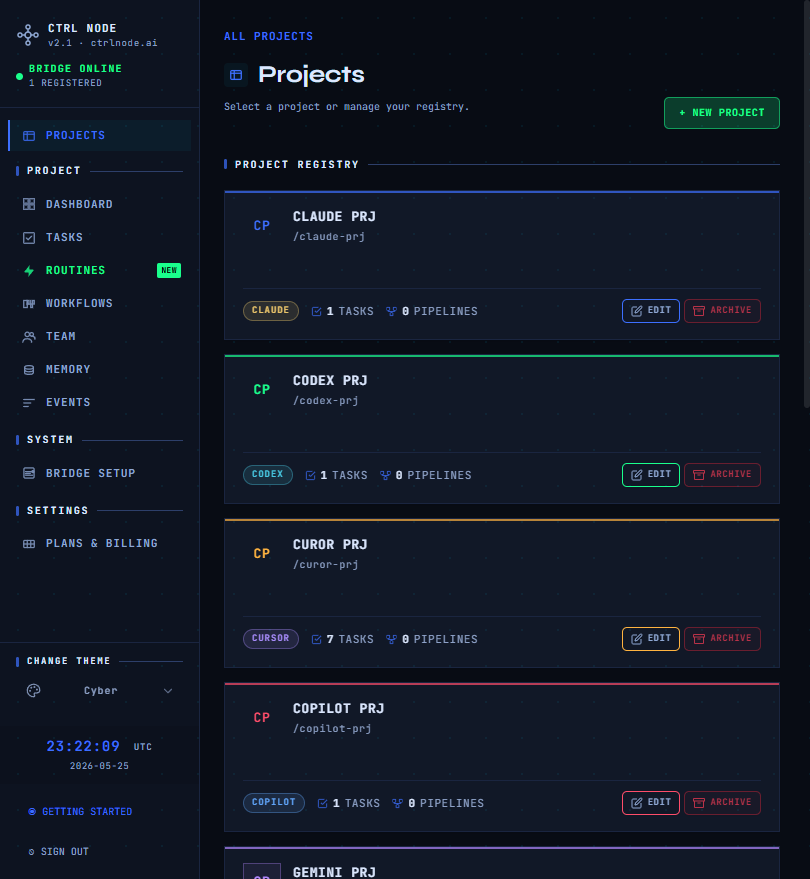
CtrlNode is a browser control plane for AI coding agents. You plan work in the web app at app.ctrlnode.ai; a Bridge daemon on your machine runs agents and streams results back over an outbound WebSocket. Your repositories stay local — CtrlNode orchestrates work; it does not host your code.
  Browser  →  app.ctrlnode.ai  →  CtrlNode (hosted API)
                                  ↑
                    outbound WS   │
                                  │
                          ctrlnode  (your machine)
                                  ↓
              Claude · Copilot · Cursor · Gemini · OpenClaw · Hermes · …
Open-source Bridge: github.com/ctrlnode-ai/ctrlnode.
New organizations land on a fullscreen wizard at /setup:
| # | Step | App route |
|---|---|---|
| 1 | Project | /setup/project |
| 2 | Token + pair Bridge | /setup/token?projectId=… |
| 3 | Agent | /setup/agent?projectId=… |
| 4 | First task | /setup/task?projectId=… |
After step 4, onboarding is complete. You then use the normal app: dashboard, Kanban, workflows, routines, and events.
Sign in, install Bridge, pair token, and run your first task. Projects, dashboard, team, files, Bridge setup in the UI. Scheduled single-task jobs vs multi-step pipelines. Schedules, triggers, runs, calendar. Designer, steps, activation, recovery. Kanban, states, task detail. Audit feed and real-time activity. Install, configuration, providers — **Bridge** tab above.| Area | Doc |
|---|---|
| Projects | /getting-started/projects |
| Dashboard | /getting-started/dashboard |
| Tasks | /getting-started/tasks |
| Routines | /getting-started/routines |
| Workflows | /getting-started/workflows |
| Team | /getting-started/team |
| Files | /getting-started/files |
| Events | /getting-started/events |
| Bridge setup | /getting-started/bridge-setup |