import CreateServicePrincipal from '/snippets/dwh/databricks/create_service_principal.mdx'; import PermissionsAndSecurity from '/snippets/dwh/databricks/databricks_permissions_and_security.mdx'; import IpAllowlist from '/snippets/cloud/integrations/ip-allowlist.mdx';
This guide contains the necessary steps to connect a Databricks environment to your Elementary account.
In the Elementary platform, go to Environments in the left menu, and click on the "Create Environment" button. Choose a name for your environment, and then choose Databricks as your data warehouse type.
Provide the following common fields in the form:
- Server Host: The hostname of your Databricks account to connect to.
- Http path: The path to the Databricks cluster or SQL warehouse.
- Catalog (optional): The name of the Databricks Catalog.
- Elementary schema: The name of your Elementary schema. Usually
[your dbt target schema]_elementary.
Then, select your authentication method:
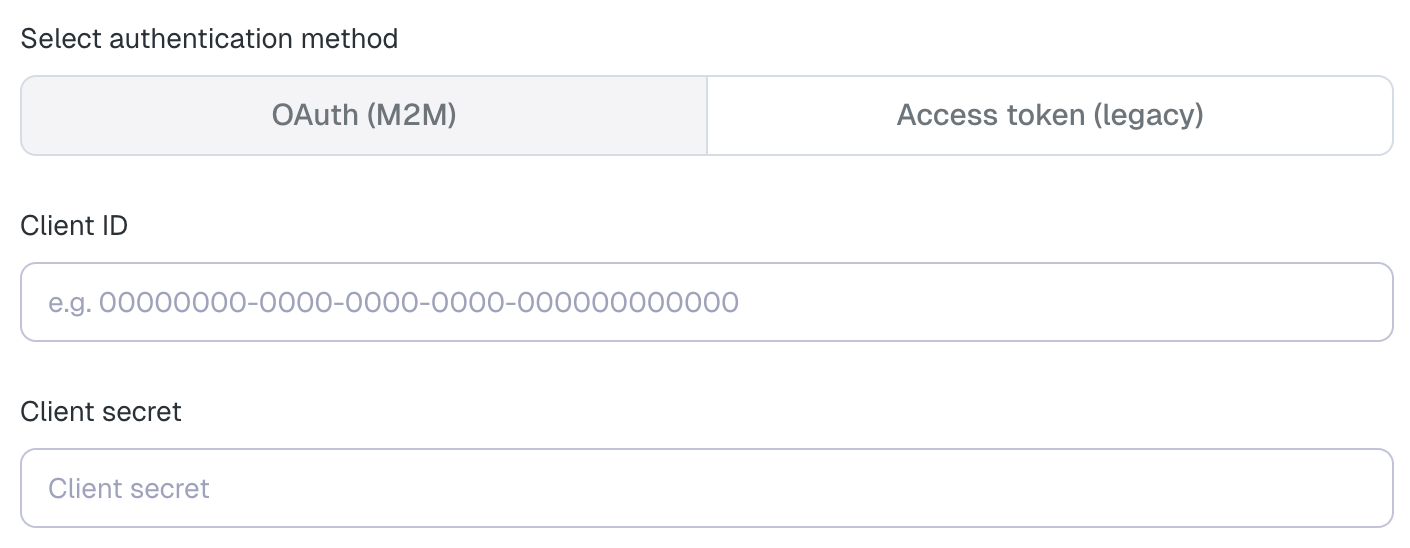
- Client ID: The Application (client) ID of the service principal (the "Application ID" you copied in step 5).
- Client secret: The OAuth secret you generated for the service principal (see step 7).
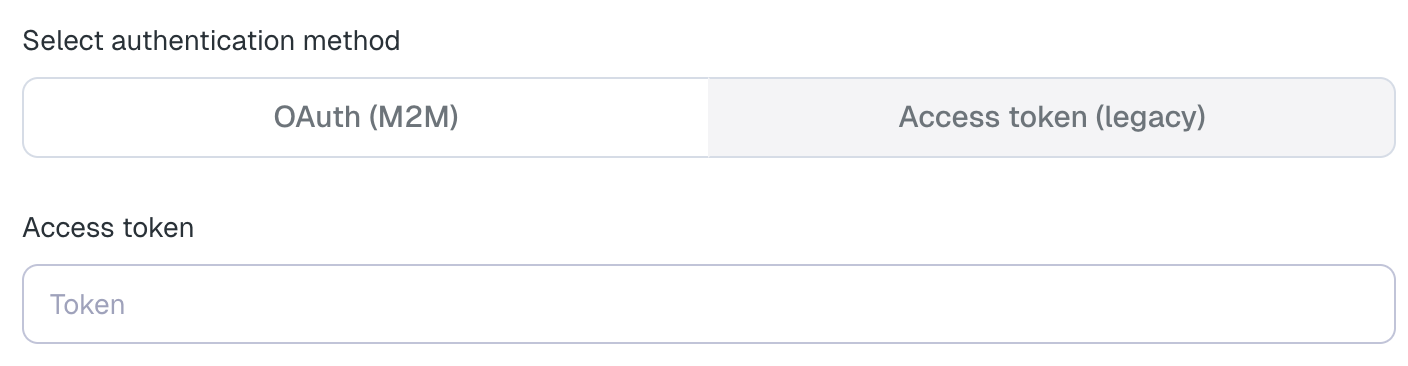
- Access token: A personal access token generated for the Elementary service principal.