-
Download the EvidentViewer-win.exe.zip.
-
Extract the zip file.
-
Execute EvidentViewer-win.exe. This file is in a self-extracting format.
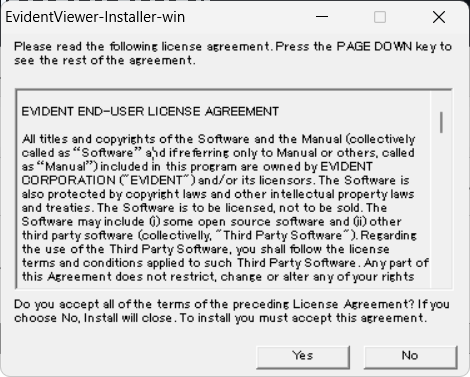
- If you agree to our end-user license agreement, extract it to your specified folder.
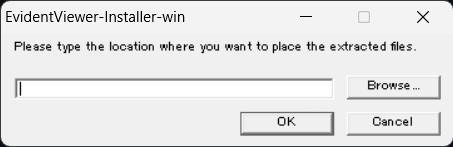
-
Unzip the EvidentViewer-package.zip.
-
Install the VS2022 redistribution package. If you use a 64-bit OS, install VC_redist.x64.exe.
-
Copy the EvidentViewer-VerLatest folder from the EvidentViewer-package folder to the plugins folder of your ImageJ directory.
- If the plugins folder already contains an OlympusViewer folder, delete the existing folder before copying.