
A curated directory of open-source projects, tools, and applications for developers


See how OpenResource's AI-powered chat helps you discover the perfect open-source tools:
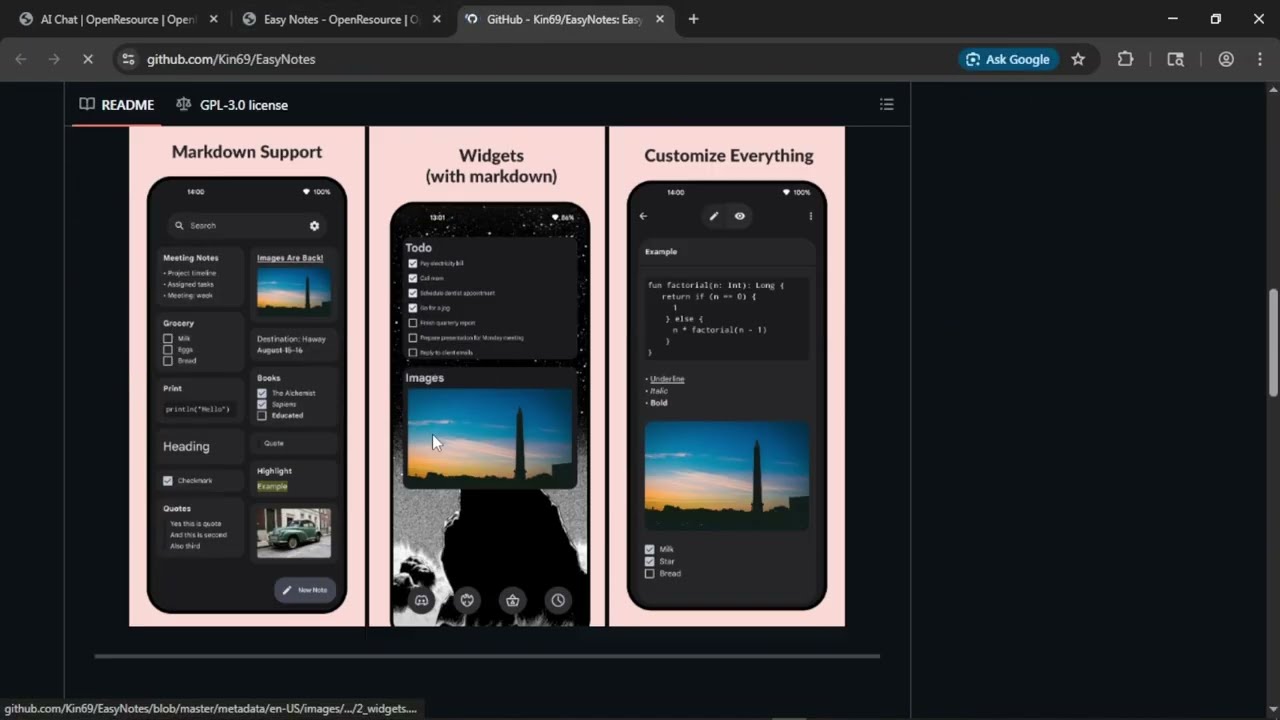
👆 Click play to watch the AI features in action
| Feature | Description |
|---|---|
| 🔍 Smart Search | Find any open-source tool instantly |
| 🤖 AI Assistant | Get personalized recommendations via chat |
| 📱 Multi-Platform | Windows apps, Android apps, GitHub repos |
| 🏷️ Categories & Tags | Organized by type and functionality |
| 👤 User Profiles | Showcase your contributions |
| 🔖 Bookmarks | Save favorites for later |
| 📝 Submit Resources | Community-driven submissions |
| 🌐 SEO Ready | Search engine optimized |
OpenResource goes beyond a simple directory with intelligent AI features:
- Natural Language Search: Ask questions in plain English
- Smart Recommendations: Get personalized tool suggestions
- Compare Tools: Side-by-side feature comparisons
- Context-Aware: Remembers your preferences
"Find open-source alternatives to Notion"
"Show me the best GitHub repos for productivity"
"What are the best self-hosted alternatives to Slack?"
"Find Windows apps for video editing"
"Compare Figma vs Pencil for UI design"
- Next.js 15 • React 19 • TypeScript • Tailwind CSS v4 • Radix UI
- tRPC • Prisma • PostgreSQL • Better Auth
- AI SDK (Vercel) • Mistral AI • PostHog
- Node.js 18+
- PostgreSQL database
- npm or bun
# Clone the repository
git clone https://github.com/gauravxdev/openresource.git
cd openresource

# Install dependencies
npm install

# Set up environment variables
cp .env.example .env

# Initialize database
npm run db:generate
npm run db:push

# Start development server
npm run dev
Visit http://localhost:3000
| Command | Description |
|---|---|
npm run dev |
Start dev server |
npm run build |
Production build |
npm run start |
Start production server |
npm run lint |
Run ESLint |
npm run typecheck |
TypeScript check |
npm run db:push |
Push schema to DB |
npm run db:studio |
Open Prisma Studio |
openresource/
├── src/
│   ├── app/                    # Next.js App Router
│   │   ├── (main)/           # Public pages
│   │   │   ├── ai/chat/      # AI chat interface
│   │   │   ├── windows-apps/ # Windows apps
│   │   │   ├── android-apps/# Android apps
│   │   │   ├── github-repos/ # GitHub repos
│   │   │   └── ...
│   │   ├── (admin)/          # Admin dashboard
│   │   └── api/              # API routes
│   ├── components/            # React components
│   │   ├── ui/               # shadcn/ui
│   │   ├── chat/             # AI chat components
│   │   └── admin/            # Admin components
│   ├── lib/                   # Utilities
│   │   ├── chat/             # AI chat tools
│   │   └── ai/               # AI utilities
│   └── actions/              # Server actions
├── prisma/                    # Database schema
├── public/                    # Static assets
└── scripts/                   # Utility scripts
Built with search engine best practices:
- ✅ Dynamic metadata for every page
- ✅ Open Graph & Twitter Cards
- ✅ XML sitemap
- ✅ robots.txt
- ✅ JSON-LD structured data
- ✅ Canonical URLs
Contributions are welcome! Here's how you can help:
- Fork the repository
- Create your feature branch:
git checkout -b feature/amazing-feature - Make your changes
- Run tests:
npm run check - Commit and push:
git commit -m 'Add amazing feature' - Open a Pull Request
MIT License - see LICENSE
- Radix UI - UI components
- Lucide React - Icons
- Google Fonts - Lexend & Righteous fonts
- Better Auth - Authentication
- Vercel AI SDK - AI features
Made with ❤️ by Gaurav Sharma
Star ⭐ if you find this project useful!