You signed in with another tab or window. Reload to refresh your session.You signed out in another tab or window. Reload to refresh your session.You switched accounts on another tab or window. Reload to refresh your session.Dismiss alert
The Web Animations API allows for synchronizing and timing changes to the presentation of a Web page, i.e. animation of DOM elements. It does so by combining two models: the Timing Model and the Animation Model.
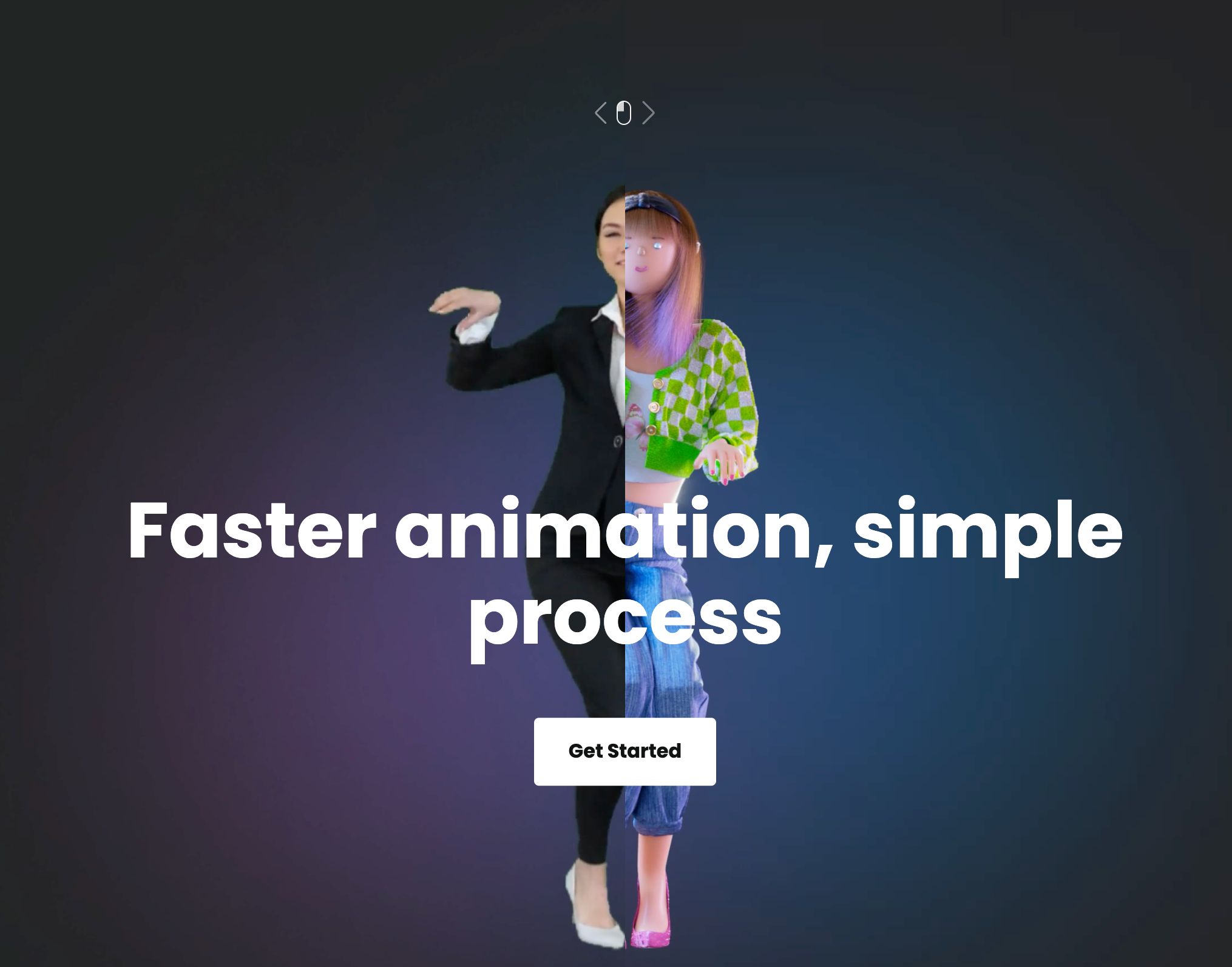
Plask.ai is a free web app and service that can record you moving around using your webcam and convert it to an animated humanoid skeleton, which can be used to

Toast Notifications are yet another way to provide feedback to the user. They usually contain brief messages and sometimes get accompanied by CTAs as well.
Today I am sharing with you this advanced CSS & HTML tutorial where we are going to go through some of the best techniques to achieve the effect that you see on
Most tutorials nowadays contain many visuals to grab the reader's attention and explain how to better solve different problems. Specifically, I found that GIFs are a very good tool for presenting GUIs. In this article, I will show you how to make animated GIFs that can be used alongside text to create faster and better demos.
Are you an anime fan searching for the best anime download sites? Look no further. Here’s a collection of free/paid ones with high-quality and up-to-date conten
Creating a moveable 3D model is easier than ever using automated rigging solutions. One is illustrated in this article. Continue reading to know how it works.
Using Web Animations API (a.k.a WAAPI) in the React hook way. Let's create highly-performant, flexible and manipulable web animations in the modern world. Hope you guys 👍🏻 it!
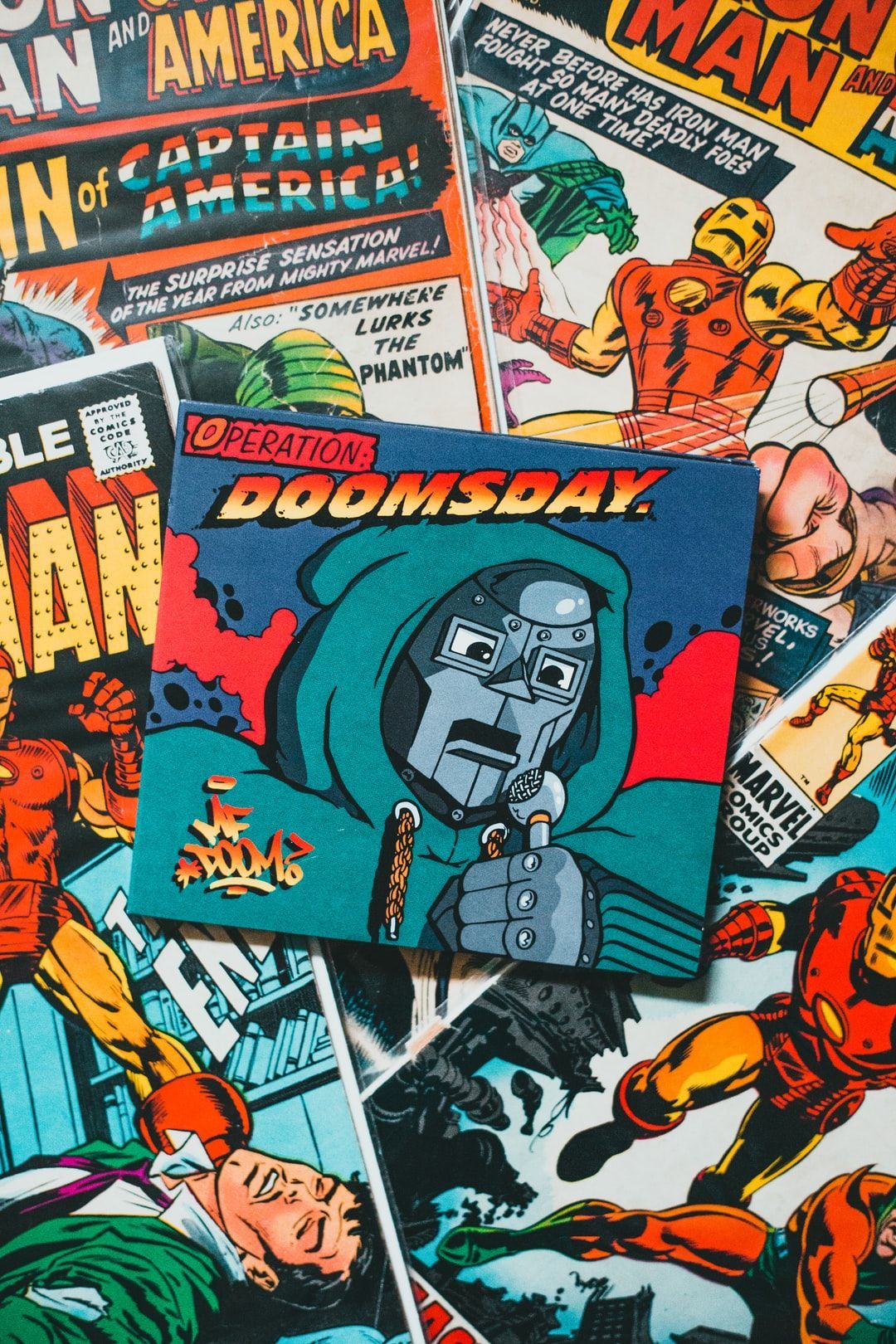
Mr Freeman is a controversial icon with an army of followers. In his first full-length English interview, we talk crypto, society, and MFcoin's merge with FreeT
Have you ever watched the amazing animations of Tony Stark’s supercomputer? If so, do you remember when he was using his computer to build his armor suits or create a new element? It was amazing to see the smooth transitions in the UI (Jarvis) when he played with it. And what about if I tell you that now we can recreate some of these animations only with HTML and CSS.
Many times animations are implemented on a web page to improve the user experience, making it more attractive and intuitive. With the animation property and the @keyframes rule, you can create any animation you have in mind by manipulating a large number of properties. This article shows the basics of making animations using a small project as an example, consisting of four squares jumping into four other squares as they move to the right and end up stacked in a tower.
Moving objects attract more attention and add a flavor to the page, CSS animation is a feature in CSS that allows animating DOM element without using any javascript or flash plugins, in this article, we will introduce all the properties related to animations.
How to choose online design software and services that will be of benefit to you; aren't too primitive or overcomplicated; and will fit into your budget.
Going Through HTML & CSS courses, I learned A LOT, but surprisingly, I never come across the Transition property up until recently, and I've been loving it ever since.
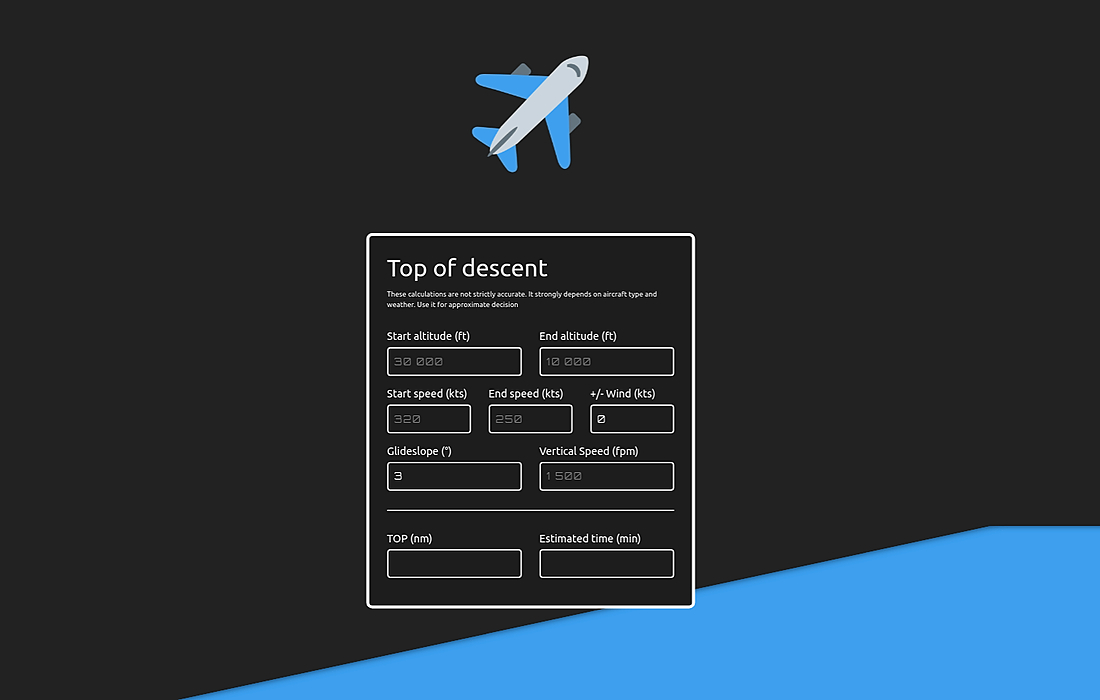
In my free time, I often flying with the X Plane 11 simulator and recently I thought to create the Top of descent (TOD) calculator, to calculate descent path. TOD is the point when the aircraft should start to descent to approach or any other target altitude. The calculator which I created is not strictly accurate, because it just depends on aviation rules of thumb and simply trigonometry. But it is sufficient for the initial decision.
In this tutorial, we’ll create a fun scroll animation in which items “flip” in the direction of the scroll. We’re going to use react-spring for animating and react-use-gesture to tie animation to the scroll events. The native onScroll event handler won't do in this case, because we'll need additional information about scrolling that native onScroll handler doesn't provide - scroll delta in pixels, and whether the scrolling is in progress or not.
We've grown with so many cartoons, but there are ones that have a special place in our hearts. In this slogging thread, we discussed which ones were the best
The vanilla CSS(without any external JavaScript and CSS libraries) allows animation of HTML elements using CSS properties. This is very powerful and quite simple to learn and use.
I should say at the outset that there’s no real point to this blog post. I had a thing to do, I did the thing, and was moderately pleased with the result. I enjoy reading of such tales from other developers, so I thought I’d share my story.
Have you ever come across a rather complex 3D creation while surfing the internet and your curiosity leads you to click on it to see if it has been rendered in Flash? These days, the features that come with modern browsers give you the power to create amazing projects without needing an external animating tool.