You signed in with another tab or window. Reload to refresh your session.You signed out in another tab or window. Reload to refresh your session.You switched accounts on another tab or window. Reload to refresh your session.Dismiss alert
Let's learn about Macos via these 66 free blog posts. They are ordered by HackerNoon reader engagement data. Visit the /Learn or LearnRepo.com to find the most read blog posts about any technology.
Apple's proprietary graphical operating system for its Macintosh computers, known for its user-friendly interface, robust security, and integration with Apple's ecosystem.
MacOS was first released in 1984, which makes it even older than Windows. At first, it came to light as a graphical user interface, but in 2005 its design and structure were changed to Intel x86 based architecture. Apple’s computers are great pieces of machinery – that’s beyond debate. But why are they so popular among programmers?
I’m sorry Linux. It’s not me, it’s you. The “year of the Linux desktop” never came to fruition. It was always next year, year after, some year. Now, it’s almost a running joke.
Learn how to completely uninstall Adobe Photoshop from Windows and macOS. This guide covers manual file deletion, registry cleaning, and automated scripts for a
Docker might be an easy solution as an all-in-one tool for setting up a Local Development Environment. But on the other hand, it eats up a huge portion of your system resources to get up and running, and we hate it when our computer becomes lagging and clumsy.
Moonlock Lab dives deep into a campaign tricking blockchain developers with fake job interviews to deploy malware that installs a backdoor and targets MetaMask.
This article will guide you through running ETH2.0 Beacon Node with Lighthouse client on MacOS if you have barely to 0 experiences with Terminal command lines and you want to spin off Lighthouse Beacon node and join the validator pool on ETH2.0 Beacon chain with Lighthouse client. This guide includes spinning off Nethermind Goerli node.
Most programs on Linux are dynamically linked. So when you are creating a unikernel with OPS out of a linux application OPS goes out and finds all the libraries it's dynamically linked to and throws it onto the disk image. This works well if you are on linux - 99% of everything on linux is dynamically linked.
We delve into new tactics of sophisticated macOS malware - Atomic stealer. Now, it replaces popular app for managing crypto wallets with malicious clone.
Many companies today install various tracking apps on their employees’ computers and check if their team members are productive during the working day. Such an extreme approach to monitoring what the staff is doing is due to the lack of employees’ efficiency at the workplace and to the employer’s desire to prevent data leakage and other unwanted actions. Before we go through the list of the most popular and effective programs to monitor employees’ activities at the workplace, let’s take a look at the most efficient ways to find out if your company is monitoring you.
Do you open your Mac and it takes a forever to wake up? Or are app on your Mac is slower than a Sloth? Do heavy apps crash frequently on your Mac making you lose loads of work?
It is a program that uses for reading books. It is built for Mac and Windows. With an EPUB reader, users can convert EPUB files to pdf documents instantly.
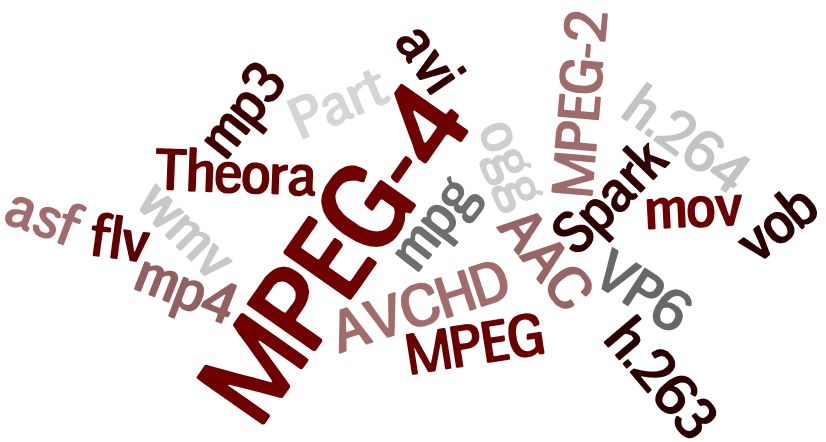
Ever come across a situation when your video file won't play on MAC in QuickTime or any other media player due to an unsupported codec?
Hope this helps you.
Merely removing apps on Mac OS X is not a hard thing to do: drag & drop or just delete to the Trash. But sometimes after such removal on your Mac, there could be left system files, caches, logs, and other debris – called app leftovers. That is why it is better to use special third-party app uninstallers for removing programs from your Mac with all their service files.
It's easy to sit down and try to get straight to work, but it's important to have the right tools, extensions, and themes to make you the most productive.
A week ago or two I helped a friend setting up his new Mac and get a web-development environment up and running. During this tedious process he noticed how fast I was able to manage some simple everyday scenarios within macOS. Of course I wanted to share everything with him which became quite overwhelming very quickly. You simply can’t remember more than three shortcuts at once without repeatedly using them by your own. At least I can’t. That’s why I decided to start this little series to collect some useful little bits, share them with the world, and maybe learn some new ones in the comments below. To keep things simple my first post will only cover the Finder which is the default file manager of macOS since its beginning. But there is a lot more in the making so follow me on Twitter if you think you could get more work done in less time. ⚡️
[37. 7 Reasons Why You Should Switch
To Linux](https://hackernoon.com/7-reasons-why-you-should-switch-to-linux-rp6f3wd6)
Your current computer or laptop shows the same performance no longer? This is absolutely no reason to choose new hardware and invest money in buying a cut edge device. We know a much more attractive solution. It is Linux!
Send visual feedback and reminders from scripts, using notify-send and at commands on Linux. Also how to get MacOS to do it as well, through some jury-rigging.
Let's say that just like myself you are in a situation where all you have is a Mac Book Pro, and you have no idea when you will be getting access to a windows system. You want to run Virtual Box, but it turns out that you come across a few issues before you get up and running. In this article we are gonna cover the main issues that arise when installing Virtual Box on a Mac OS.
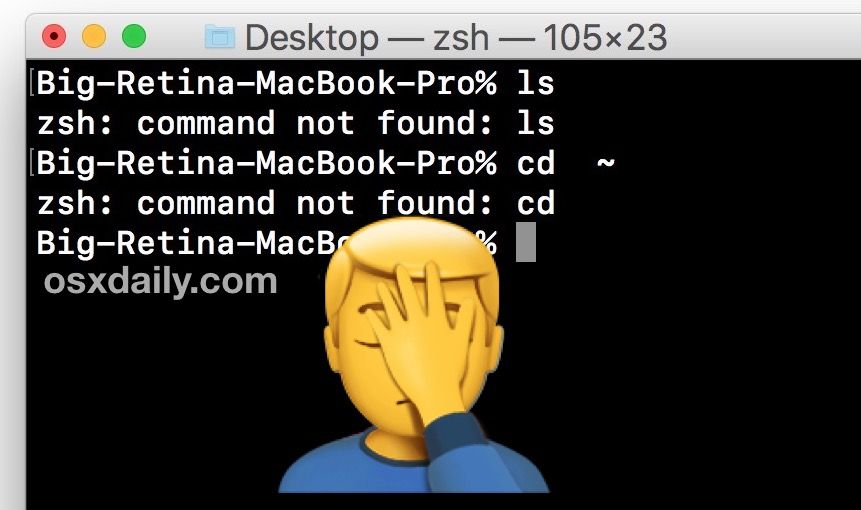
Explore the command line through funny analogies, uncover essential commands, and get insights from an iOS developer's journey into CLI and terminal's darkness
So, there are tonnes of jargon, commands, processes that we follow blindly after surfing from the internet without knowing the actual reasons and under the hood processes, that just remain in our short term memory and get purged eventually, thus we don't feel comfortable using or even about discussing in a group about them.
The ways to enter into a special recovery boot system in both INTEL and M1 Mac are different. The recovery mode helps the mac user to troubleshoot different errors. On Intel Macs, the method is really simple and easy, you just need to hit the CMD + R during startup to enter into recovery mode.
This Slack discussion, featuring myself in some sleep-deprived rambling, occurred in hackernoon's official #protips channel, and has been [barely] edited for readability.
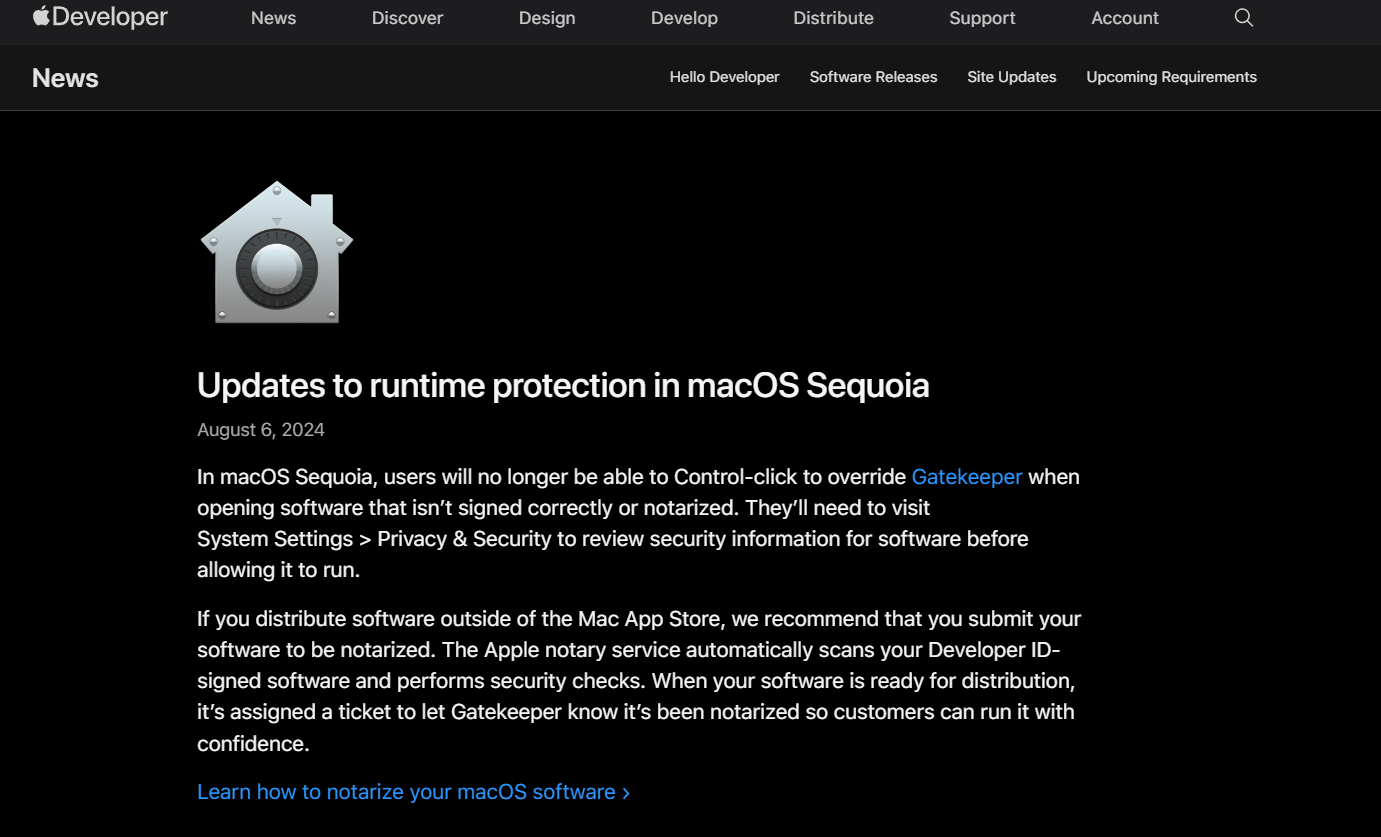
Learn how to set up notarization on macOS for Electron apps built with Electron Builder and work around a bizarre issue I’ve experienced with Apple's ANS.
The vulnerability allows malicious apps to bypass privacy preferences. Precisely, it could allow an attacker to bypass the operating system's Transparency, Cons
I've reviewed how to deploy KubeCF on EKS, which gives you a nice, stable deployment of KubeCF, for cost. Now let's run KubeCF on your Mac for free(ish)!
The first time I got my hands on a MacBook, I was 13. I used to do everything to explore macOS. That was when I accidentally noticed that doing certain gestures on the trackpad triggers some actions. Upon some exploring, I found out a list of Mac trackpad gestures and ever since I’ve been using them extensively. They’re super useful.