You signed in with another tab or window. Reload to refresh your session.You signed out in another tab or window. Reload to refresh your session.You switched accounts on another tab or window. Reload to refresh your session.Dismiss alert
Let's learn about Terminal via these 62 free blog posts. They are ordered by HackerNoon reader engagement data. Visit the /Learn or LearnRepo.com to find the most read blog posts about any technology.
A text-based interface used to interact with an operating system, providing a powerful way to execute commands, automate tasks, and manage files.
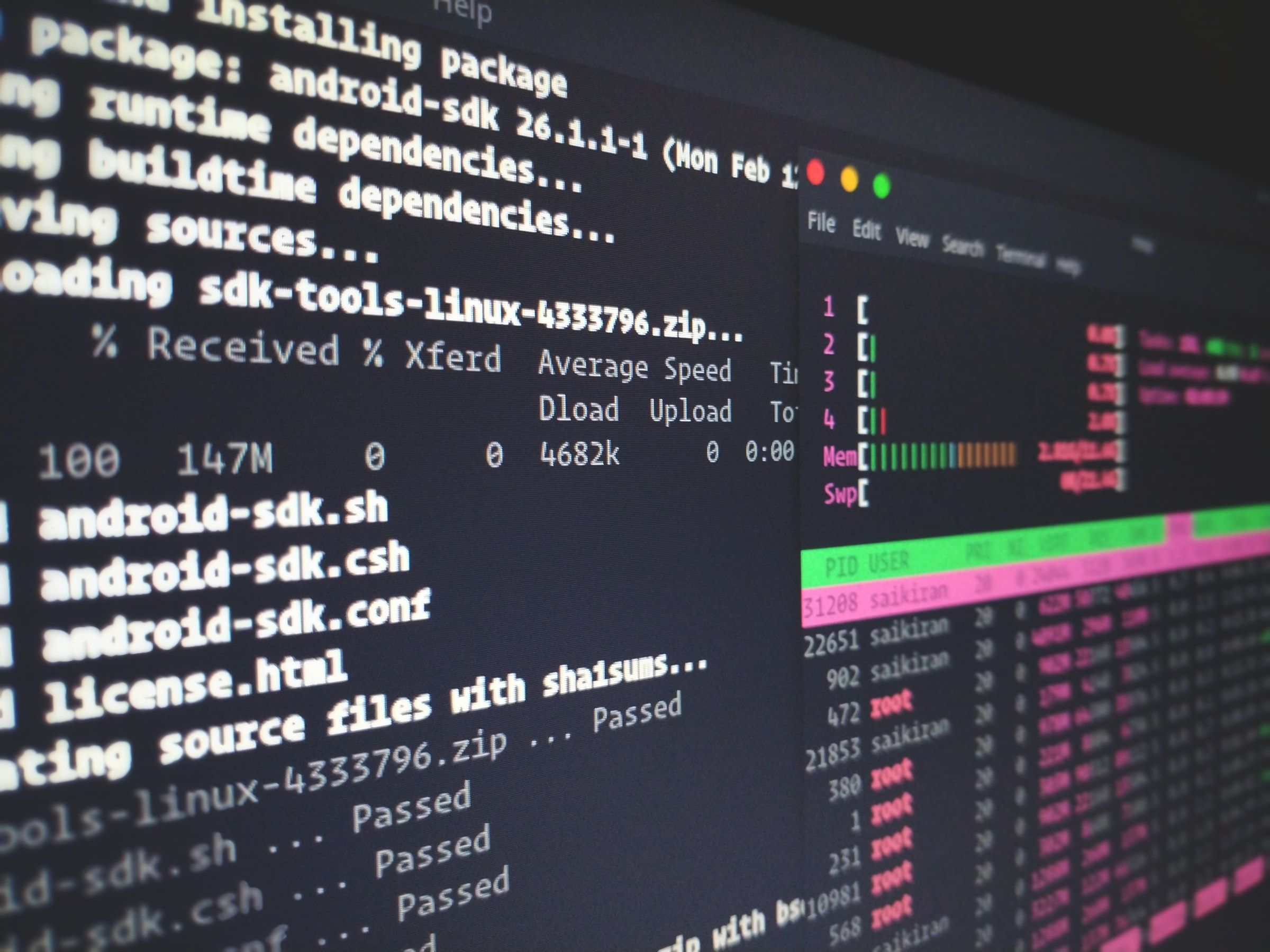
Microsoft recently joined hands with Canonical (the parent company of Ubuntu) to bring the entire userland into Windows, minus the Linux Kernel. So as a result, you, as a developer, get access to the whole range of Ubuntu command-line tools and utilities with bash shell integrated with Windows. Let’s look at how we can install Bash on Windows 10 and take full advantage of the new feature.
Alacritty, Kitty, Foot, and WezTerm can be challenging due to the lack of a Getting Started guide and limited examples. I'll walk you through my configuration,
Since the early days of Unix, the shell has been part of the user's interface with the operating system. The first Unix shell (the Thompson shell) had very limited features, mainly I/O redirection and command pipelines. Later shells expanded on that early shell and added more and more capabilities, which gave us powerful features that include word expansion, history substitution, loops and conditional expressions, among many others.
In the first part of this tutorial, we've built a simple Linux shell that prints a prompt string, reads input, then echoes the input back to the screen. This isn't very much impressive now, is it?
Telnet and SSH are network protocols used to manage and access devices remotely. SSH is more secure and preferred because it encrypts data sent over the network
Linux is growing and evolving even after 30 years since its birth, but the core ideas behind it remain the same, which opens the doors to new horizons.
As a developer, I love working with the terminal. The plain, simple, and in my opinion the best way to interact with the computer (also it makes you look geeky)
Tired of reopening terminal windows every time you come back to a VSCode project? You can pick up right where you left off in a project without having to re-run
Command line tools are programs that can be executed from a terminal or command prompt, allowing users to interact with a computer system through typed commands
This is part IV of a tutorial on how to build a Linux shell. You can read the previous parts of this tutorial from the following links: part I, part II, part III.
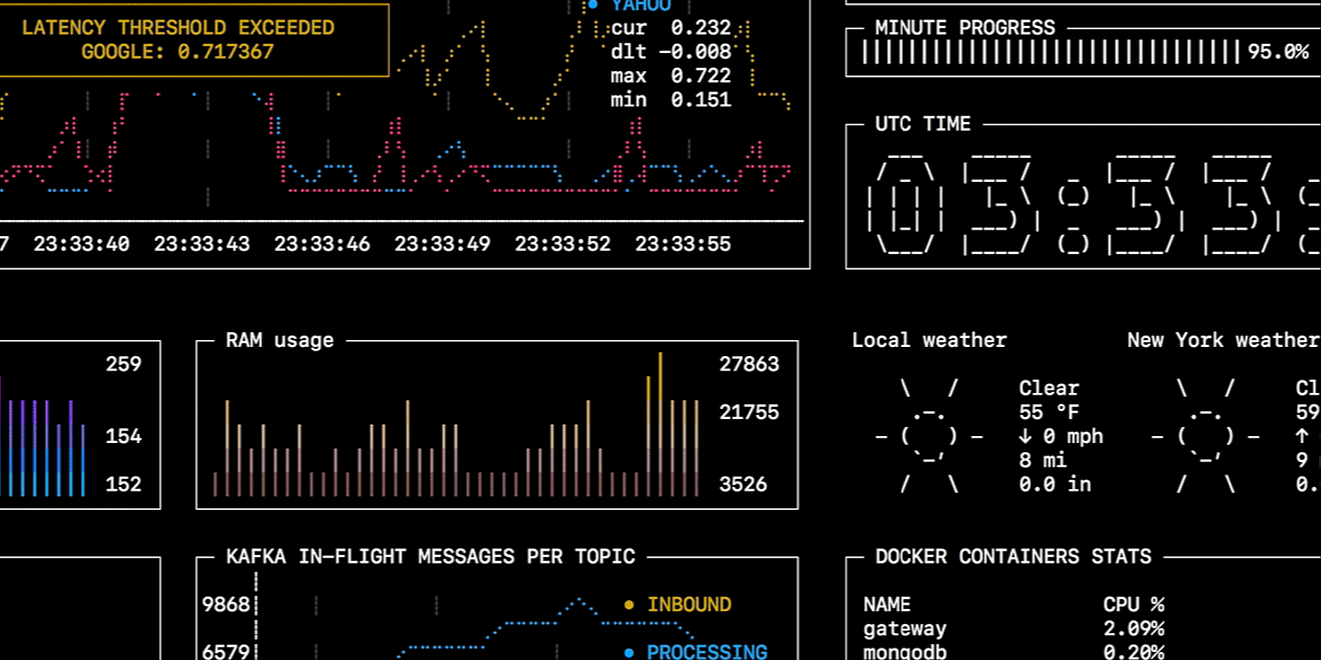
As a backend developer, I always need to monitor something. State machine in the database, records count, message queue lag, custom application metrics, system performance, progress of my deployment scripts. Tons of stuff!
This is part V of a tutorial on how to build a Linux shell. You can read the previous parts of this tutorial from the following links: part I, part II, part III, part IV.
Linux is one of the best-known and most used operating systems in the world. Here are 6 essential commands which can make you better at using Linux systems.
Bash is a language that is quite useful for automation no matter what language you write in. Bash can do so many powerful system level tasks. Even if you are on windows these days you are likely to come accross bash inside a cloud VM, Continuous Integration, or even inside of docker.
For decades, Windows users have been made fun of by the Linux community for the lack of a cool terminal (among other things). Well, it's about time we fight!
WebP lets you compress your images as efficiently as possible, reducing the size of your web page while preserving quality. You can convert from the terminal
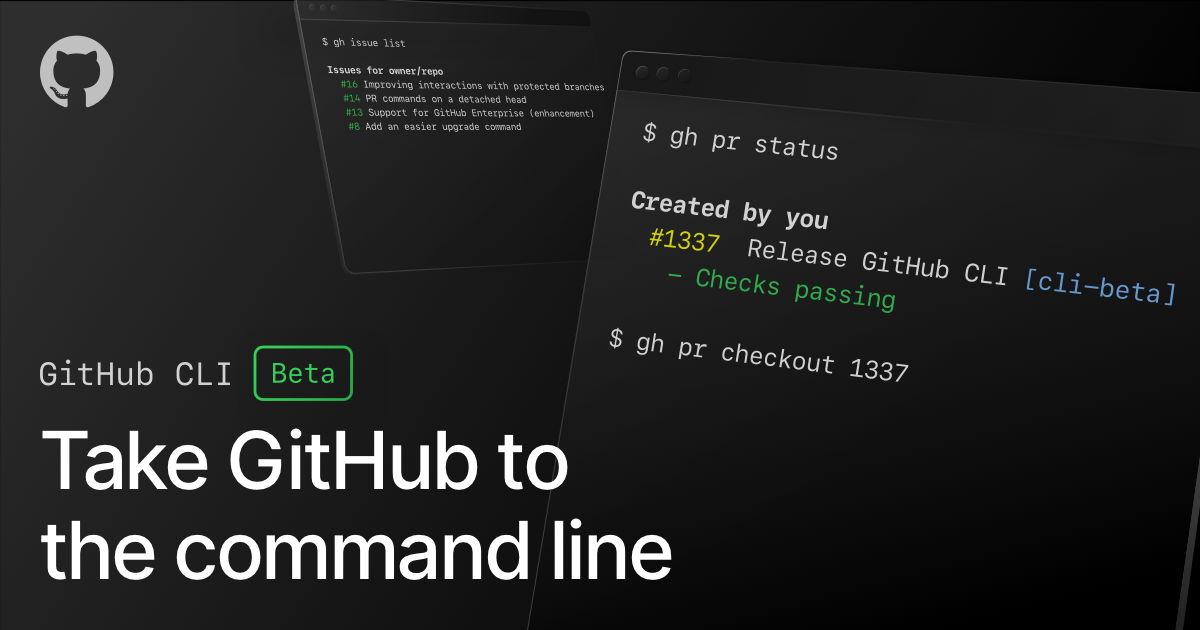
Github just released it’s own Command-Line Interface (CLI) so developers can now do everyday GitHub tasks from the terminal. Yay! This means no more squiggling around the UI. With this new CLI, you can now view, create, clone, or fork repositories, create, view, and edit gists, you can also work with pull requests and issues right from the terminal.
Can you use your command-line shell history as a second brain? Should you? Here are some ideas to help leverage the humble Ctrl-r key to supercharge your work.
Git, an open source distributed version control system has been helping developers over a decade now. It is a great tool for tracking source code changes during software development. However, there are a lot of git commands, and this article lists the most important ones that will help your team get work done efficiently.
Most of us have had that one experience where we had a ton of dis-organized files in our machines. It happens. One minute, you're opening a large zip file, the next thing you know, the files are everywhere in the directory, mixing with all your important files and randomly placed leaving you with the task of manually sorting what needs to go where. It's a real pain. To ease this process, we're going to delve into file management with python the smart way.
Send visual feedback and reminders from scripts, using notify-send and at commands on Linux. Also how to get MacOS to do it as well, through some jury-rigging.
Explore the command line through funny analogies, uncover essential commands, and get insights from an iOS developer's journey into CLI and terminal's darkness
Did you find yourself cursing at your terminal because you forgot that one Git command? Yeah, me too. So, I decided to put down these Git commands I always forg
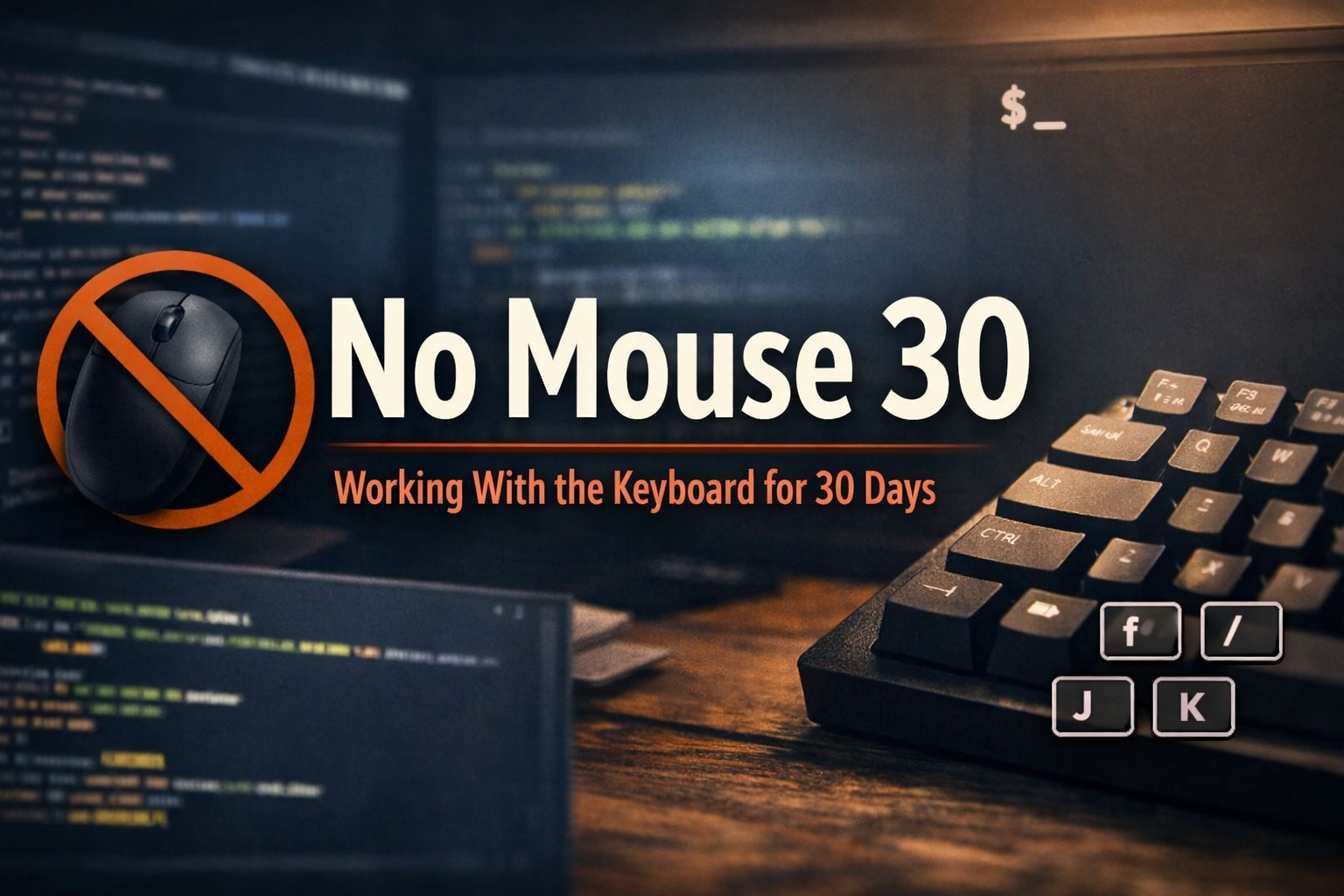
A developer shares a 30-day No Mouse challenge focused on reducing wrist strain, minimizing context switching, and building calmer keyboard-first workflows with
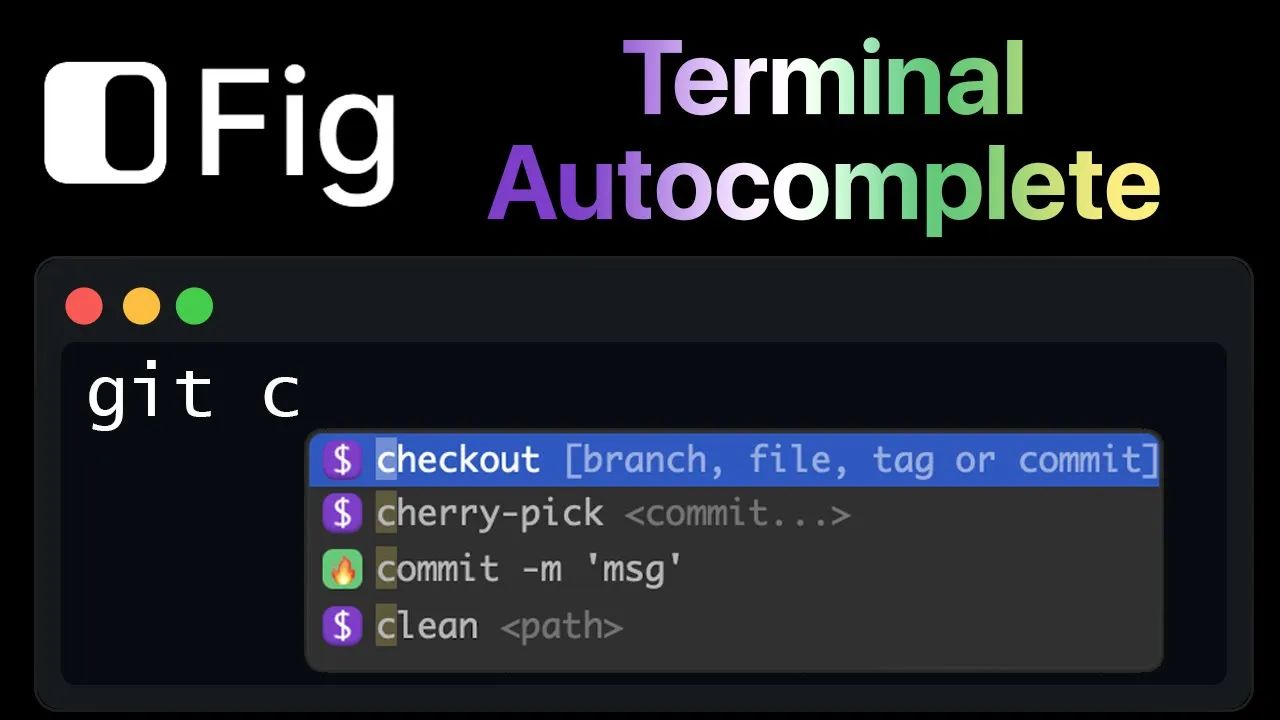
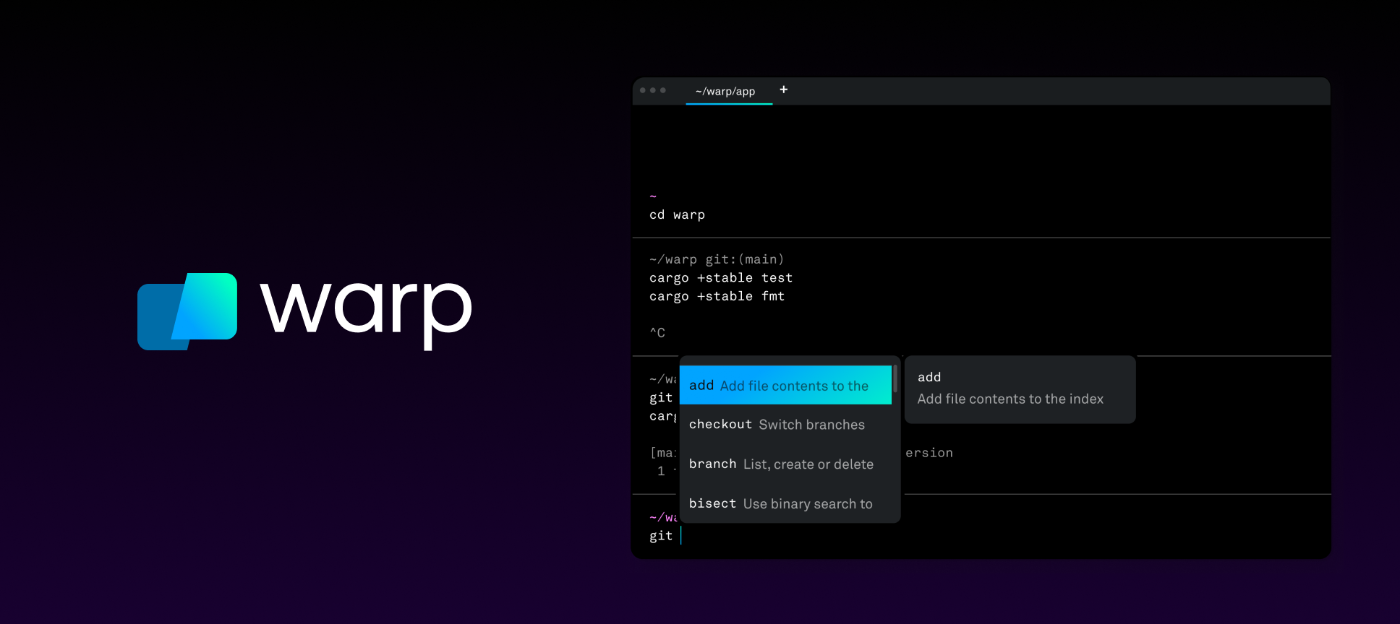
The Terminal hasn't changed much since the 1980s. Every other aspect of your workflow is radically different. Especially in the last decade, we’ve seen companies transform industries with the advent of collaborative software: Figma (collaborative design), Github (collaborate code), G Suite (collaborative Word and Excel) and more.