You signed in with another tab or window. Reload to refresh your session.You signed out in another tab or window. Reload to refresh your session.You switched accounts on another tab or window. Reload to refresh your session.Dismiss alert
Let's learn about Vscode via these 104 free blog posts. They are ordered by HackerNoon reader engagement data. Visit the /Learn or LearnRepo.com to find the most read blog posts about any technology.
Visual Studio Code, a free, open-source code editor developed by Microsoft, widely popular for its extensibility, debugging features, and cross-platform support.
Discover the top 10 popular VS Code themes for 2023. From dark to light, minimalist to custom themes, find the best syntax highlighting color themes for Visual.
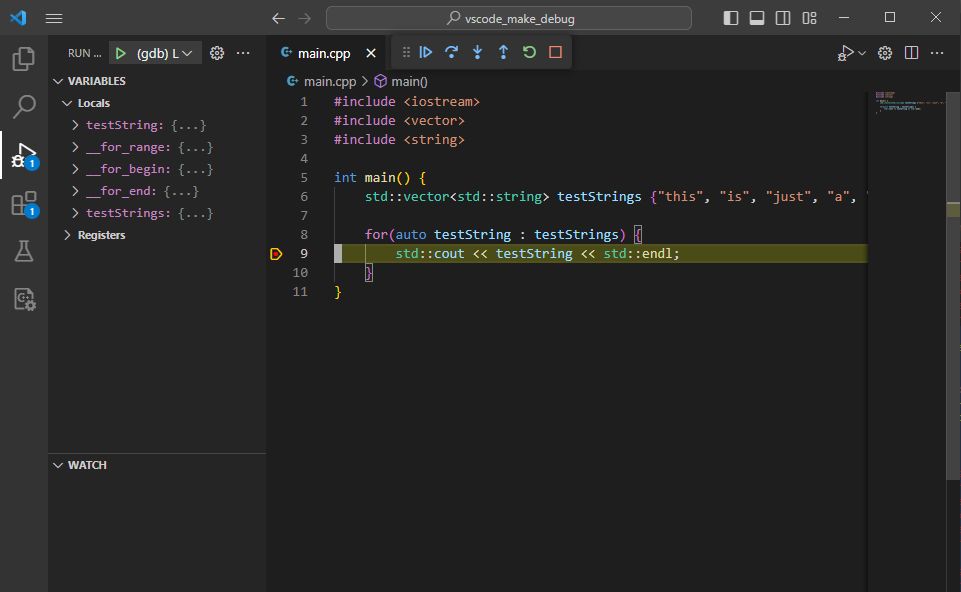
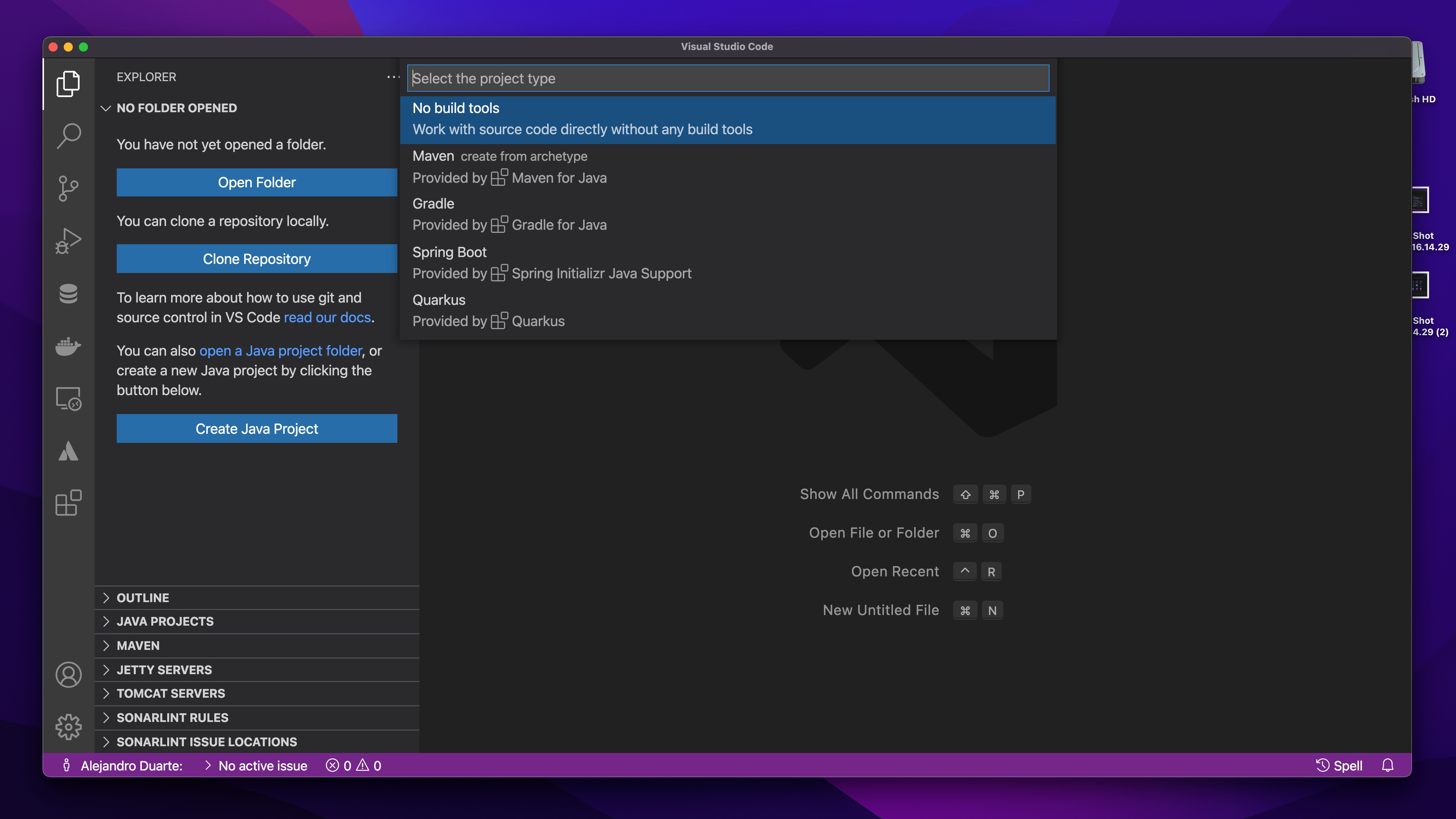
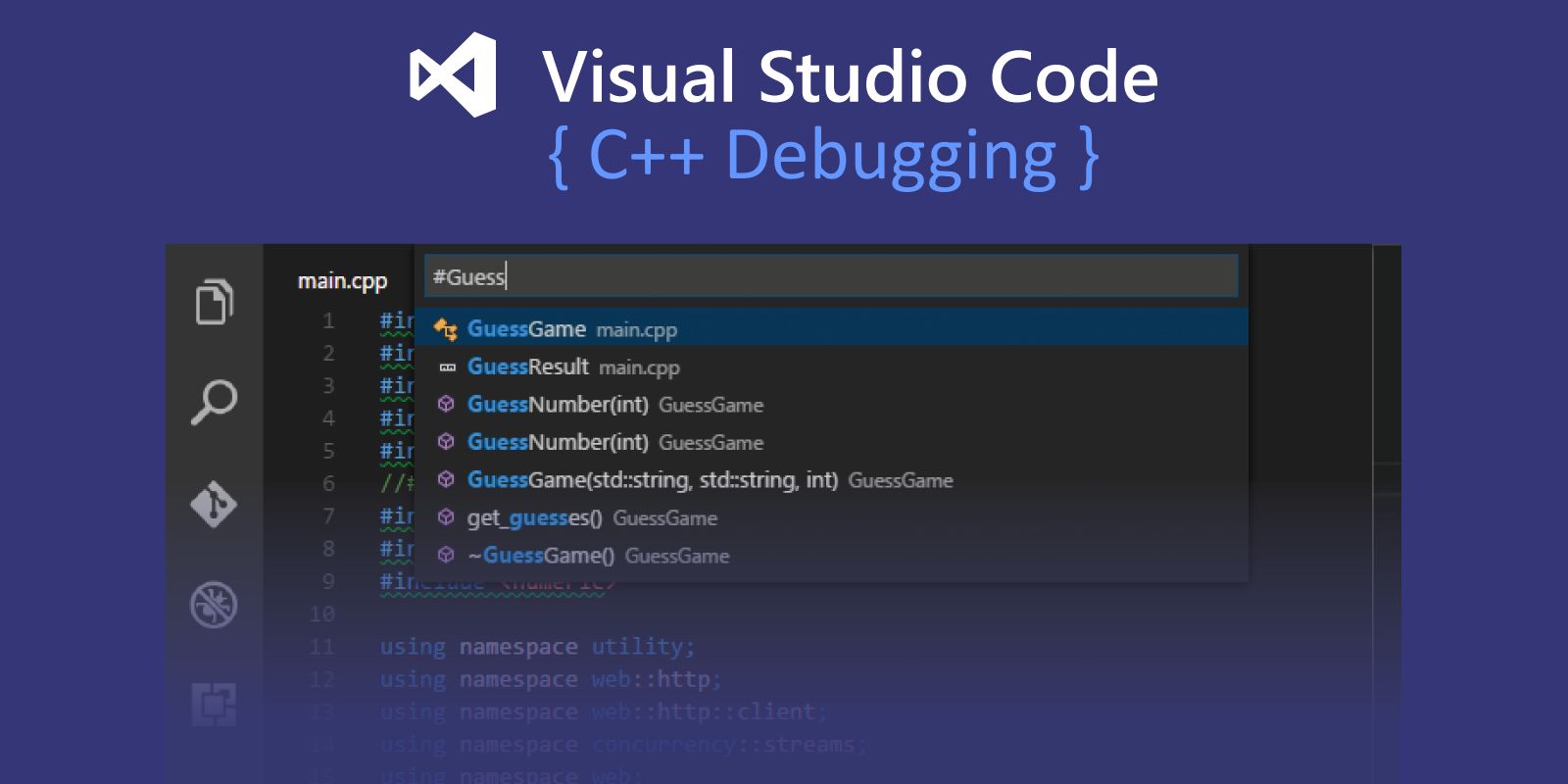
This tutorial will demonstrate how to set up VSCode for compiling and debugging C++ in a way that causes it to trigger a makefile target compilation each time.
Explore the advantages of using Podman over Docker for DevContainers in Visual Studio Code. This guide covers the 'what' and 'why' of DevContainers and Podman,
There are some great tools and extensions that might help your coding experience enjoyable in the VS Code. That is great and all but there might be a chance you are missing out on some great shortcuts that VS code offers. That is why this article is here to help you with some of the most useful shortcuts for faster coding.
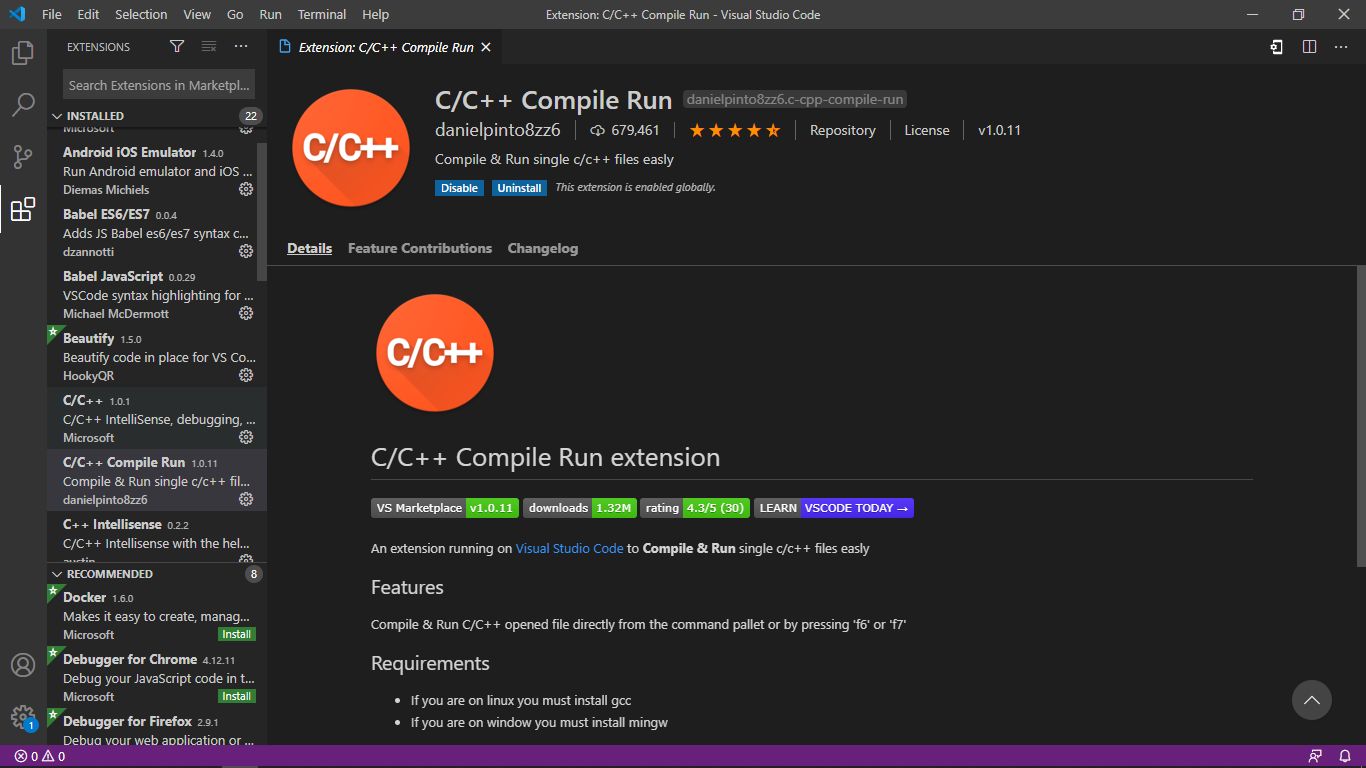
Trying to compile a .cu file is not supported in the VS Code natively. This can be a issue if you want to compile and debug (atleast the CPU part of the file as kernel debugging is not supported in VS Code at the moment).
While you’re coding it’s of great importance to know what does each line of our code and which elements are being affected by it but it is also important to follow good practices, and over time this can benefit us.
Next.JS allows the developers to create Server-side, Client-side or Static websites. Unlike the other frameworks, the rendering in Next JS is per page. That means, the "about" page can be static, while the "home" page can be server-side.
Since its advent in 1991, Python has been the choice of coders due to its simple features that include ease of understanding and readability of code but not limited to just that. There have been lots of changes in the codebase over time due to the contribution from developers worldwide. Simple syntax and faster execution make Python a favorable language among programmers. It is used widely to create websites and primarily in big data operations. To make the task of running Python programs easier, many IDEs have been developed for programmers. These environments are equally suitable for beginners and advanced coders with a variety of in-built extensions, libraries, and plugins to ease the task of program execution. Let's walk you through these six IDEs that can ease your work with Python:
We break down how to easily deploy your new website on Amazon Lightsail in less than 5 minutes. Get your code up and running and get back to doing what you want
I'm a gopher by nature, so I expect consistent styling and linting in my codebases. More importantly, though, I don't like to think about styling. I like to type haphazardly and then have my editor apply styling automatically on save (ctrl+s, cmd+s).
This story has a list of VS Code Extensions that has great potential and will possibly do well in the coming year. If you use vs code you should read this.
Tired of reopening terminal windows every time you come back to a VSCode project? You can pick up right where you left off in a project without having to re-run
As a developer, you’re always looking for cutting-edge tools, tricks, and extensions. Here are 7 tools that'll improve your productivity and efficiency.
We have given the benefits of Visual Studio Code and Sublime Text in this article. Compare both code editors based on some factors and choose the better option.
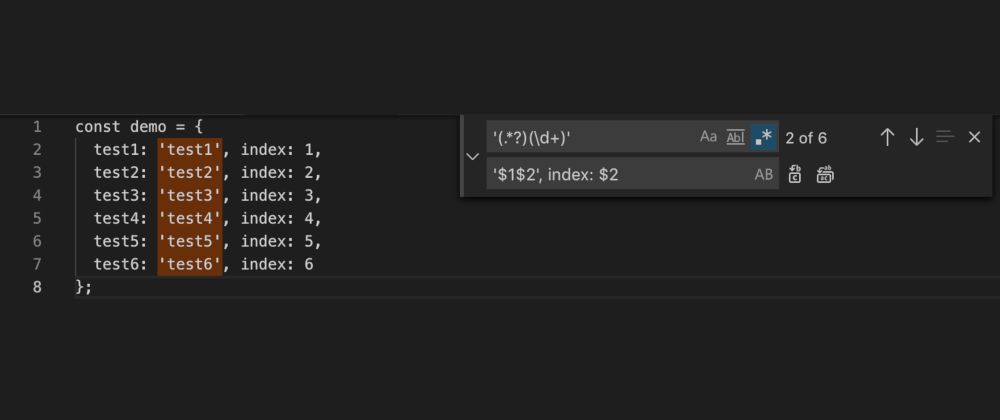
This is a feature I use with some frequency, but not frequently enough that I remember the pattern when I need it. Therefore, I am writing this article as my own reference to a useful tool with VS Code.
C# and Python are two of the most popular languages with C# being widely used in business applications, while Python is more flexible and easier to learn.
Dentro de nuestra travesia para aprender a desarrollar aplicaciones descentralizadas para Hyperledger blockchain encontraremos un IDE recomendado; VS Code.
Visual Studio Code (VS Code) has rapidly become the go-to code editor for developers due to its powerful features, extensibility, and community support.
There are a lot of Code Editors, some are free and some are paid. Among all of them my favorite Code Editor is Visual Studio Code. It's free and has amazing features. I'm using it from the beginning of my web development journey.
Do you feel intimidated when you see other programmers quickly navigate through hundreds of lines of code, make blazing fast edits or open multiple tabs during development and hardly touch their mouse or touch-pad ?
The .NET Core platform makes it possible for businesses to develop applications for just about any platform—from Windows, macOS, Linux, and even mobile operating systems. This isn’t just a time saver, but a means to cut back on your budget. You will be able to develop across all platforms, and you won't have to hire developers for each ecosystem. Instead, you can hire one developer or a team of .NET developers to make it all happen.
Learn how to create dynamic stock charts in React.js using Yahoo Finance API and react-chartjs-2. Perfect for stock screeners and stock price prediction tools.
Coding is not an easy process, especially if you have to be super focused to do it relatively fast and without bugs. Keeping the focus on coding only is quite a difficult challenge, but this story is more about how to make the ultimate setup to code from anywhere with the internet and browser!
You only need this post to become a Front-end Developer because this post has nearly unlimited amount of every type of resources covering everything you....
I’ve been using VSCode for almost 2 years now and I like it so much. I’m sure that you like it too. Extensions are a core part of VSCode that adds extra functionality to the editor. I’ve installed about +40 extensions and here is my top 10 list.
Ever had the problem where you submit a pull request and the diff is waaaaay bigger than it should be? The code looks identical but GitHub is telling you that it's all different! This is typically due to a difference in line endings. Unix systems (Linux and Mac) default to the LF (line feed) character for line breaks. Windows on the other hand is "special" and defaults to CR/LF (carriage return AND line feed).
It is fun to build cool and good looking pages when you know CSS like the back of your hand. But when you have a few hundred lines of code, this is exactly when things begin to get complicated and messy. This is where CSS preprocessors come to play, helping you to manage and improve the maintainability of your code.
Yes, I know, we should all be terminal ninjas, memorising every git command yadda yadda. Or, like the caveman, we could put two sticks together (or in this case
BugBot enhances code quality by automatically reviewing pull requests on GitHub, identifying bugs and potential issues, and providing detailed comments.
How can developers be extra productive? You’re a developer or you manage a team of developers, higher productivity can get you extra things done through ...
We all use some VS Code extensions for our day to day development and are always on a hunt for more useful extensions. Here is a list of mine and how I use them:
This guide outlines and explains the process for creating an extension pack for VS Code & Code Server before publishing it on GitHub release using Travis CI.
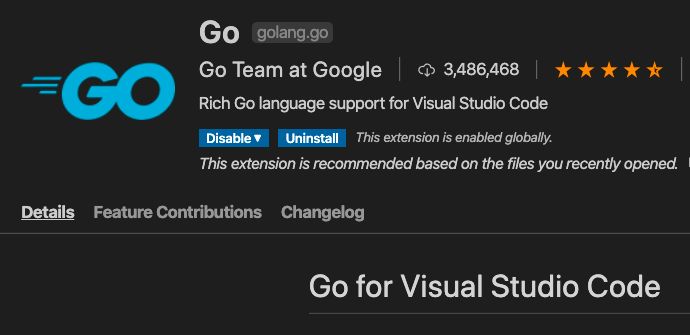
Go has hard opinions about how you should style and format your code. The big upside of this is that you don't need to spend hours setting up tools like ESLint, Prettier, JSLint, etc. That said, in order to take advantage of the styling and listing tools available in the toolchain, you need a dev environment that makes them easy to use.
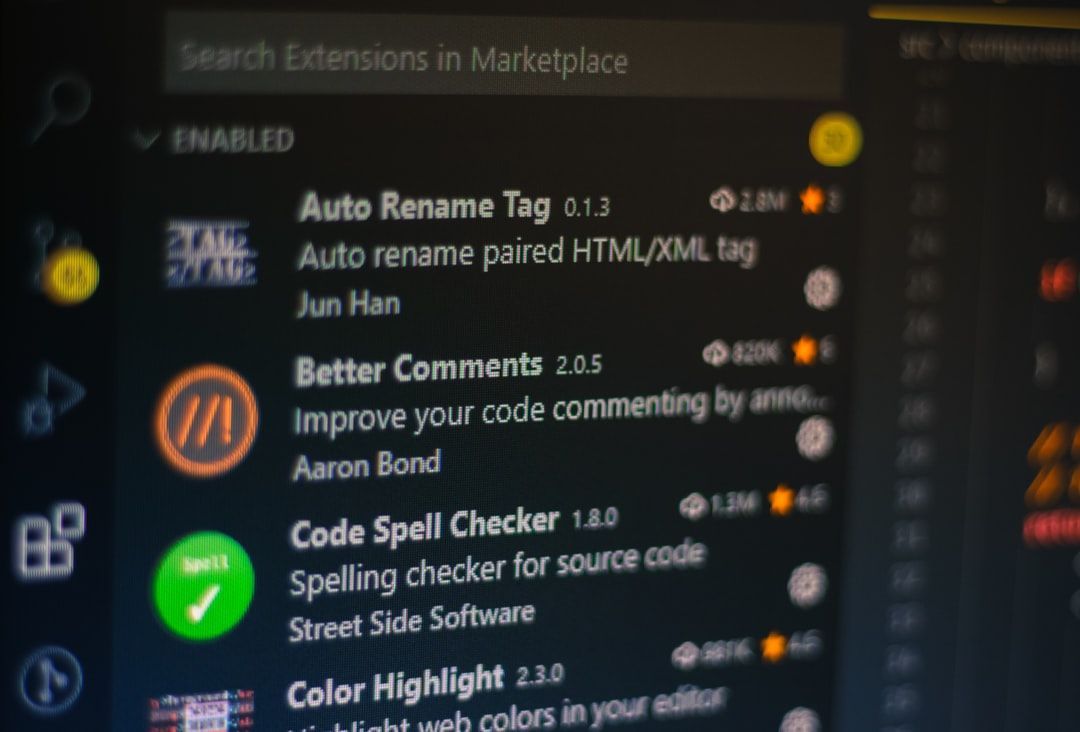
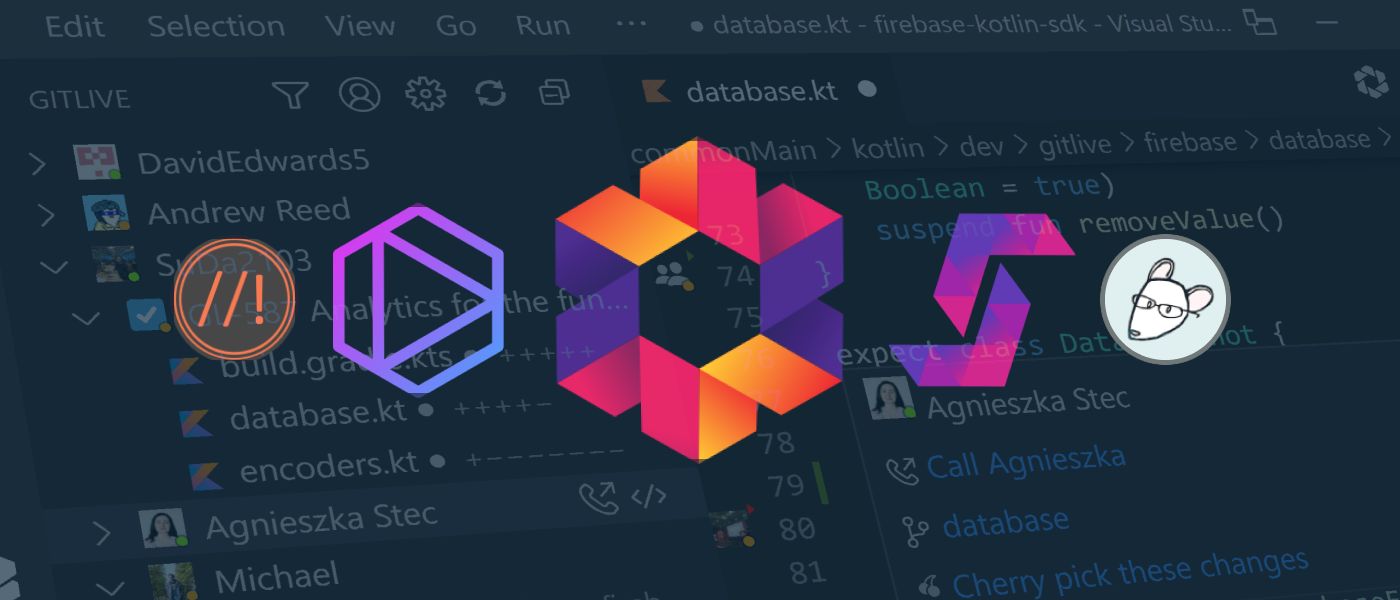
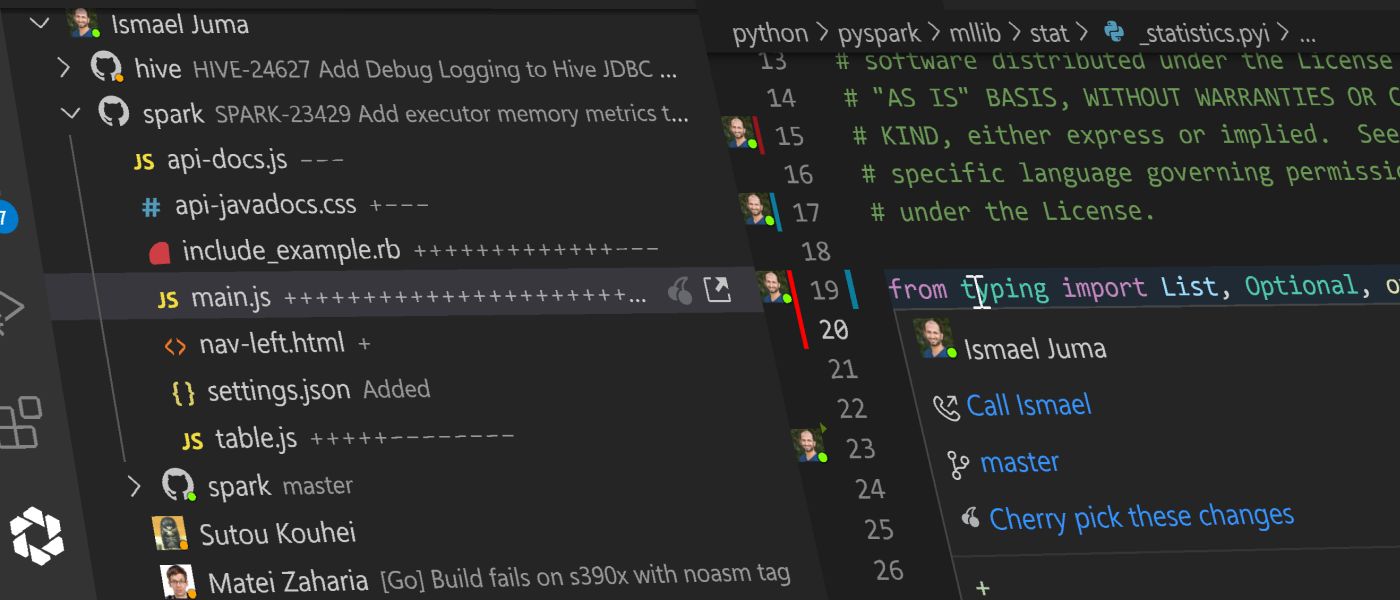
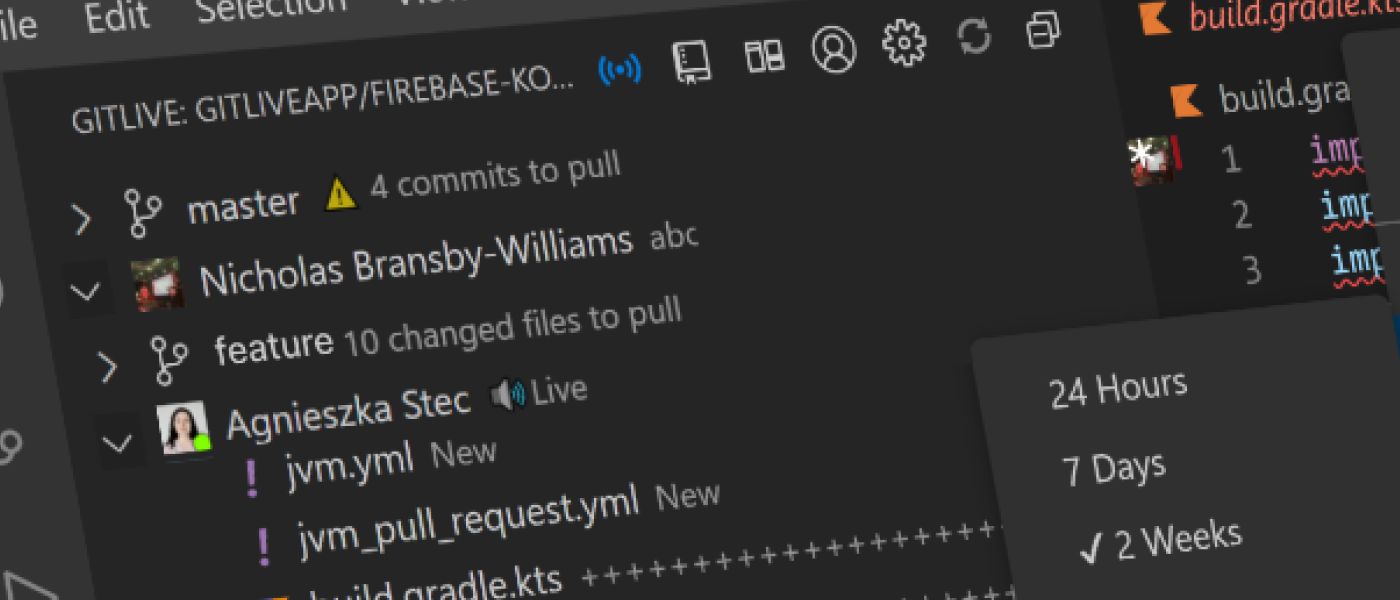
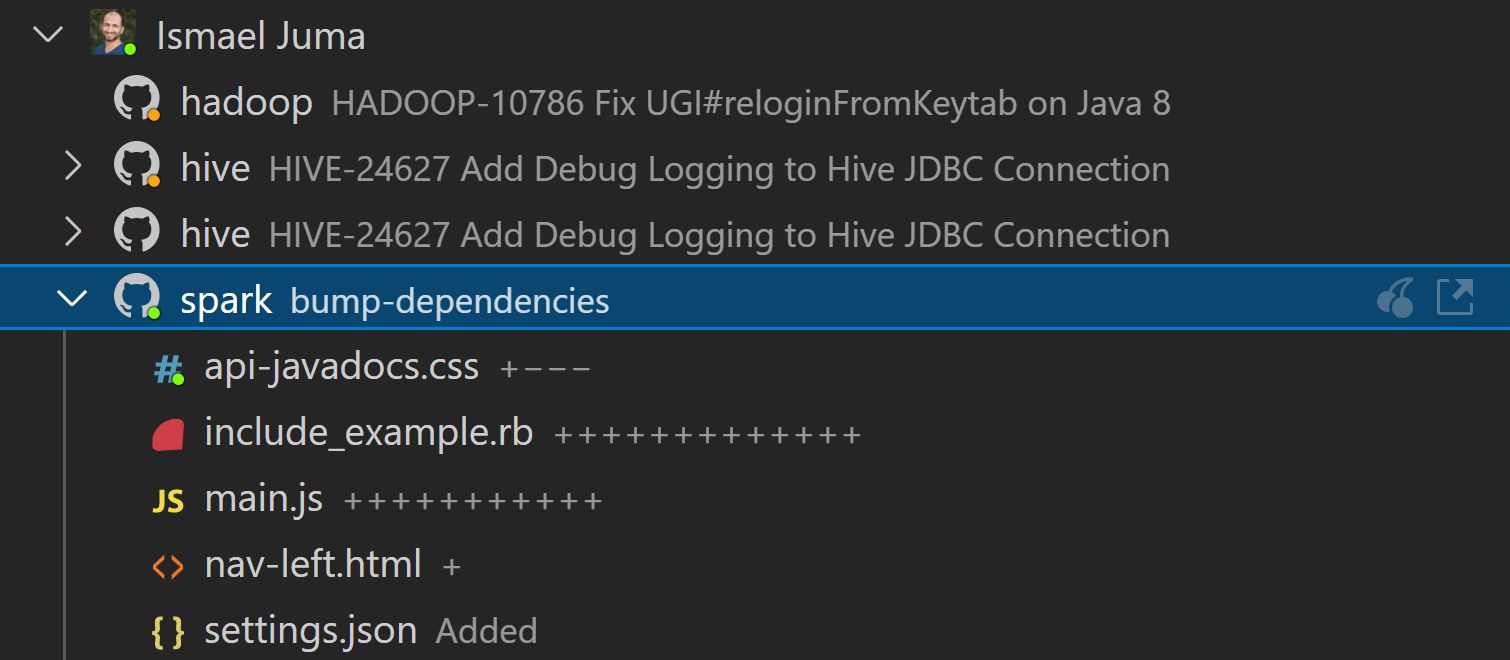
Best VS Code Plugins and JetBrains extensions for dev team. Boost developer productivity with GitLive, Tabnine, Stepsize, EditorConfig and Better Comments.
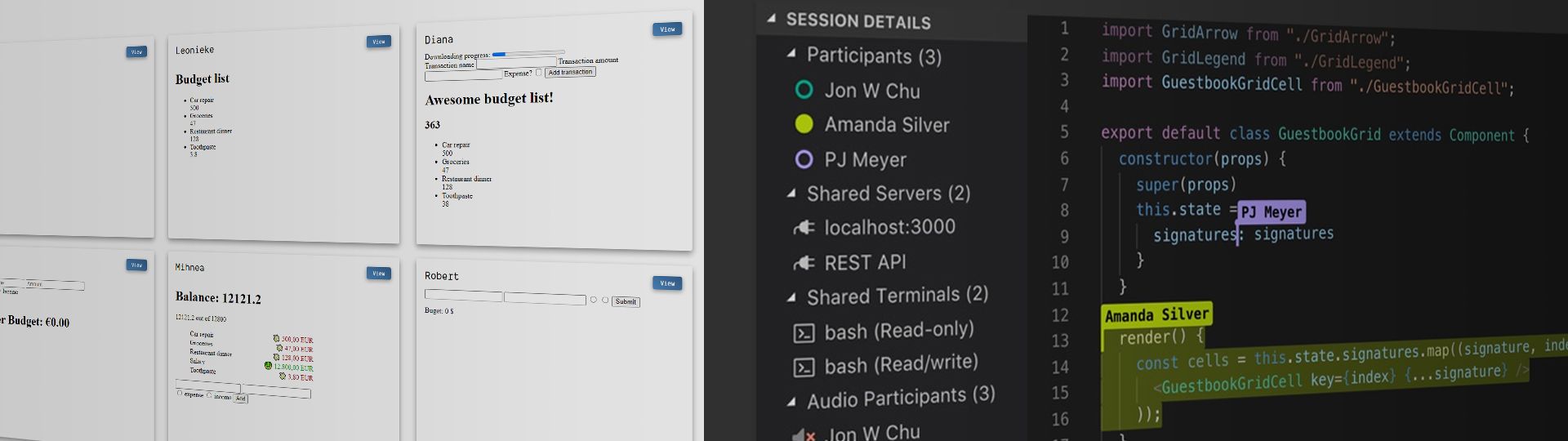
I created a tool for people that teach code, called code-workshop-kit. It makes remote workshops interactive and allows for experiences similar to those in a classroom, and better.
When I started writing HTML and CSS documents, I found out that one of the best ways to practice building websites was cloning some of them. I spent a lot of time dealing with monstrous HTML documents with tags full of texts and links, which sometimes was not the most exciting experience. Since then, I've managed to look for some time-savers that could improve my efficiency inside VSCode, and here are some that I found:
As software engineers, we use tools built by other devs dozens of times a day. Personally, I use over 15 VS Code extensions. Until my team and I set out to build GraphQuill, I didn’t have the slightest clue about the process of developing and publishing an extension. It’s been a fun and worthwhile experience working within the VS Code extension space, so when my team and I got together to discuss releasing GraphQuill, I insisted we include a behind the scenes look at the development process and what challenged/excited us throughout.
Over the Easter weekend, a four day weekend characterised by lockdowns all over the world, I decided to use the extra time I had at home to start a new project and learn a new skill. By the end of the weekend I was proud to release my first VSCode extension: ngrok for VSCode.
Programmers and Developers are lazy people, they always want to make their jobs easy. They do not want manual and repetitive tasks. They want to automate tasks.
If you ask me on which task I've spent most of my time as a software developer, it would probably be bug fixing. Working with JavaScript apps, I've used console.log when debugging surely more than I should have. Learning how to become efficient at finding bugs in programs is a very important skill that can save you a lot of time. Debuggers help you with that task by providing tools to analyze your programs and run control execution flow.
I recently had a large amount of data to refactor out of HTML and into JSON. The details about how I achieved this is a whole different article. What I want to document for myself (and maybe others will find it useful, even if it's only a refresher) are the various code expand and collapse options.
During my journey of learning web development I came across this different technology and stuffs which are often used during web development or writing code and
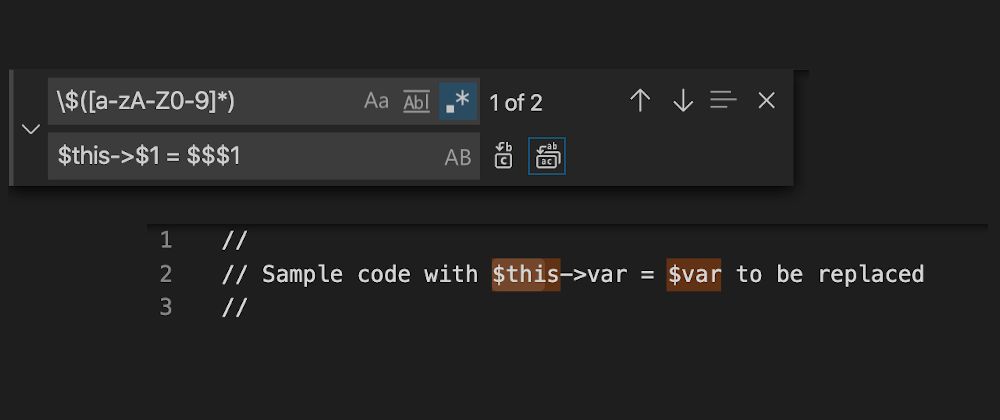
In a previous article about VS Code, Search-and-Replace using RegEx, I had a question that prompted me to create this article so that I can remember what I did ...
COVID-19 may have forced us all into working remotely, but that doesn't mean we can't still pair program! The VS Code Live Share extension is here to help.