Decompiling Code
A click on an item in assembly tree will open the decompiled code of that item in a new editor tab:
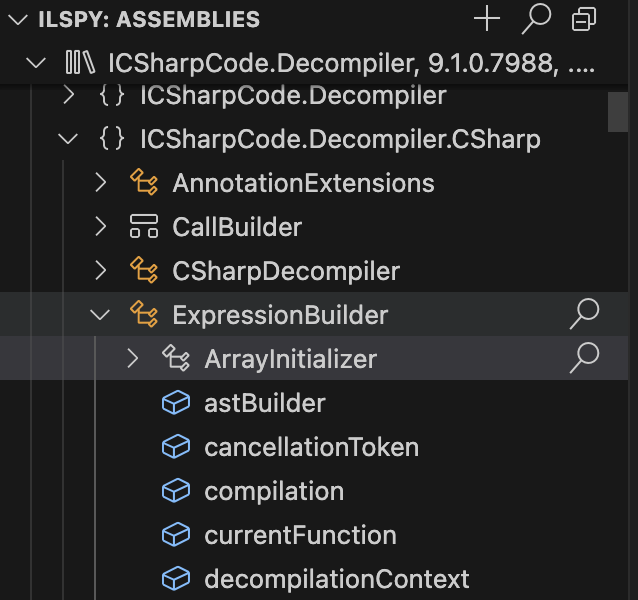

Same works for items in search result and analyzer result trees.
You may choose different output languages for decompilation output, either different generations of C#, or direct IL code.
When a view with decompiled code is active, click the output language button in status bar:

Then a list of available languages and language generations opens. Choose the one you like, the active decompilation view updates immediately.

Output language can also be changed globally in VS Code settings:

You can export the code of a whole assembly as a .NET project through the assembly tree:

Click the "Save" button, choose a target directory on your file system and wait for the confirmation popup. Then you should see the project structure in target folder:
