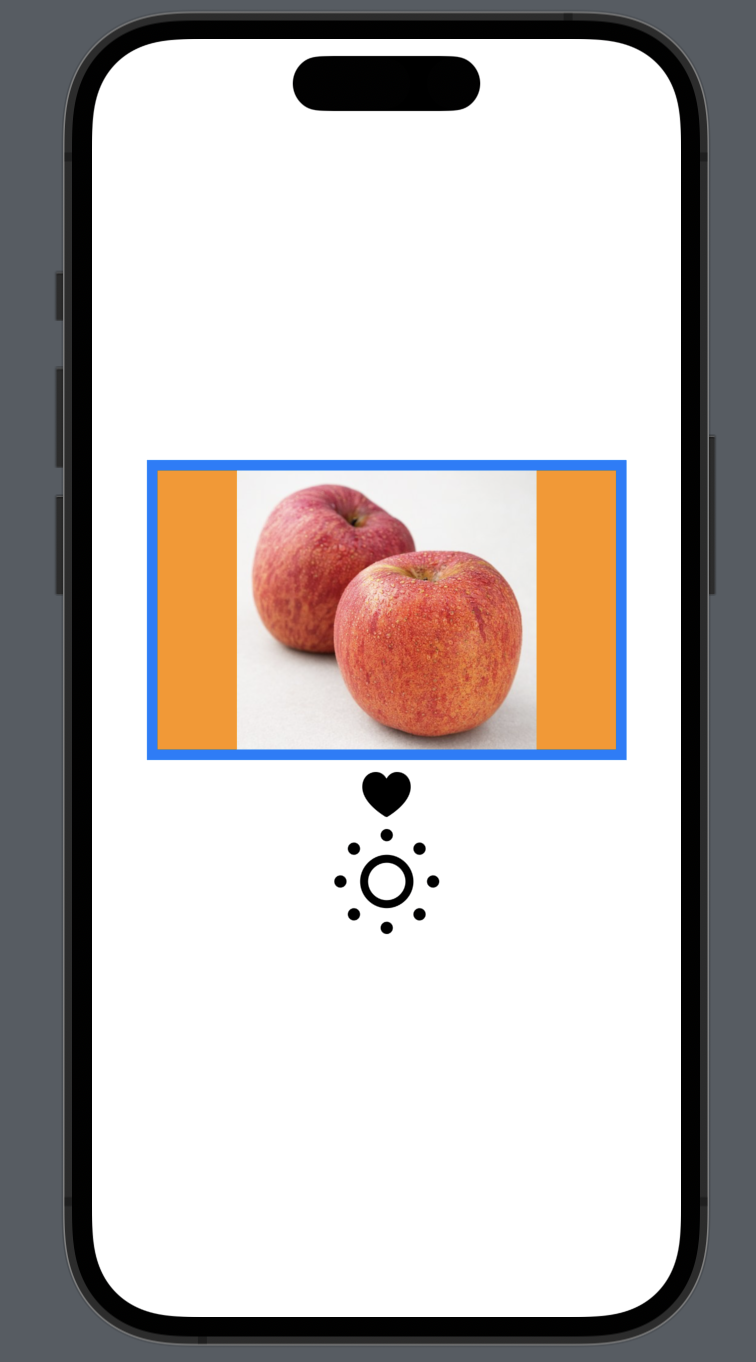
아래는 기본적인 형태이다.
Asset에 들어간 파일명을 Image("파일명")의 형태로 만들 수 있다.
처음 생성할때 원본사이즈가 출력된다.
내가 원하는 크기로 조절을 하려면 .resizible()을 선언해야한다.
sf symbols 아이콘을 사용하는 경우 Image(systemName: "파일명")의 형태로 사용한다.
struct ContentView: View {
    var body: some View {
        VStack {
            // 원래이미지크기로 생성
            Image("apple")
                .resizable() // 이미지 조정가능하도록 세팅
                .aspectRatio(contentMode: .fit)
//                .aspectRatio(contentMode: .fill)
                .frame(width: 320, height: 200)
                .clipped()
                .background(.orange)
                .border(.blue, width: 7)

            Image(systemName: "heart.fill")
                .resizable()
                .aspectRatio(contentMode: .fill)
                .frame(width: 30, height: 30)

            Image(systemName: "sun.min")
                .resizable()
                .aspectRatio(contentMode: .fill)
                .frame(width: 70, height: 70)


        }
    }
}