This is my Neovim config using nvf.
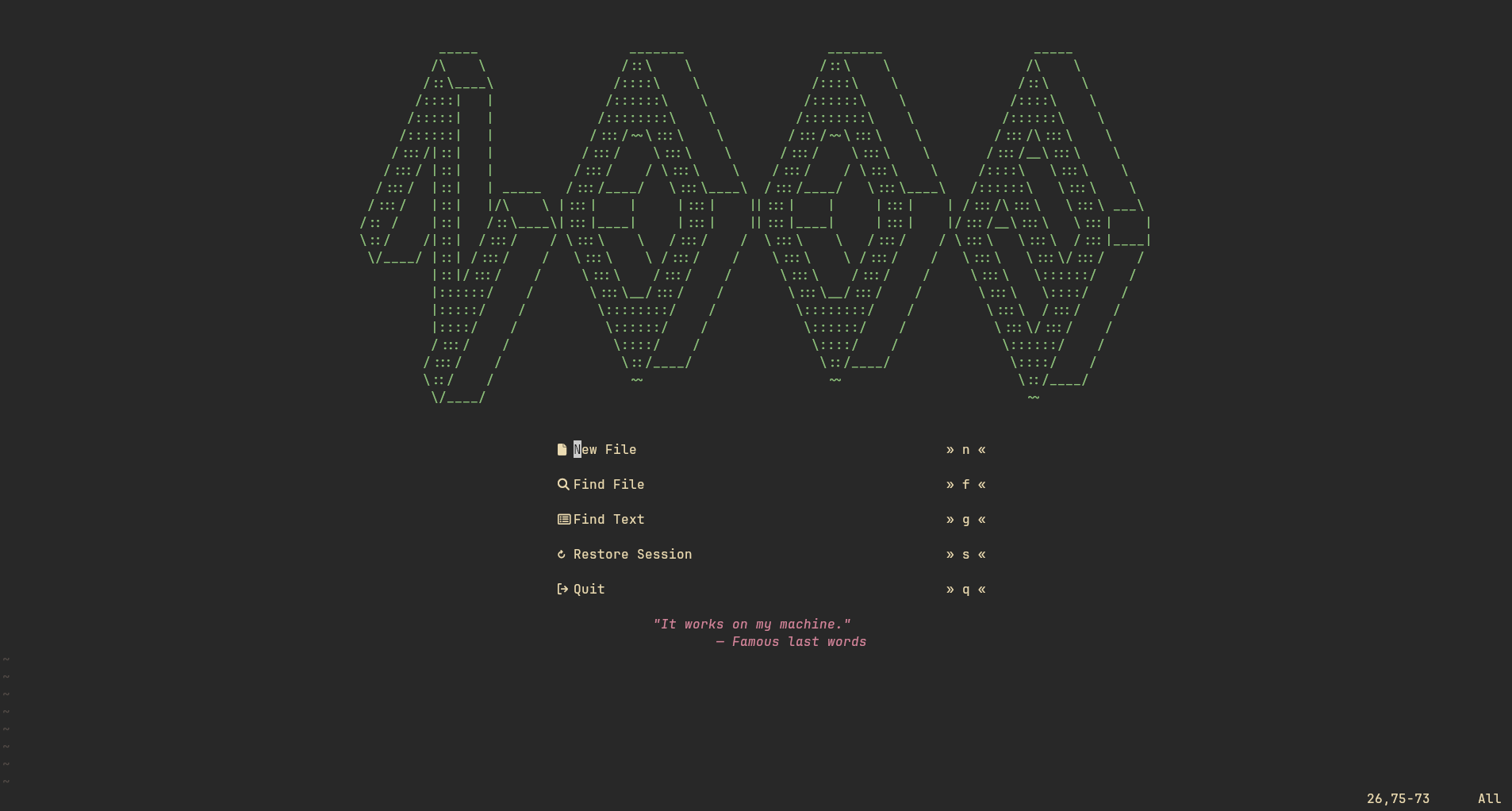
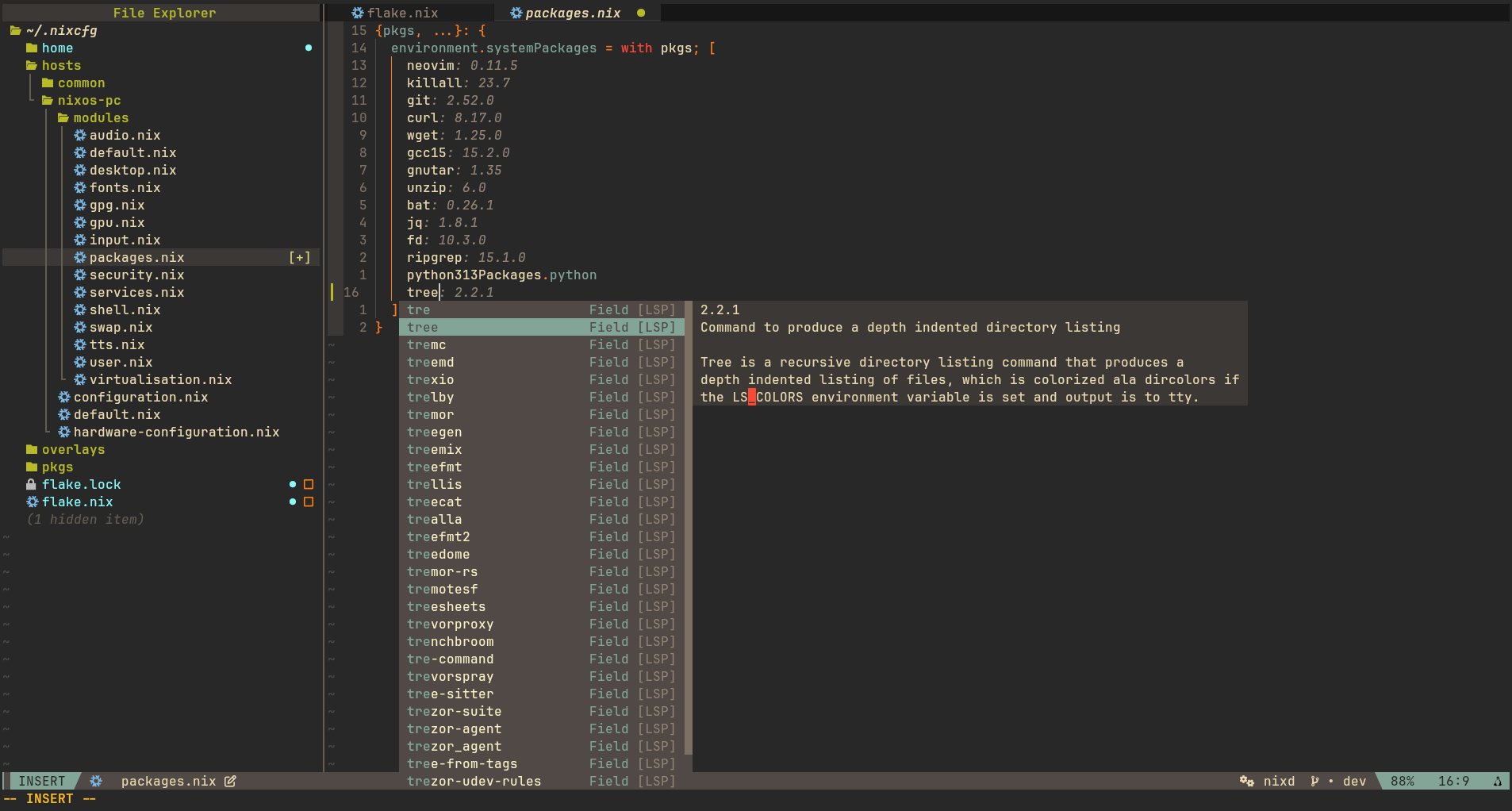
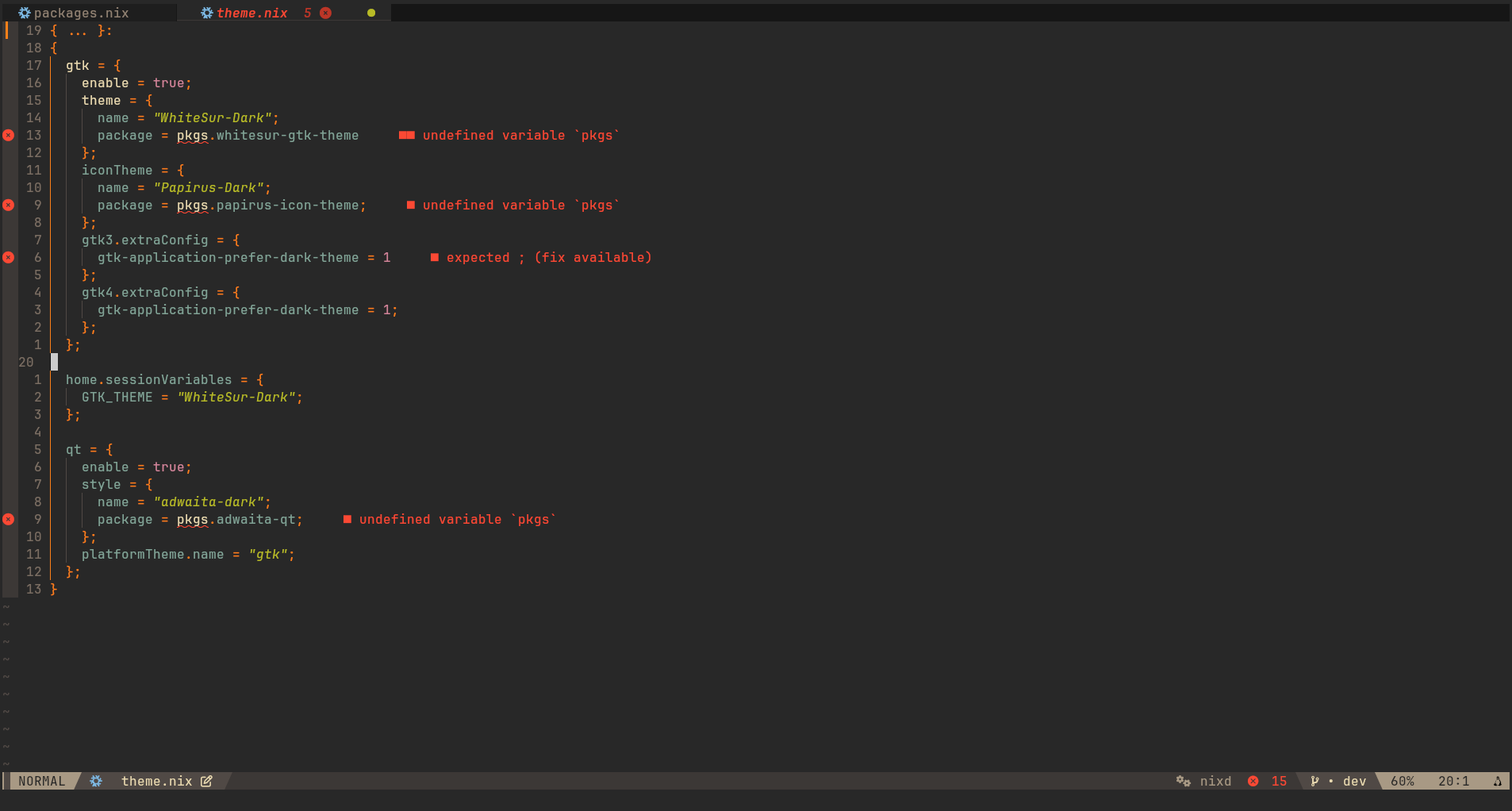
- Nix
- Lua
- Bash
- Rust
- C/C++
.
├── flake.lock
├── flake.nix
├── modules
│   ├── config.nix
│   ├── default.nix
│   ├── keymaps.nix
│   ├── options.nix
│   ├── plugins
│   │   ├── colorizer.nix
│   │   ├── comment-nvim.nix
│   │   ├── conform.nix
│   │   ├── default.nix
│   │   ├── indent-blankline.nix
│   │   ├── lsp
│   │   │   ├── bash.nix
│   │   │   ├── clang.nix
│   │   │   ├── default.nix
│   │   │   ├── lua.nix
│   │   │   ├── nix.nix
│   │   │   └── rust.nix
│   │   ├── neo-tree.nix
│   │   ├── nvim-cmp.nix
│   │   ├── persist.nix
│   │   └── toggleterm.nix
│   └── theme.nix
└── runtime
    ├── ftdetect
    │   ├── amber.lua
    │   └── zsh.lua
    ├── ftplugin
    │   ├── amber.lua
    │   ├── c.lua
    │   ├── kdl.lua
    │   └── sh.lua
    ├── plugin
    │   ├── conform.lua
    │   ├── dashboard.lua
    │   ├── indent.lua
    │   └── persisted.lua
    └── syntax
        └── amber.lua
leader key is space key.
| Key | Action |
|---|---|
| <leader>e | Toggle neo-tree |
| <leader>ff | Find files |
| <leader>fg | Find text |
| <leader>fb | Find buffers |
| <leader>cf | Format file (if supported) |
| <leader>bd | Delete current buffer |
| <Ctrl>h/j/k/l | Move focus to other splited window |
| <Shift>h/l | Move focus to other tab |
| <Ctrl>/ | Toggle terminal |
If you would like to try out the default configuration before even thinking about installing it, you may run the following in order to take noobvim out for a spin.
nix run github:justanoobcoder/noobvim
# If you want to open a file, run this instead
nix run github:justanoobcoder/noobvim -- ~/mynixconfig/flake.nix
If you want to install noobvim in your system, add noobvim url to your flake inputs:
inputs = {
  nixpkgs.url = "github:NixOS/nixpkgs/nixos-unstable";

  noobvim = {
    url = "github:justanoobcoder/noobvim";
    inputs.nixpkgs.follows = "nixpkgs";
  };
};
Then add the package to your package list:
# If you use home-manager
home.packages = with pkgs; [
  inputs.noobvim.packages.${pkgs.stdenv.hostPlatform.system}.default
];

# If you don't use home-manager
environment.systemPackages = with pkgs; [
  inputs.noobvim.packages.${pkgs.stdenv.hostPlatform.system}.default
];