Maximum number of commits to render.
If not specified, all commits will be rendered.
It behaves similarly to the --max-count option of git log.
A protocol type for rendering images of commit graphs.
Possible values: auto, iterm, kitty, kitty-unicode
By default auto will guess the best supported protocol for the current terminal (if listed in Supported terminal emulators).
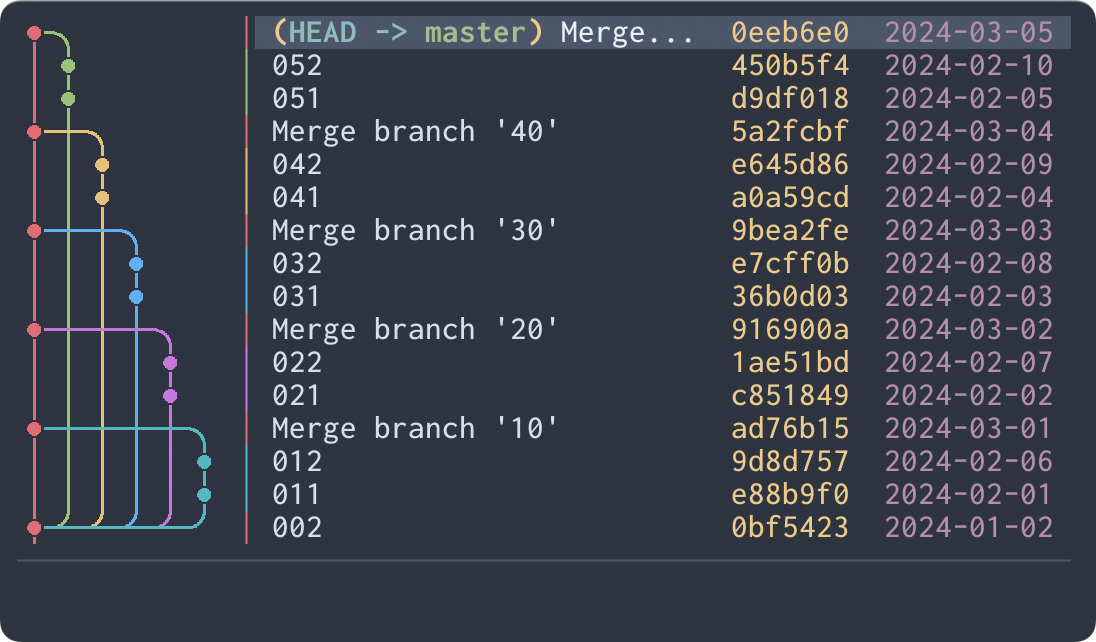
Commit ordering algorithm.
Possible values: chrono, topo
chrono will order commits by commit date if possible.
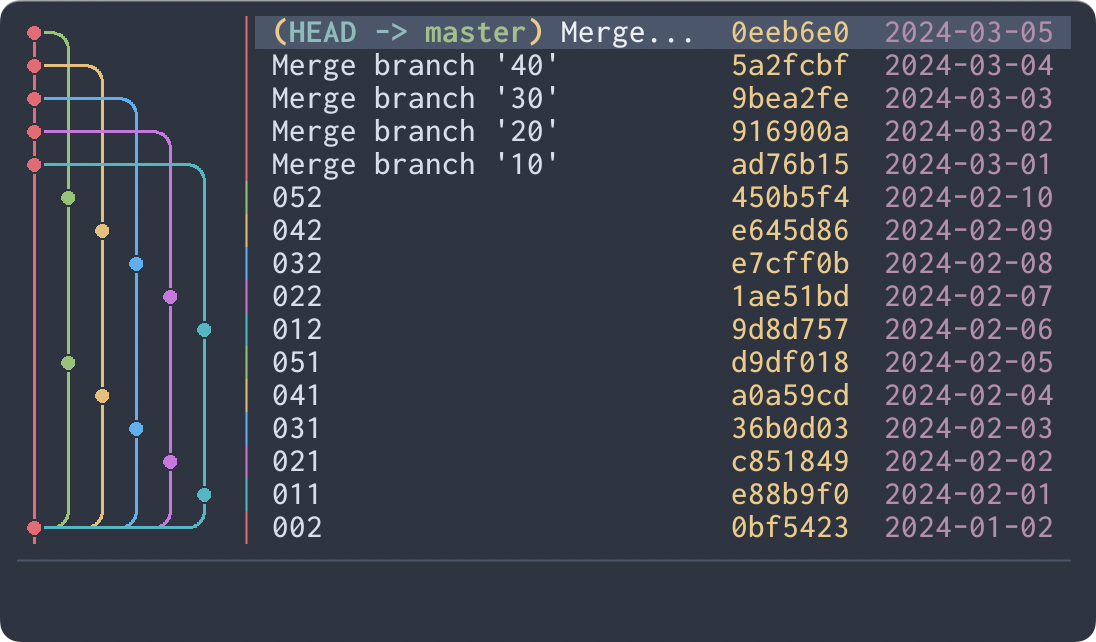
topo will order commits on the same branch consecutively if possible.
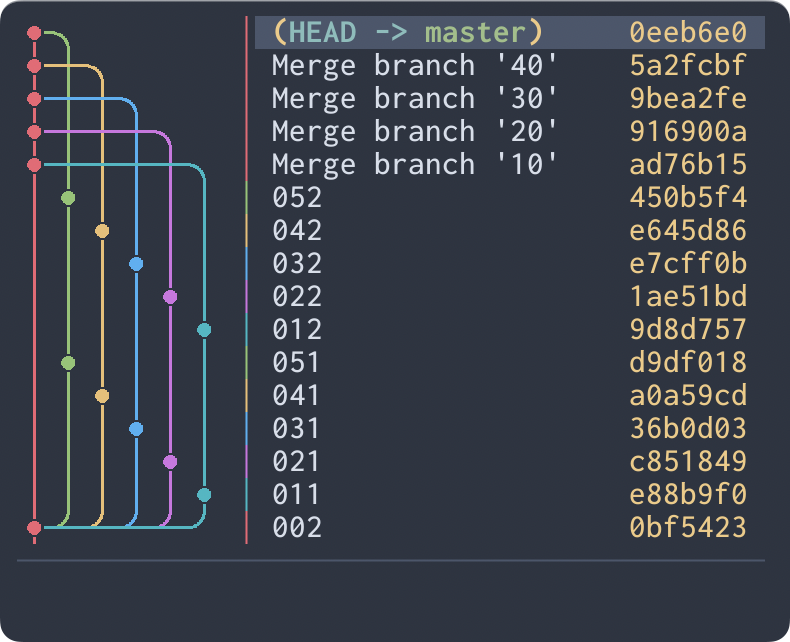
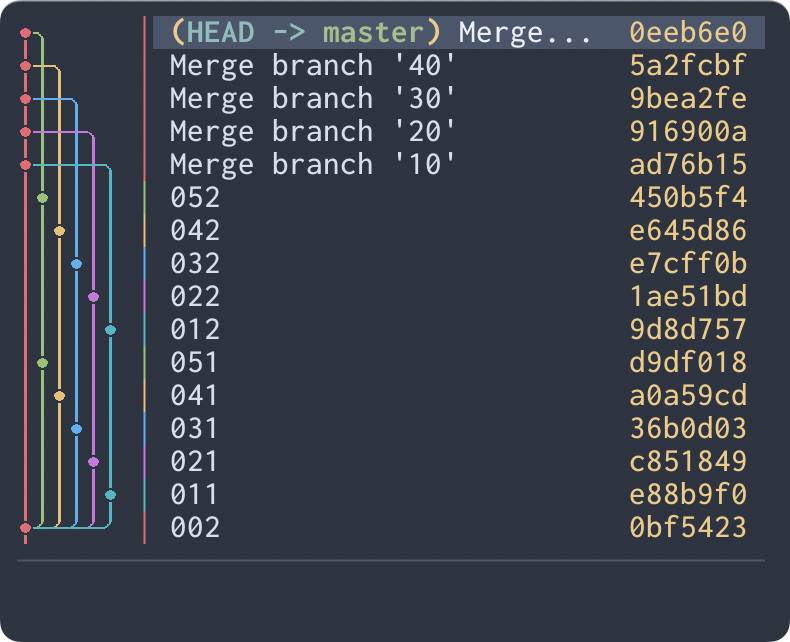
The character width that a graph image unit cell occupies.
Possible values: auto, double, single
If not specified or auto is specified, double will be used automatically if there is enough width to display it, single otherwise.
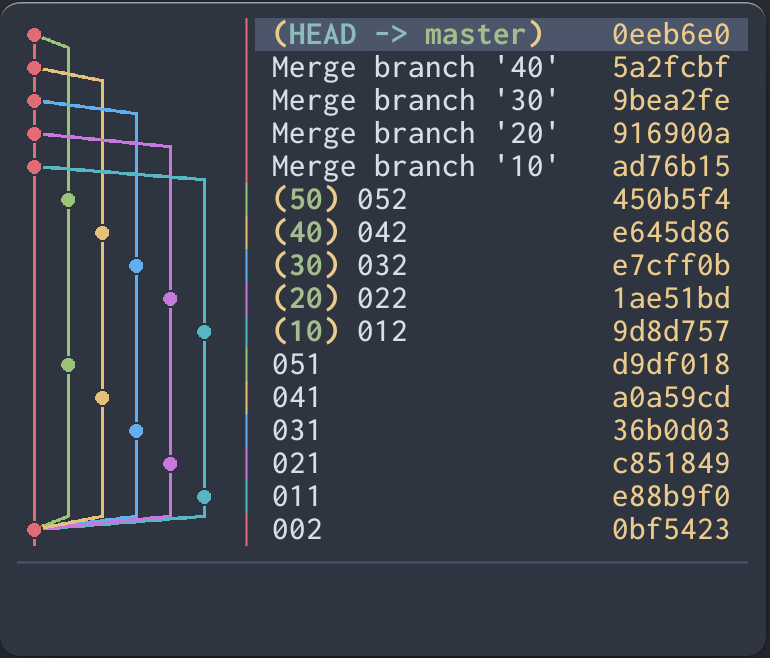
The commit graph image edge style.
Possible values: rounded, angular
rounded will use rounded edges for the graph lines.
angular will use angular edges for the graph lines.
The initial selection of commit when starting the application.
Possible values: latest, head
latest will select the latest commit.
head will select the commit at HEAD.