Rename GUI elements
Discussion for the ticket #390 Rename in the GUI paint, mapping, source, destination, dimension
Most of these terms are already explained in https://mapmapteam.github.io/ but here, we want to change those terms in the graphical user interface. Here is the list of terms we want to change and the proposals for each of them.
NOTE: This is how the interface looks like after the current take at renaming things:
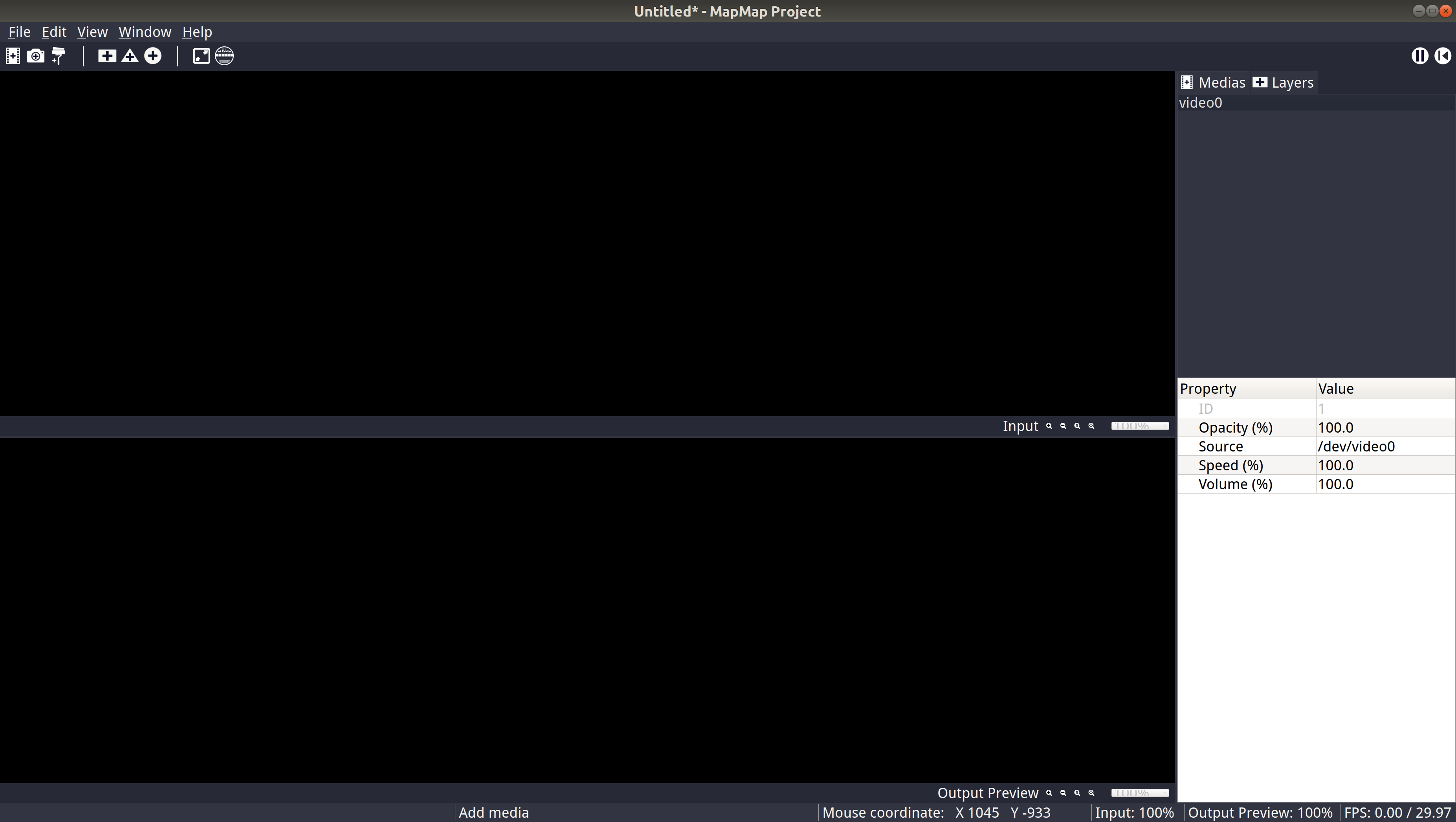
A Paint is an image or video that we use as a texture to display it in a mapping.
Rename it to: (proposals)
- Media
- Media source
- Texture
- Video file
- Media file reader
- Source File
- Media Source
In this context, a Paint is still an image or video that we use as a texture to display it in a mapping. But that is specifically for the property of a video player.
Rename it to: (proposals)
- Source
- Media player
- Media source
- Video player
A mapping is a shape in the output window in which a video texture is displayed.
Rename it to: (proposals)
- Layers
- Pages
- Outputs
This is the shape we select (crop) in the source video texture. That sub-texture can then displayed as a mapping on something in the real world.
Rename it to: (proposals)
- Input
- cropping
- mask
- clipping
- select
- subarea
- subtexture
- staging
This is the shape of the final texture that the users will see in the real space.
Rename it to: (proposals)
- Output Preview
- Output Destination
This is to fine tune the rectangle mapping, so that the user can turn the rectangle into a mesh that has more control points (vertices) if needed. Also, the position of each vertex can be fine tuned in that property inspector.
Rename it to: (proposals)
- Mesh Warping
- Vertices Editor
- Mesh Editor