Login to Azure
You can use Emulator to login in to your Azure account. This is particularly helpful for you to add and manage services your bot depends on. See here to learn more about services you can manage using the Emulator.

To login,
- you can click on File -> Sign in with Azure
- on the welcome screen click on Sign in with your Azure account
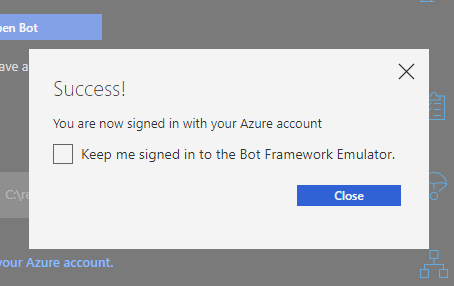
You can optionally have Emulator keep you signed in across Emulator application restarts.
To logout, click on File -> sign out.
Once you are logged in, Emulator can automatically pull LUIS, QnA Maker and Dispatch models associated with your Azure account.
To add a service, simply click on [+] in the services section, pick the service type. Once you are logged in, you will be presented with all applications of that specific type that are tied to your azure account.

Note: If Emulator does not find the model you have created, please verify that the account you are signed in to Emulator with is listed as a contributor/ collaborator on the model. E.g. For LUIS, this means adding your azure account as a collaborator on the specific LUIS application you are trying to find and add.