Commit Signing
This guide will show you how you can configure your development setup to automatically sign git commits using GPG and link your GPG key with GitHub.
Make sure you follow the Prerequisites, How To Contribute (microsoft/vscode) guide.
TODO
Install the necessary tools and configure GPG:
brew install gpg2 gnupg pinentry-mac
mkdir -p ~/.gnupg
echo "pinentry-program $(brew --prefix)/bin/pinentry-mac" >> ~/.gnupg/gpg-agent.conf
echo "use-agent" >> ~/.gnupg/gpg.conf
echo 'export GPG_TTY=$(tty)' >> .bash_profile # replace with .zshrc if using ZSHRun:
gpg --full-generate-key
With the following options:
- Kind of key:
RSA and RSA (default) - Keysize:
4096 - Expiration:
0(does not expire) - Real Name: use your real name
- Email address: use your Microsoft email address
- Commit:
Key for signing commits for Microsoft - Passphrase: Pick a long, secure passphrase, which you'll easily remember.
In the following example, DF536B632D7967F9 is the key ID:
$ gpg --list-secret-keys --keyid-format LONG
gpg: checking the trustdb
gpg: marginals needed: 3  completes needed: 1  trust model: pgp
gpg: depth: 0  valid:   1  signed:   0  trust: 0-, 0q, 0n, 0m, 0f, 1u
/home/joao/.gnupg/pubring.kbx
-----------------------------
sec   rsa4096/DF536B632D7967F9 2021-04-07 [SC]
      1D0FC7C0350BB570143C934FDF536B632D7967F9
uid                 [ultimate] Joao Moreno (Key for signing commits for Microsoft) <joao.moreno@microsoft.com>
ssb   rsa4096/41FC60C87D442095 2021-04-07 [E]
You can use your key ID to get your public key:
$ gpg --armor --export DF536B632D7967F9
-----BEGIN PGP PUBLIC KEY BLOCK-----
...
-----END PGP PUBLIC KEY BLOCK-----Simply follow the Adding a new GPG key to your GitHub account guide.
Run the following, replacing KEYID with your key ID:
git config --global user.signingkey KEYID
git config --global commit.gpgsign true
Git will now sign all commits by default. Signing requires access to your GPG key, which requires the passphrase. Follow the respective platform specific steps below to decrease pain.
TODO
Create a dummy commit on a sample local repository. You should see a prompt for your key's passphrase:
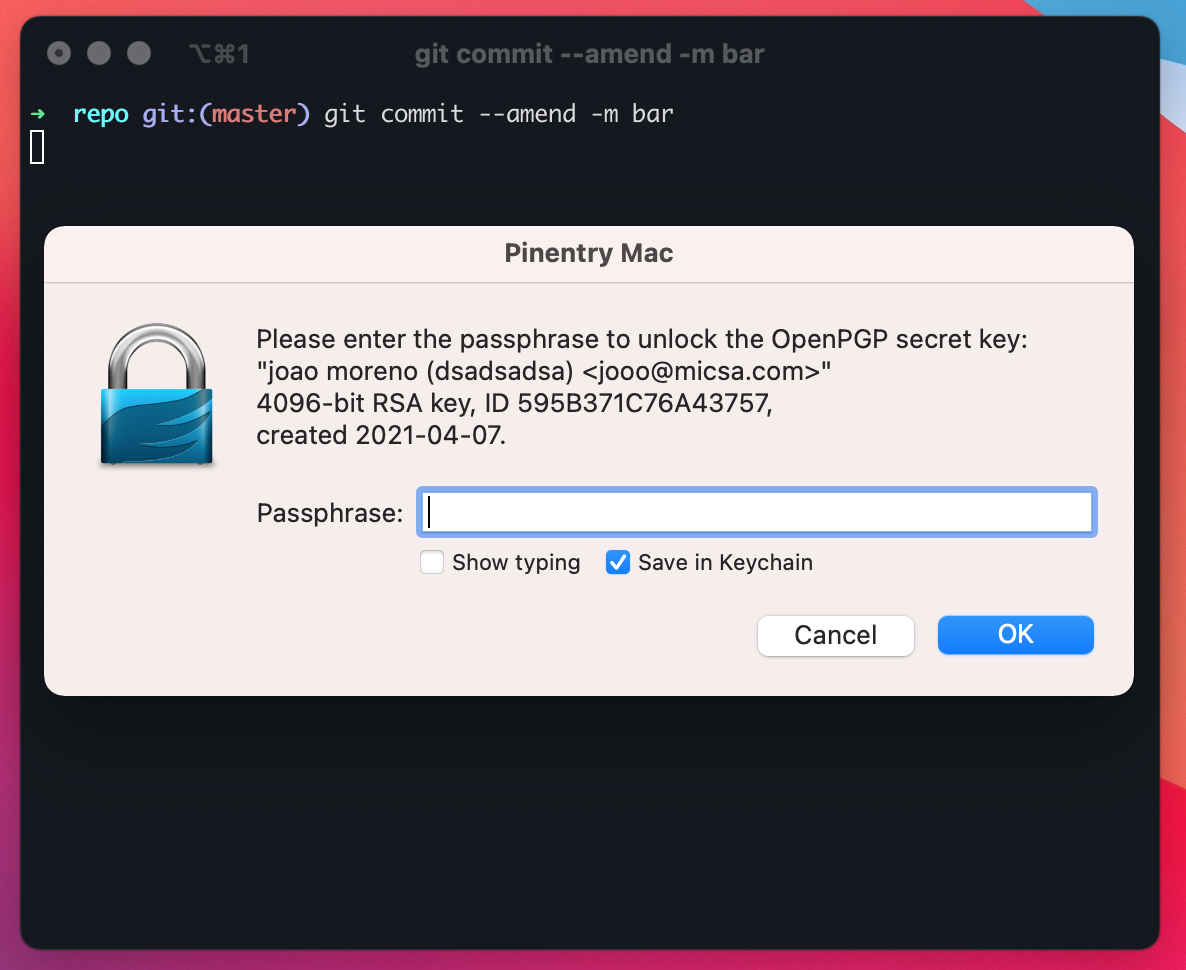
In order to avoid typing the passphrase on every commit, just select Save in Keychain. That should've been the last time you typed the passphrase.
Create a dummy commit on a sample local repository. You should see a prompt for your key's passphrase:

Enter your GPG key passphrase and hit OK.
Note: Apparently, it's a moot point to select
Save in password manager, because problems 🙄. Every time you reboot your machine you'll always be asked for your passphrase. If you selectSave in password manager, you'll also be asked for your Keyring password every time you reboot, so it's best not to do it.
In order to avoid typing the passphrase on every commit, edit ~/.gnupg/gpg-agent.conf (create it if does not exist) so it remembers your passphrase for 8 hours:
default-cache-ttl 28800
Make sure that if you push a signed commit to GitHub it appears as Verified:

Reference: