Here’s some examples of how other apps use headings to automatically create an outline for quick navigation. This is always shown on the left and we could do that too.
Dropbox Paper
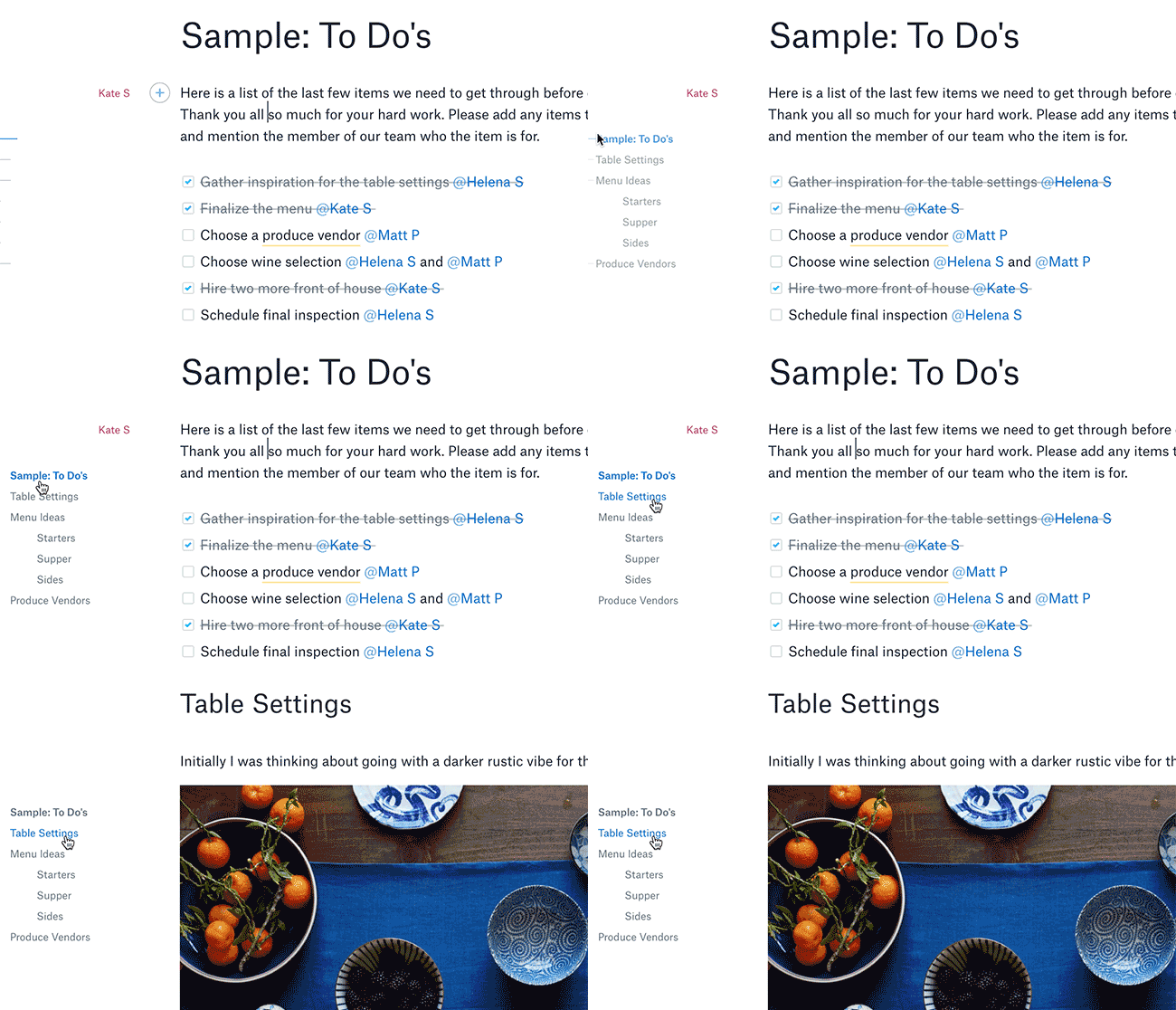
Very nicely designed, non-obtrusive by default, with h1 and h2 levels highlighted on the left:
https://blog.dropbox.com/topics/product-tips/paper-hidden-gems
Google Drive
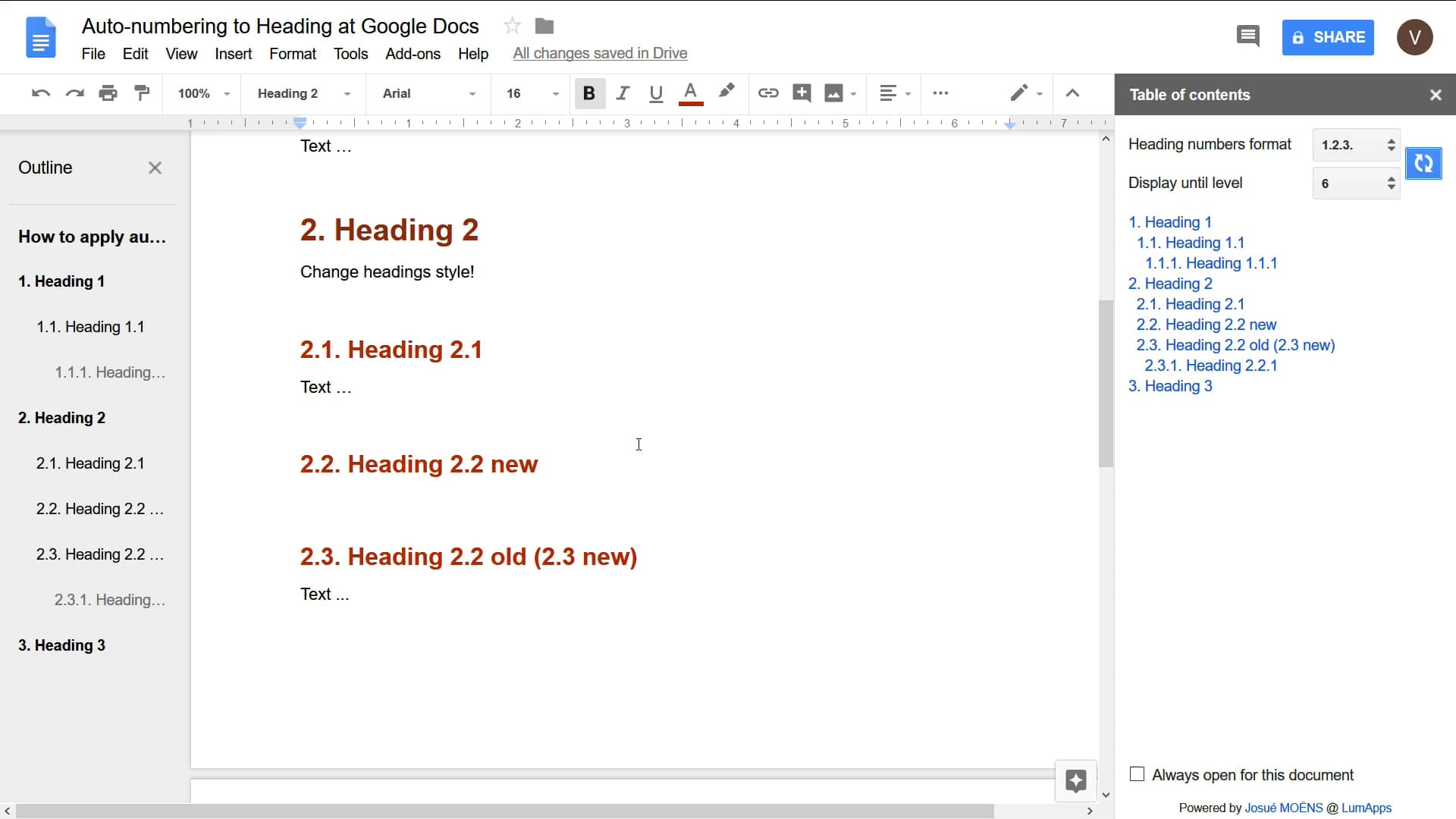
h1 and h2 are shown normally, and it seems starting with h3 they are indented:


Here’s some examples of how other apps use headings to automatically create an outline for quick navigation. This is always shown on the left and we could do that too.
Dropbox Paper
Very nicely designed, non-obtrusive by default, with h1 and h2 levels highlighted on the left:

https://blog.dropbox.com/topics/product-tips/paper-hidden-gems
Google Drive
h1 and h2 are shown normally, and it seems starting with h3 they are indented:

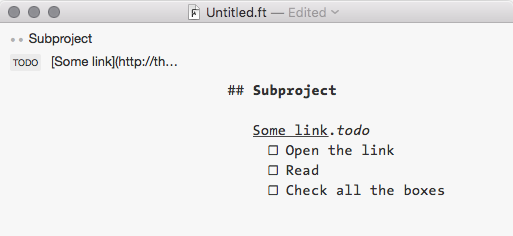
FoldingText