How to compare sources
In GitHub, select [Code] tab. And select a Small Basic source file.

Push [History] button.

Push SHA number such as '3c9fe39'.

- means deleted line. + means added line.

In GitHub Desktop, select a repository.
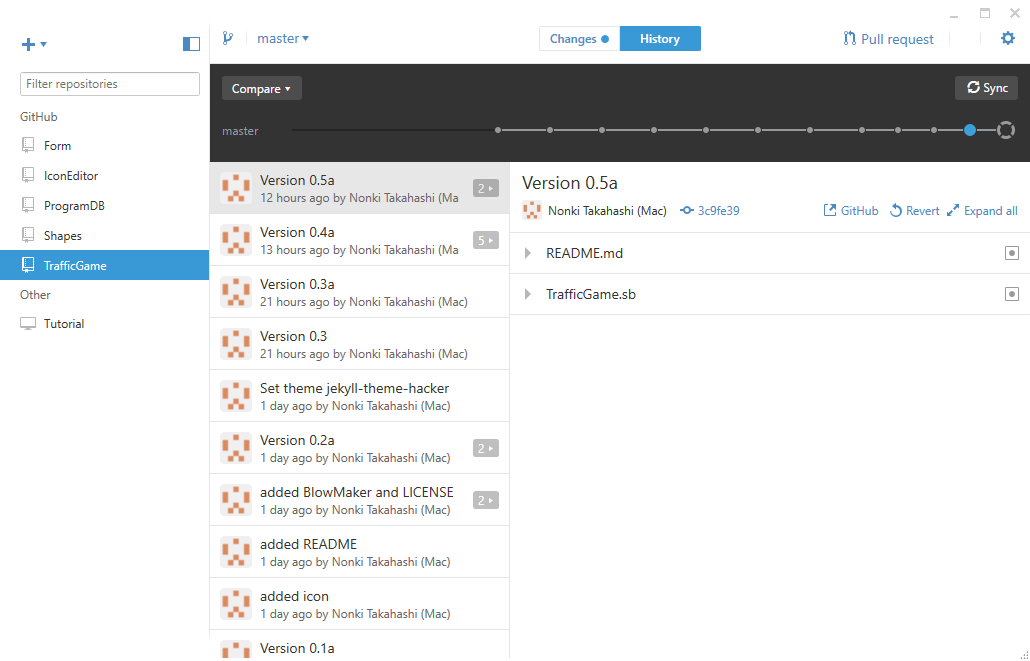
Click a blue circle on the master graph. And select source file.
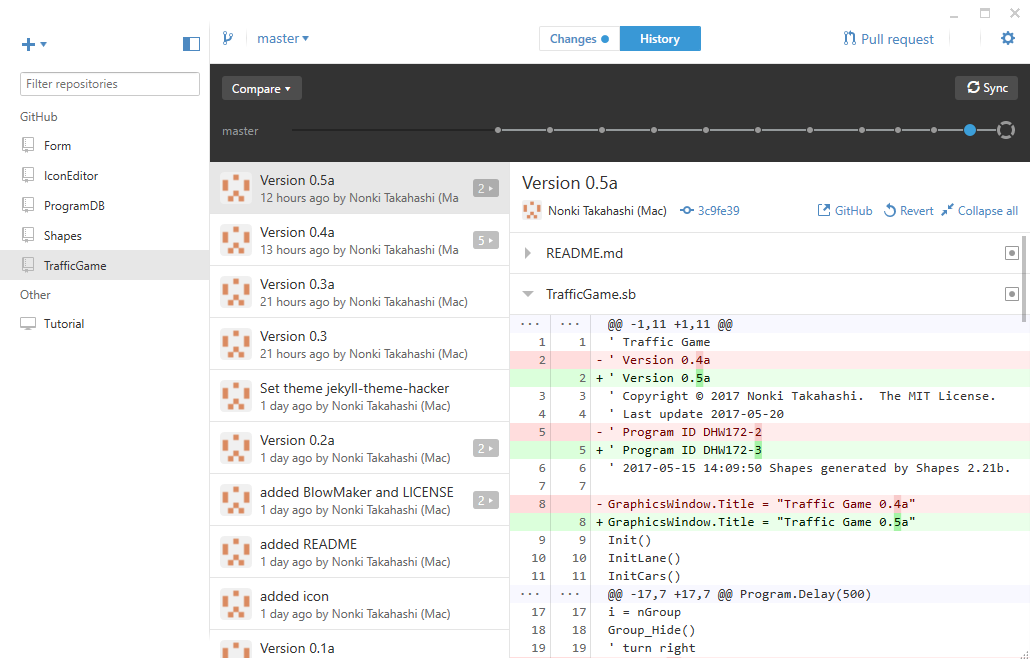
Click the blue ring on the master graph. And select source file. If no changes, no file appears.
