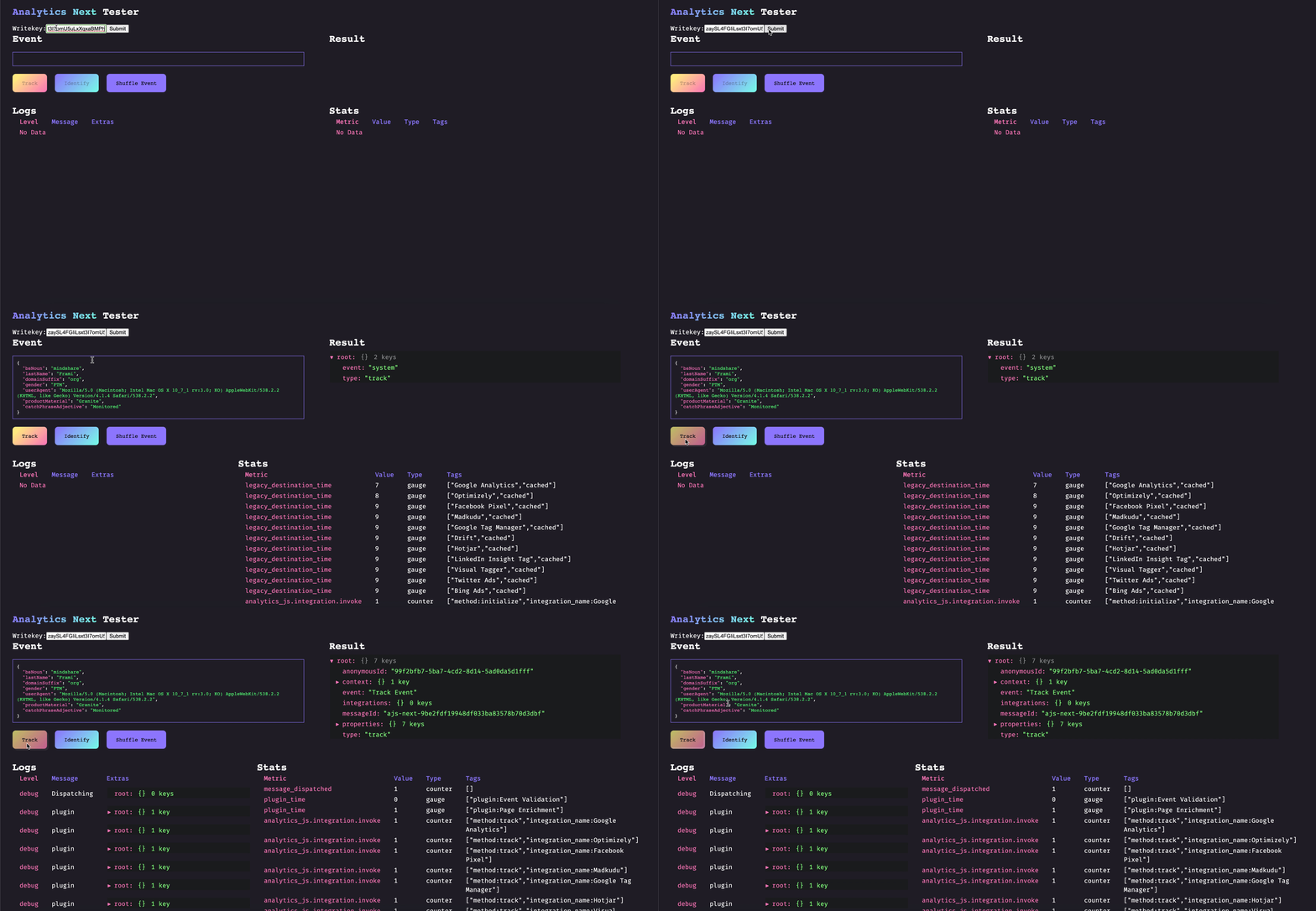
Analytics Next (aka Analytics 2.0) is the latest version of Segment’s JavaScript SDK - enabling you to send your data to any tool without having to learn, test, or use a new API every time.
The easiest and quickest way to get started with Analytics 2.0 is to use it through Segment. Alternatively, you can install it through NPM and do the instrumentation yourself.
-
Create a javascript source at Segment - new sources will automatically be using Analytics 2.0! Segment will automatically generate a snippet that you can add to your website. For more information visit our documentation).
-
Start tracking!
- Install the package
# npm
npm install @segment/analytics-next

# yarn
yarn add @segment/analytics-next

# pnpm
pnpm add @segment/analytics-next- Import the package into your project and you're good to go (with working types)!
import { AnalyticsBrowser } from '@segment/analytics-next'

const analytics = AnalyticsBrowser.load({ writeKey: '<YOUR_WRITE_KEY>' })

analytics.identify('hello world')

document.body?.addEventListener('click', () => {
  analytics.track('document body clicked!')
})You can load a buffered version of analytics that requires .load to be explicitly called before initiating any network activity. This can be useful if you want to wait for a user to consent before fetching any tracking destinations or sending buffered events to segment.
⚠️ ️.loadshould only be called once.
export const analytics = new AnalyticsBrowser()

analytics.identify("hello world")

if (userConsentsToBeingTracked) {
    analytics.load({ writeKey: '<YOUR_WRITE_KEY>' }) // destinations loaded, enqueued events are flushed
}
This strategy also comes in handy if you have some settings that are fetched asynchronously.
const analytics = new AnalyticsBrowser()
fetchWriteKey().then(writeKey => analytics.load({ writeKey }))

analytics.identify("hello world")Initialization errors get logged by default, but if you also want to catch these errors, you can do the following:
export const analytics = new AnalyticsBrowser();
analytics
  .load({ writeKey: "MY_WRITE_KEY" })
.catch((err) => ...);Self Hosting or Proxying Analytics.js documentation
- https://github.com/vercel/next.js/tree/canary/examples/with-segment-analytics
- https://github.com/vercel/next.js/tree/canary/examples/with-segment-analytics-pages-router
import { AnalyticsBrowser } from '@segment/analytics-next'

// We can export this instance to share with rest of our codebase.
export const analytics = AnalyticsBrowser.load({ writeKey: '<YOUR_WRITE_KEY>' })

const App = () => (
  <div>
    <button onClick={() => analytics.track('hello world')}>Track</button>
  </div>
)- Export analytics instance.
import { AnalyticsBrowser } from '@segment/analytics-next'

export const analytics = AnalyticsBrowser.load({
  writeKey: '<YOUR_WRITE_KEY>',
})- in
.vuecomponent
<template>
  <button @click="track()">Track</button>
</template>

<script>
import { defineComponent } from 'vue'
import { analytics } from './services/segment'

export default defineComponent({
  setup() {
    function track() {
      analytics.track('Hello world')
    }

    return {
      track,
    }
  },
})
</script>While this package does not support web workers out of the box, there are options:
-
Run analytics.js in a web worker via partytown.io. See our partytown example. Supports both cloud and device mode destinations, but not all device mode destinations may work.
-
Try @segment/analytics-node with
flushAt: 1, which should work in any runtime wherefetchis available. Warning: cloud destinations only!
-
Install npm package
@segment/analytics-nextas a dev dependency. -
Create
./typings/analytics.d.ts
// ./typings/analytics.d.ts
import type { AnalyticsSnippet } from "@segment/analytics-next";

declare global {
  interface Window {
    analytics: AnalyticsSnippet;
  }
}- Configure typescript to read from the custom
./typingsfolder
- See ARCHITECTURE.md
First, clone the repo and then startup our local dev environment:
$ git clone git@github.com:segmentio/analytics-next.git
$ cd analytics-next
$ nvm use  # installs correct version of node defined in .nvmrc.
$ yarn && yarn build
$ yarn test
$ yarn dev  # optional: runs analytics-next playground.
If you get "Cannot find module '@segment/analytics-next' or its corresponding type declarations.ts(2307)" (in VSCode), you may have to "cmd+shift+p -> "TypeScript: Restart TS server"
Then, make your changes and test them out in the test app!