This repository was archived by the owner on Jun 17, 2026. It is now read-only.
Fix stale speed controls in the editor#646
Merged
siddharthvaddem merged 1 commit intoMay 25, 2026
Merged
Conversation


Contributor
|
Caution Review failedAn error occurred during the review process. Please try again later. Thanks for using CodeRabbit! It's free for OSS, and your support helps us grow. If you like it, consider giving us a shout-out. Comment |

siddharthvaddem
approved these changes
May 25, 2026

This file contains hidden or bidirectional Unicode text that may be interpreted or compiled differently than what appears below. To review, open the file in an editor that reveals hidden Unicode characters.
Learn more about bidirectional Unicode characters
Sign up for free
to subscribe to this conversation on GitHub.
Already have an account?
Sign in.
2 participants


Add this suggestion to a batch that can be applied as a single commit.This suggestion is invalid because no changes were made to the code.Suggestions cannot be applied while the pull request is closed.Suggestions cannot be applied while viewing a subset of changes.Only one suggestion per line can be applied in a batch.Add this suggestion to a batch that can be applied as a single commit.Applying suggestions on deleted lines is not supported.You must change the existing code in this line in order to create a valid suggestion.Outdated suggestions cannot be applied.This suggestion has been applied or marked resolved.Suggestions cannot be applied from pending reviews.Suggestions cannot be applied on multi-line comments.Suggestions cannot be applied while the pull request is queued to merge.Suggestion cannot be applied right now. Please check back later.
Fixes #641.
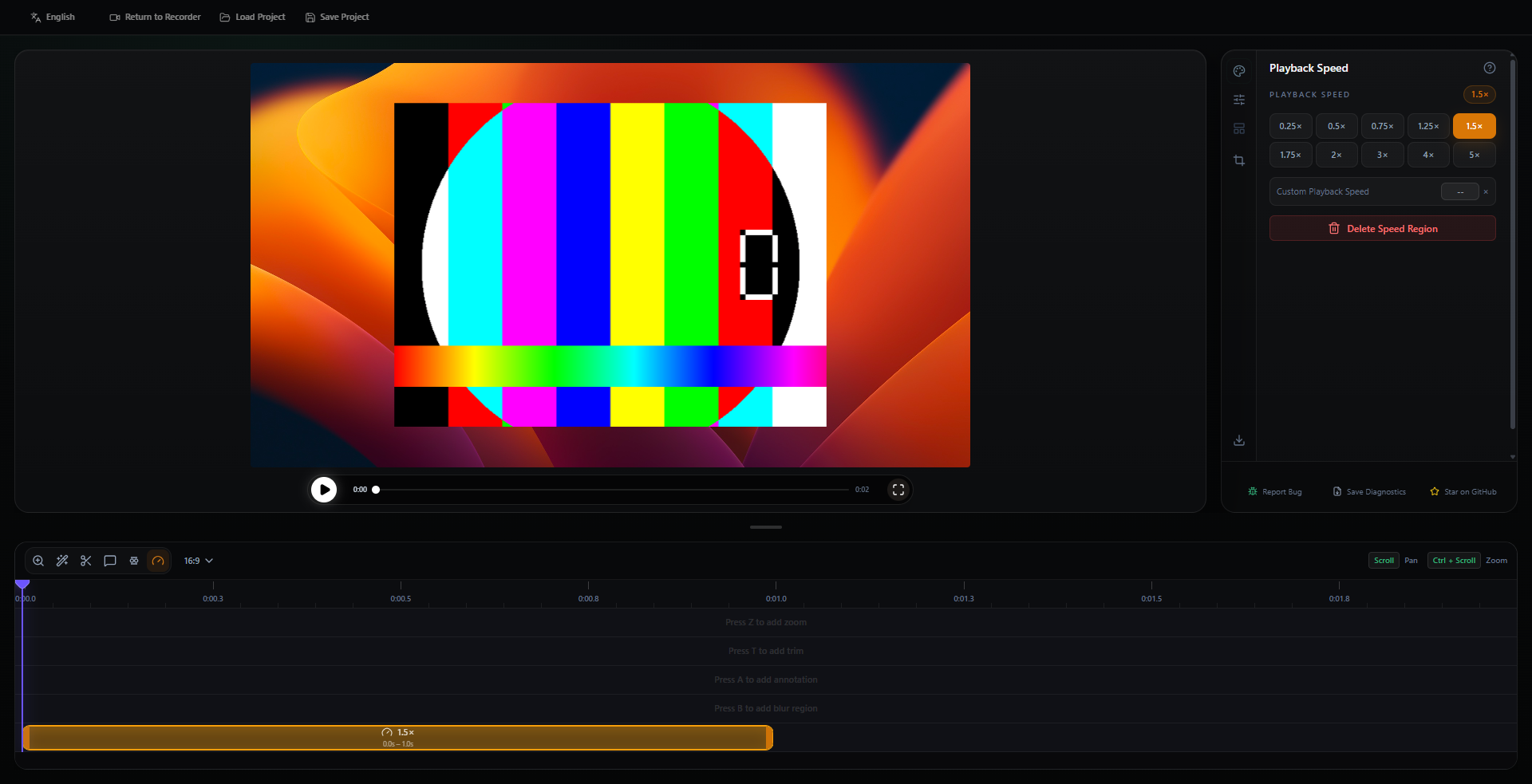
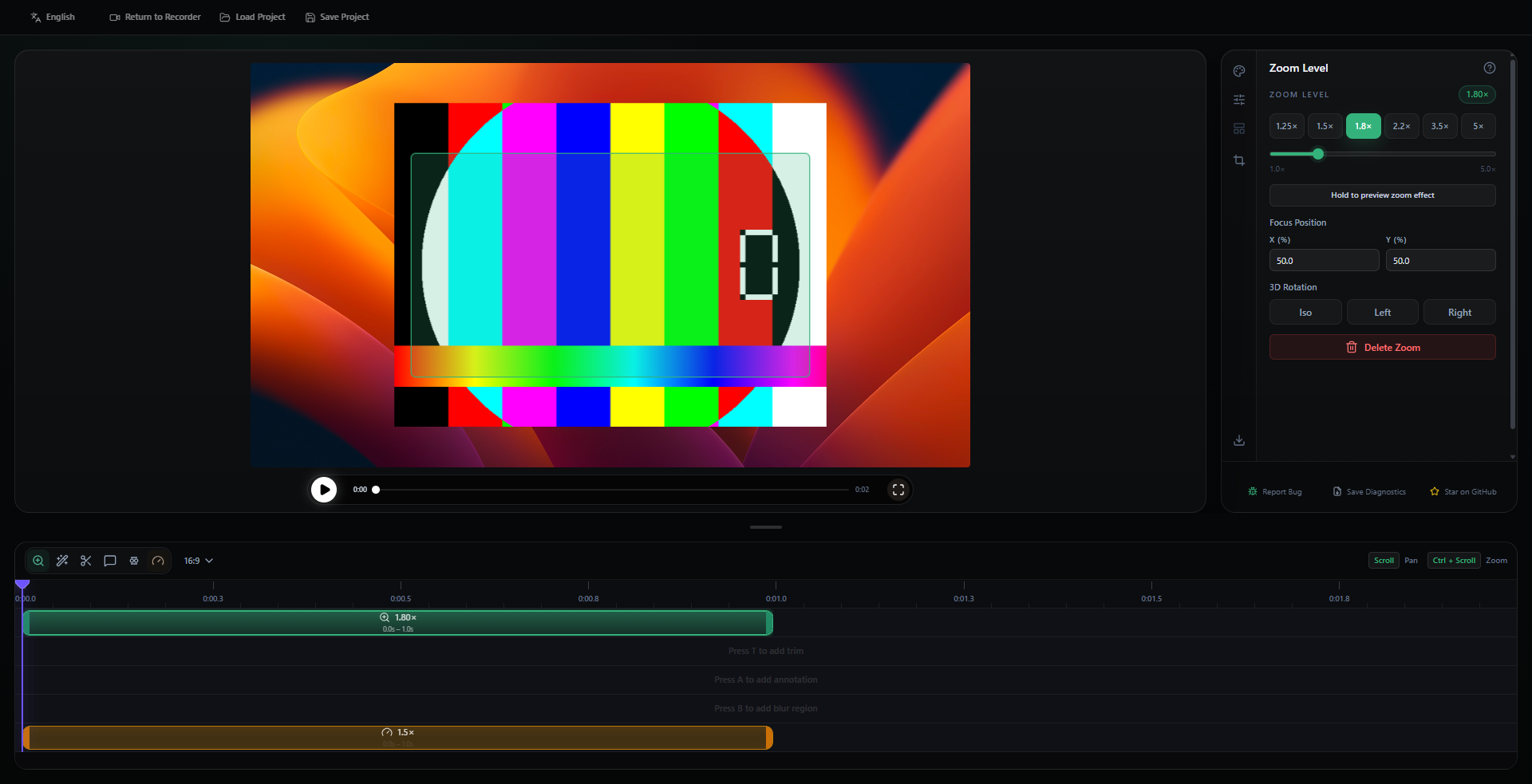
Found this while checking the speed panel. If a speed region was selected and then you switched to zoom, trim, or annotation, the old speed selection could stay active too. That makes the inspector stack the speed controls under the next timeline tool.
This clears the stale speed selection whenever another timeline item becomes active.
Local screenshots:
Speed selected:
After adding/selecting zoom:
Checked locally:
npm.cmd run build-vitenode_modules\.bin\biome.cmd check --formatter-enabled=false src/components/video-editor/VideoEditor.tsx