Claude Code is an AI coding assistant that runs in the terminal (or VSCode Extension).
Claude Code can be used via CLI or VSCode Extension. Choose whichever you prefer.
- Install Node.js 18+.
- Windows users need to install Git for Windows.
- Run the following command in your terminal to install Claude Code:
npm install -g @anthropic-ai/claude-code
- After installation, run the following command. If the version number is displayed, the installation is successful:
claude --version
- Install VSCode
- Install Claude Code VSCode Extension
After installation, search for the VSCode setting claudeCode.disableLoginPrompt and enable it.
Claude Code can be configured via a configuration file or environment variables. In most cases, prefer the configuration file approach, as settings in the configuration file can be read by both Claude Code CLI and VSCode Extension.
Configuration file location:
- Linux / Mac:
~/.claude/settings.json - Windows:
C:\Users\<your username>\.claude\settings.json - If the file does not exist, create it.
Configuration file content:
{
  "env": {
    "ANTHROPIC_BASE_URL": "https://api.deepseek.com/anthropic",
    "ANTHROPIC_AUTH_TOKEN": "<your DeepSeek API Key>",
    "ANTHROPIC_MODEL": "deepseek-v4-pro[1m]",
    "ANTHROPIC_DEFAULT_OPUS_MODEL": "deepseek-v4-pro[1m]",
    "ANTHROPIC_DEFAULT_SONNET_MODEL": "deepseek-v4-pro[1m]",
    "ANTHROPIC_DEFAULT_HAIKU_MODEL": "deepseek-v4-flash[1m]",
    "CLAUDE_CODE_DISABLE_NONESSENTIAL_TRAFFIC": "1",
    "CLAUDE_CODE_EFFORT_LEVEL": "max"
  }
}Linux / Mac users, run the following commands to configure environment variables for the DeepSeek Anthropic API. Get your API Key from the DeepSeek Platform:
export ANTHROPIC_BASE_URL=https://api.deepseek.com/anthropic
export ANTHROPIC_AUTH_TOKEN=<your DeepSeek API Key>
export ANTHROPIC_MODEL=deepseek-v4-pro[1m]
export ANTHROPIC_DEFAULT_OPUS_MODEL=deepseek-v4-pro[1m]
export ANTHROPIC_DEFAULT_SONNET_MODEL=deepseek-v4-pro[1m]
export ANTHROPIC_DEFAULT_HAIKU_MODEL=deepseek-v4-flash[1m]
export CLAUDE_CODE_DISABLE_NONESSENTIAL_TRAFFIC=1
export CLAUDE_CODE_EFFORT_LEVEL=max
Windows users, run:
$env:ANTHROPIC_BASE_URL="https://api.deepseek.com/anthropic"
$env:ANTHROPIC_AUTH_TOKEN="<your DeepSeek API Key>"
$env:ANTHROPIC_MODEL="deepseek-v4-pro[1m]"
$env:ANTHROPIC_DEFAULT_OPUS_MODEL="deepseek-v4-pro[1m]"
$env:ANTHROPIC_DEFAULT_SONNET_MODEL="deepseek-v4-pro[1m]"
$env:ANTHROPIC_DEFAULT_HAIKU_MODEL="deepseek-v4-flash[1m]"
$env:CLAUDE_CODE_DISABLE_NONESSENTIAL_TRAFFIC="1"
$env:CLAUDE_CODE_EFFORT_LEVEL="max"
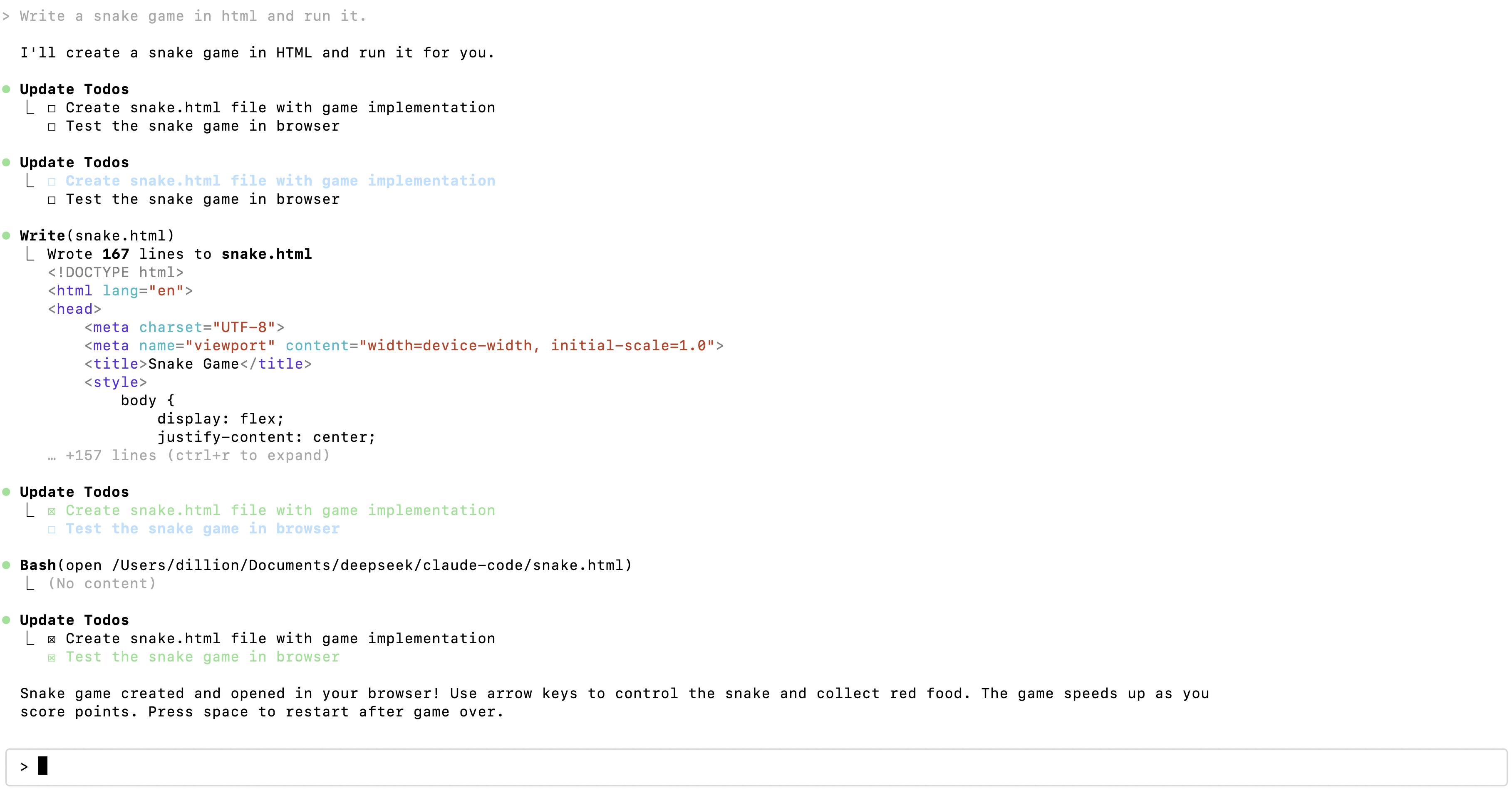
Enter the project directory and execute the claude command to get started.
cd /path/to/my-project
claude
Open your project directory in VSCode, click the Claude Code icon in the sidebar, and click New session to get started.
