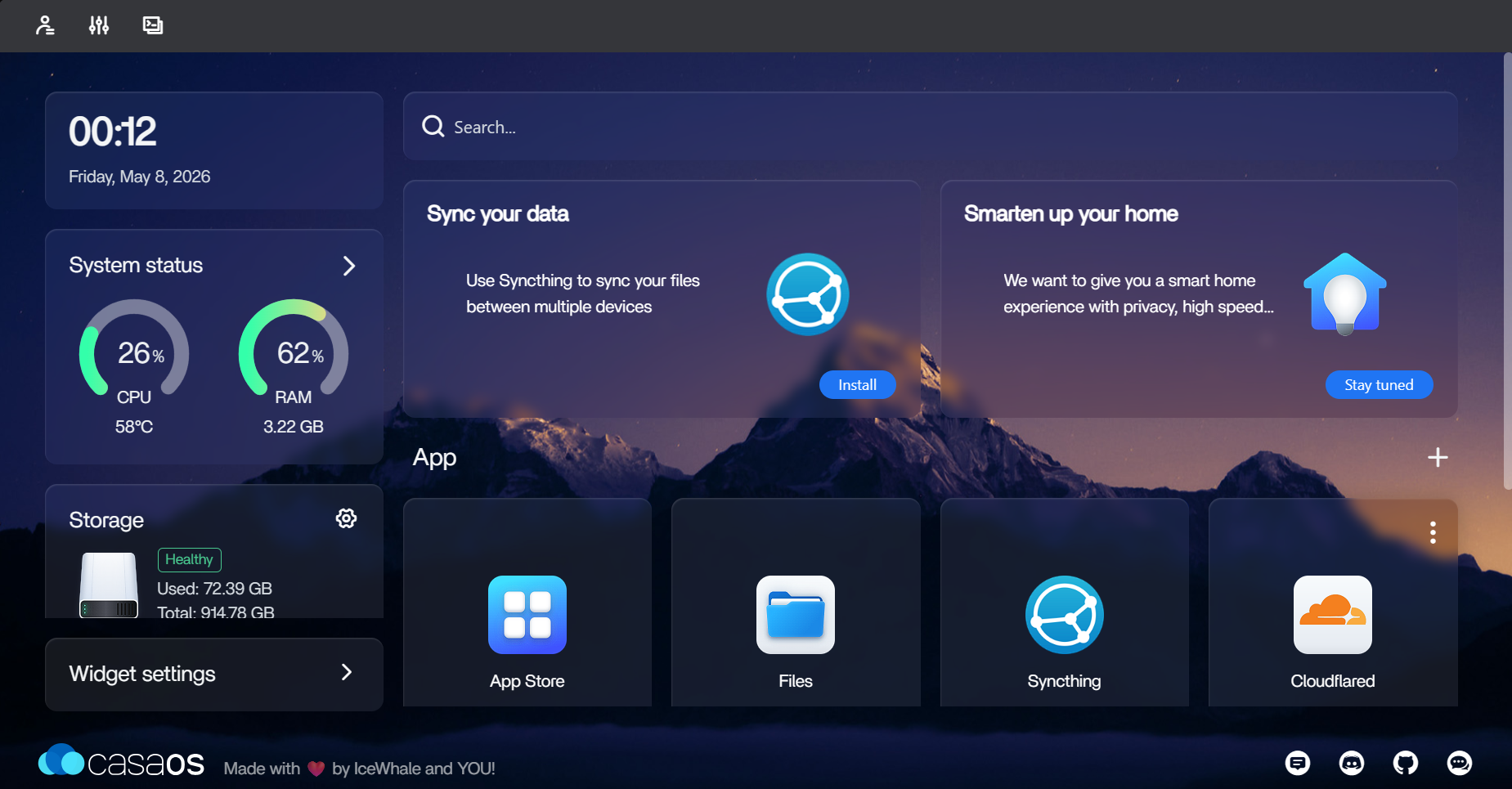
NodeBridge is an sshDevice based on the Raspberry Pi Pico that acts as a HID (Human Interface Device) USB emulator. Its primary function is to automatically open and navigate to a personal server's CasaOS dashboard when plugged into a computer.
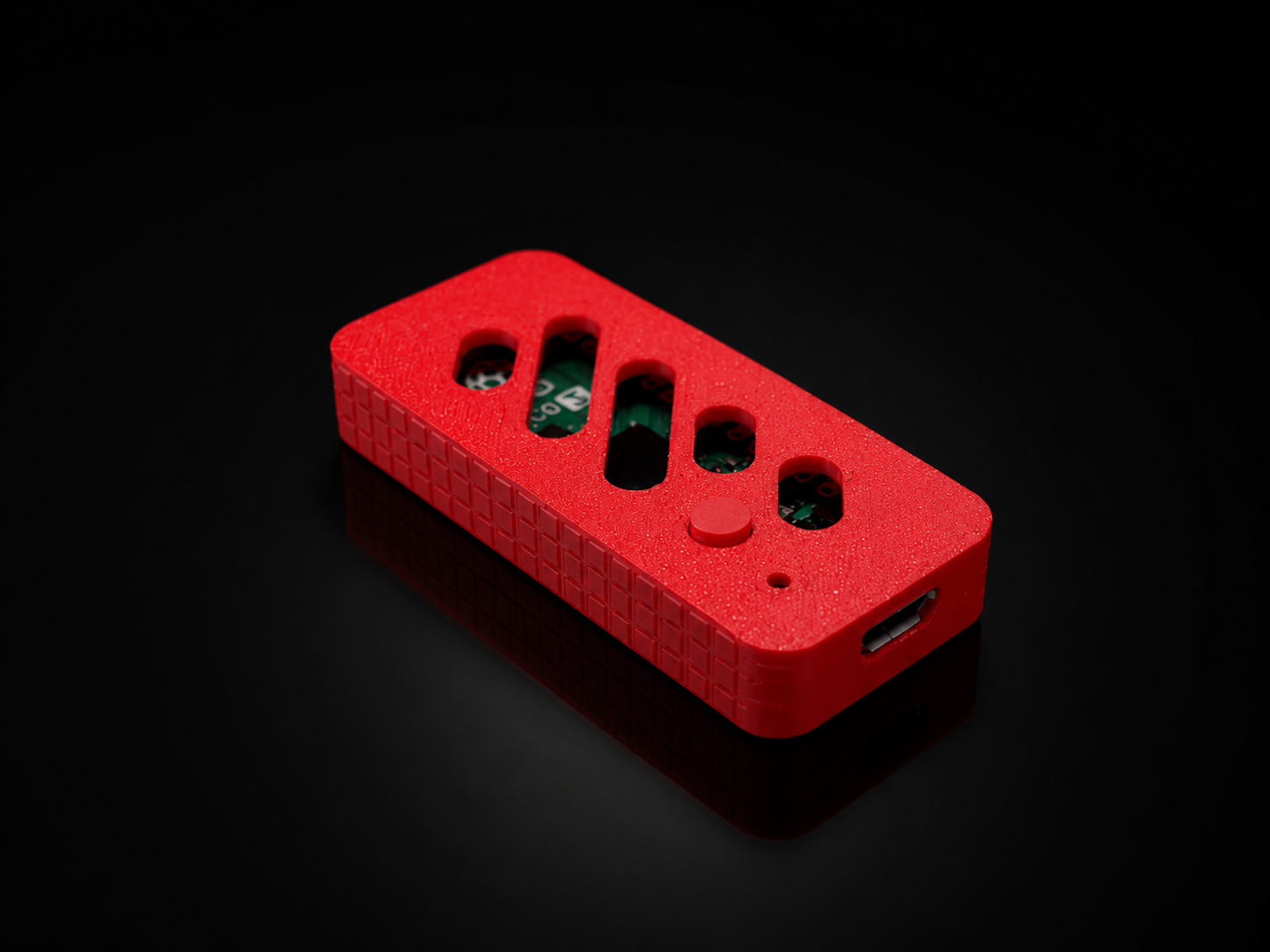
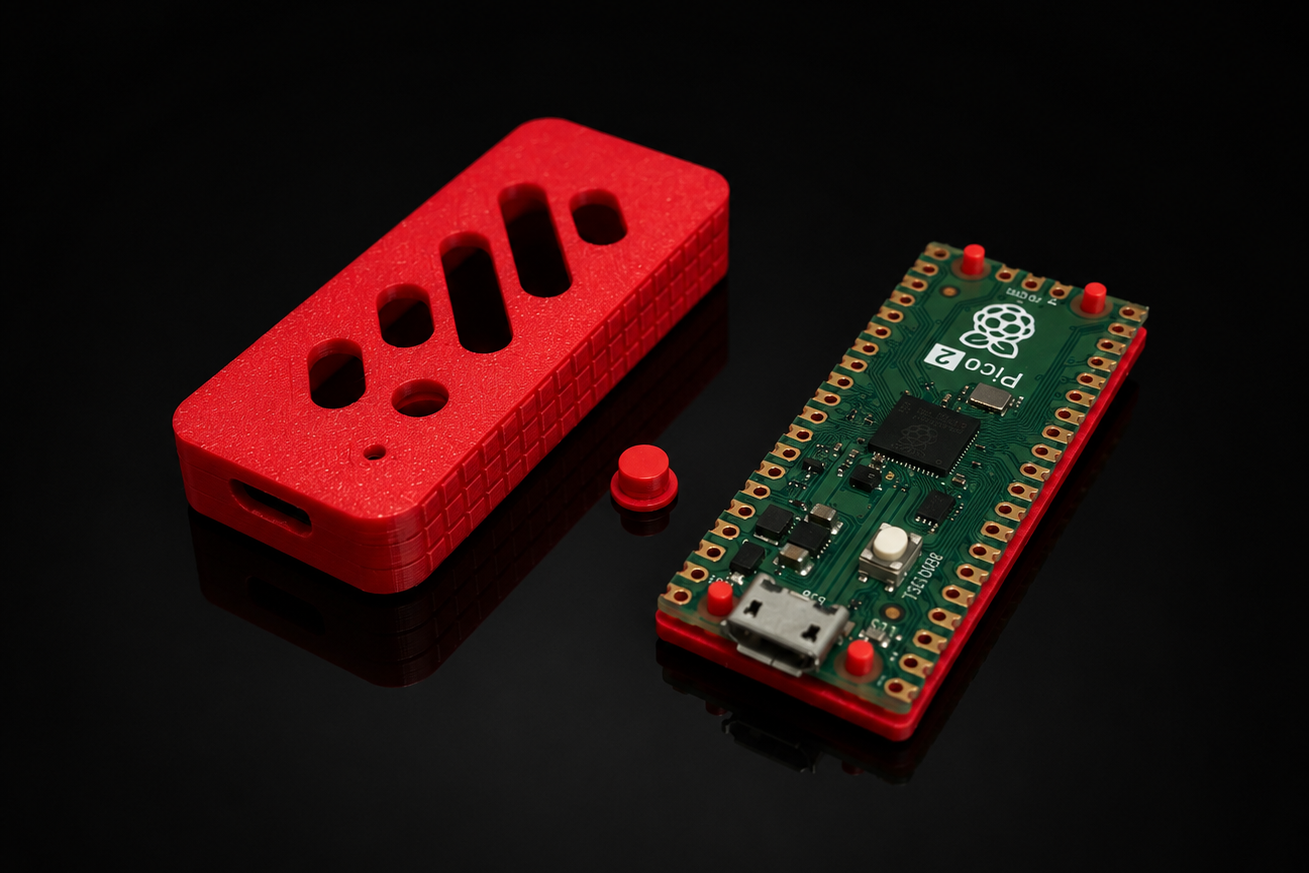
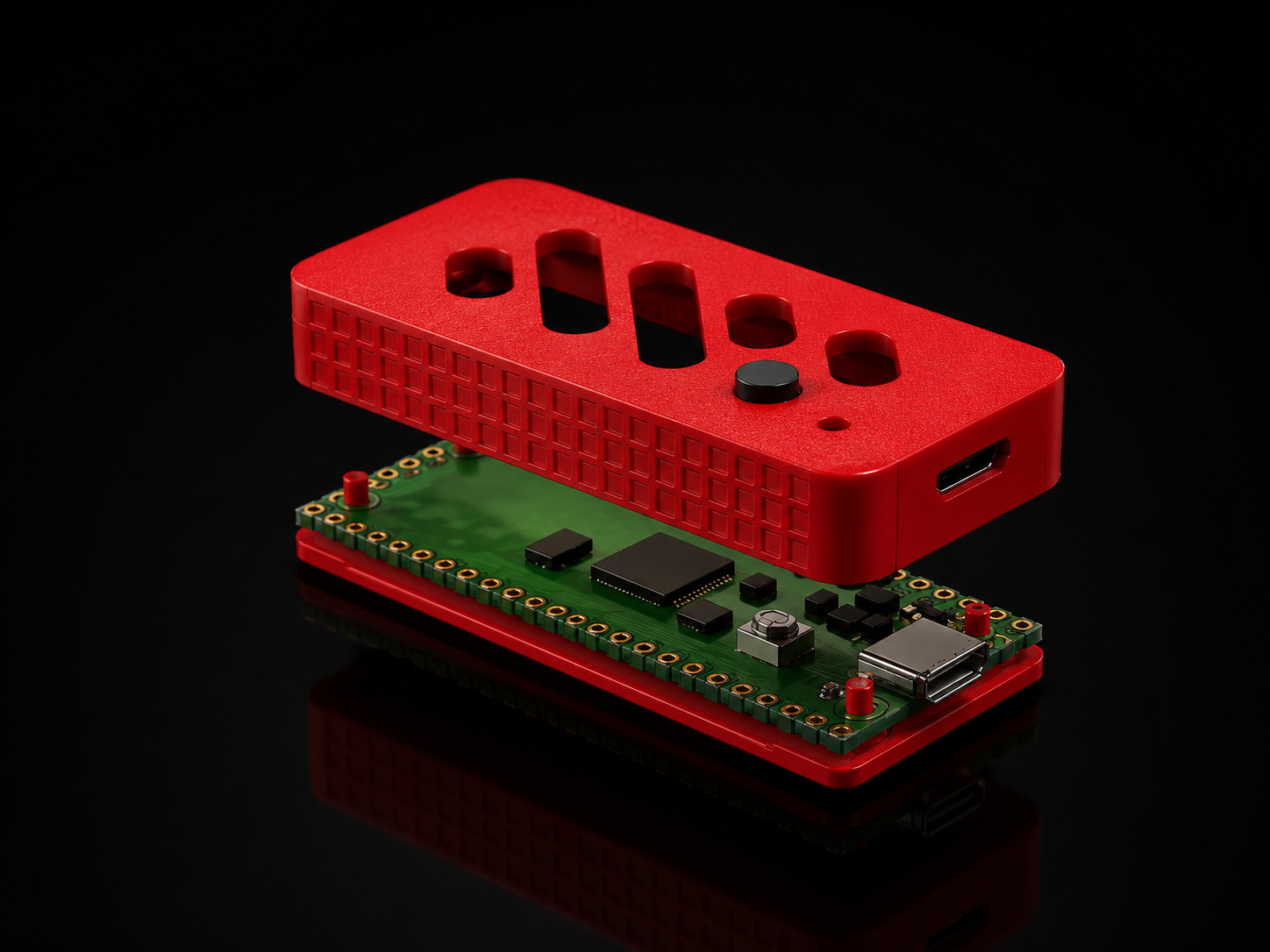
The project leverages the HID capabilities of the RP2040 (Raspberry Pi Pico) to simulate keyboard inputs. Upon connection, it triggers the Windows "Run" dialog (Win + R) and enters the specific URL for the CasaOS dashboard, providing a seamless "plug-and-play" access experience.
The device also features an OLED display that provides visual feedback through loading screens and status animations, enhancing the user experience during the connection process.
usbEmulator/: Contains the core logic for the HID USB emulation.OLEDSketch/: Dedicated code for the SSD1306 OLED display animations and status screens.FinalSSH/: Combined implementation of HID emulation and OLED feedback.ByteImages/: Hexadecimal representations of the images used for the OLED display..stl/: 3D model files for the custom enclosure.
-
Hardware Requirements:
- Raspberry Pi Pico (or any RP2040 board)
- SSD1306 OLED Display (128x64, I2C)
- Custom 3D printed case (find the model in
.stl/)
-
Software Installation:
- Install the Arduino IDE with the Raspberry Pi Pico board support.
- Install the
U8g2andKeyboardlibraries. - Open
FinalSSH/FinalSSH.inoand update the URL if necessary. - Upload the sketch to your Pico.
-
Usage:
- Simply plug the device into any Windows-based machine.
- Wait for the OLED loading screen to complete.
- The device will automatically launch your default browser to the configured CasaOS dashboard.
- Visuals: OLED status and loading screen animations were inspired by and utilize assets from Moonbench.
- 3D Design: The custom enclosure model was designed by dj.santos.
This project is licensed under the MIT License - see the LICENSE file for details.