| title | Command Center | ||||||||||||
|---|---|---|---|---|---|---|---|---|---|---|---|---|---|
| metadesc | Use Command Center to streamline your workflow and perfrom actions with minimal mouse clicks. | ||||||||||||
| noindex | false | ||||||||||||
| order | 1.9 | ||||||||||||
| page_id | command-center | ||||||||||||
| warning | false | ||||||||||||
| contextual_links |
|
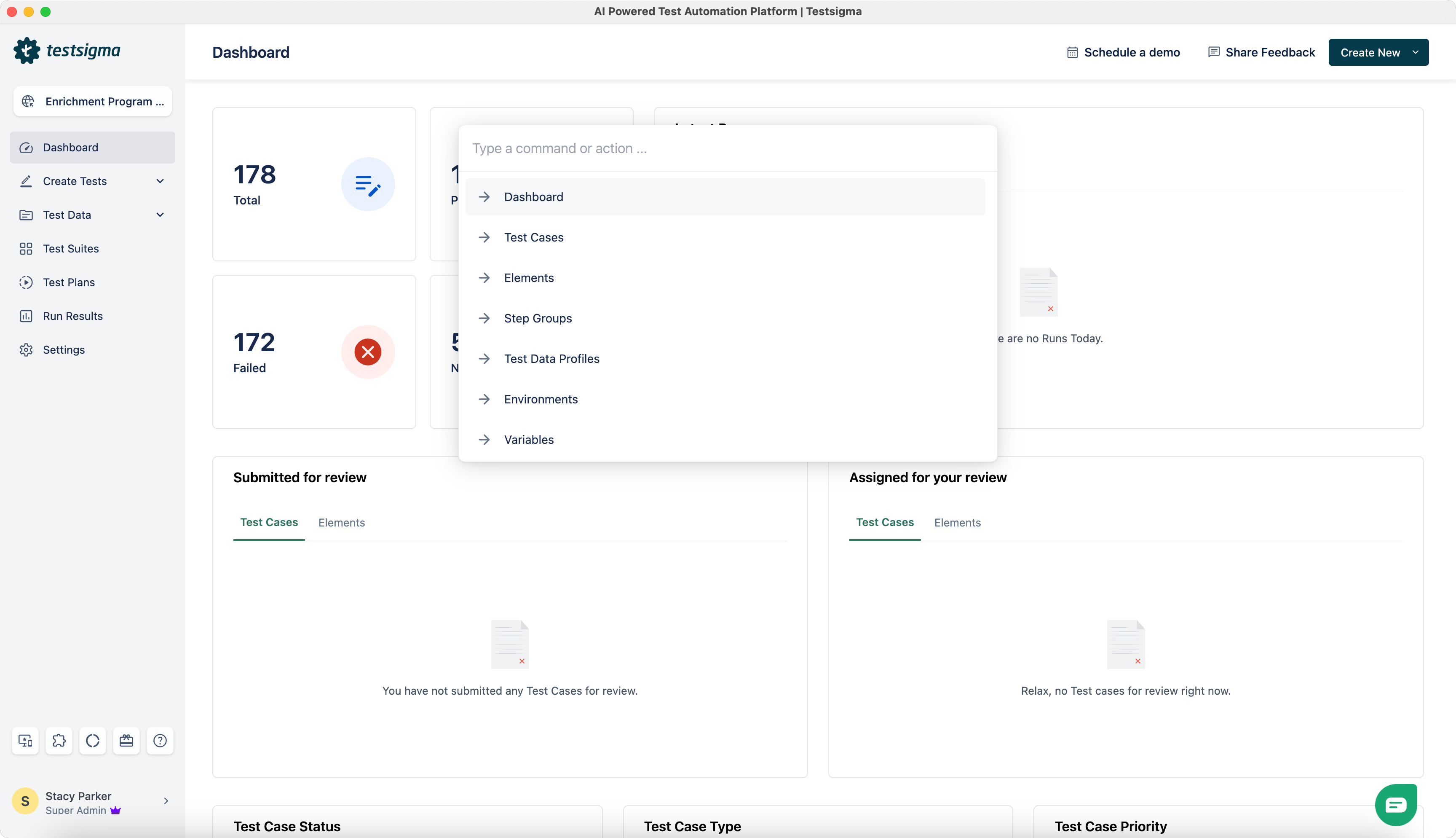
In Testsigma, the command center allows you to be more productive by minimising the need for a mouse, making you more keyboard savvy. Using the Command Center, you can navigate across Testsigma as you would do today in the left navigation bar.
Also, you can perform the following actions with a lesser number of clicks using only the keyboard:
- Add new users to Testsigma
- View recent Test Cases failures
- Contact support team via chat
-
To open the Command Center, press
Command+Kkeys (for Mac) or pressCtrl+Kkeys (for Windows). -
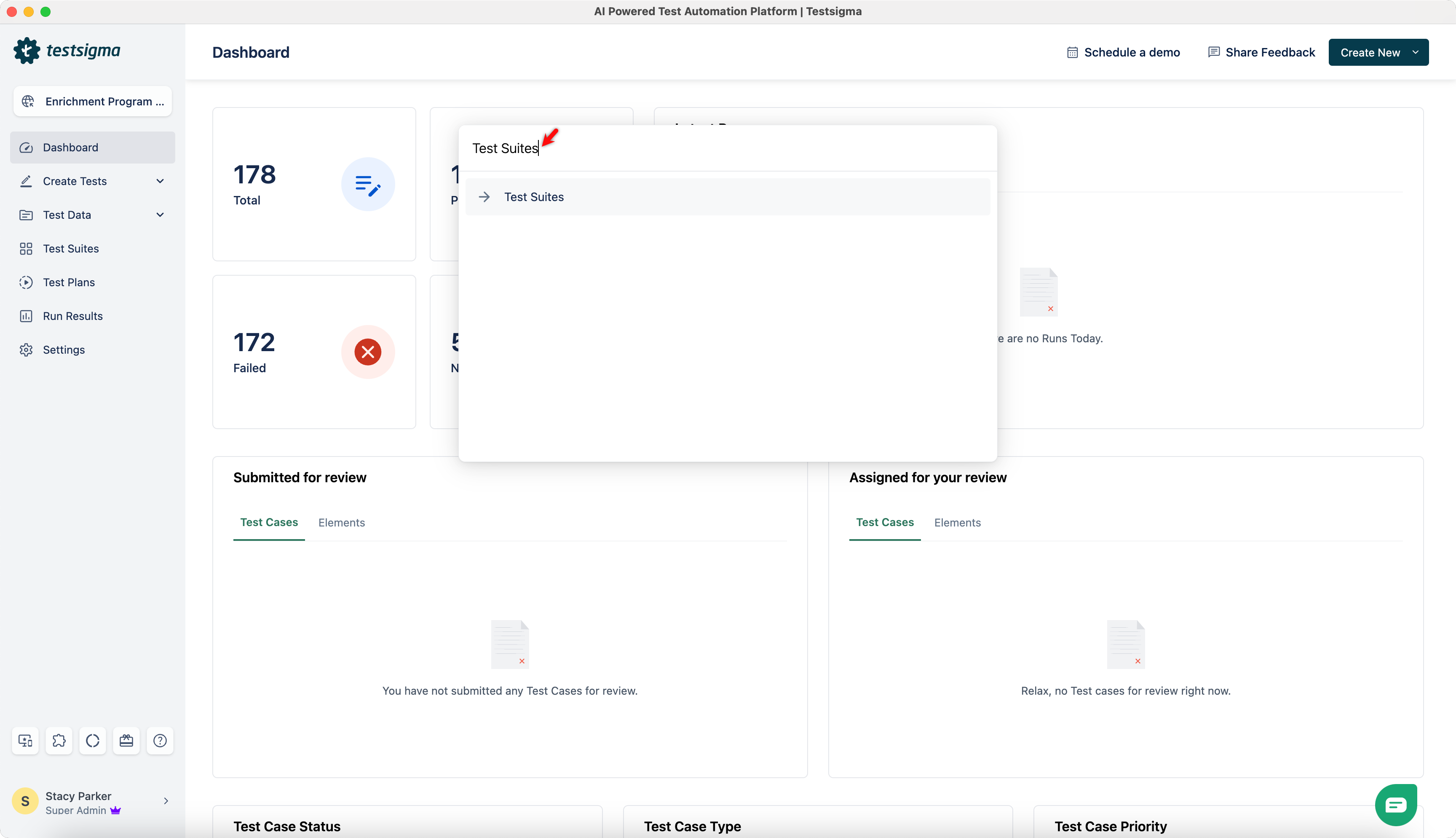
Search for an action.
-
Use the up and down arrow keys on your keyboard to navigate and press the
Returnkey (for Mac) or theEnterkey (for Windows) to select the desired command/action.