
Replies: 1 comment 1 reply

-
|
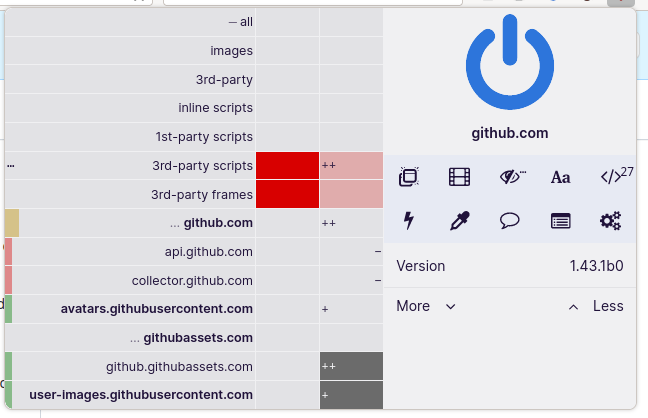
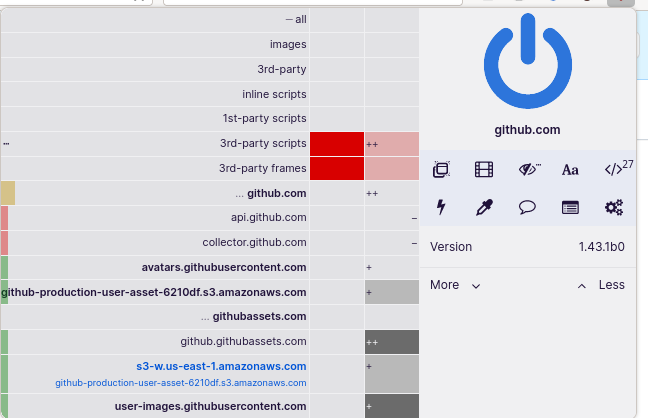
Did you tried https://github.com/gorhill/uBlock/wiki/Advanced-settings#popupfontsize ? Seems to look promising on my side.
|
Beta Was this translation helpful? Give feedback.
1 reply

-
|
Unfortunately, not an ideal solution without proper styling. |
Beta Was this translation helpful? Give feedback.
Sign up for free
to join this conversation on GitHub.
Already have an account?
Sign in to comment

Uh oh!
There was an error while loading. Please reload this page.
-
The Classic UI was the closest we had to a compact UI. Here it is for reference:
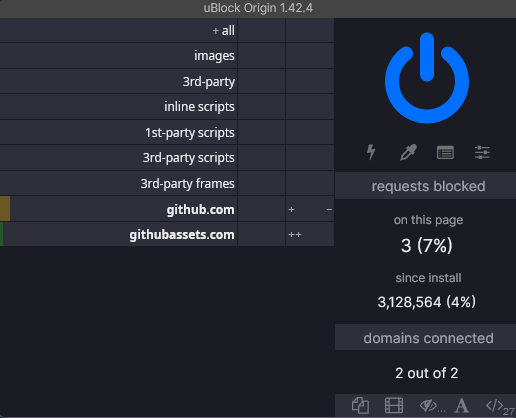
There was no actual reason to scrap this entirely, because the newer larger buttons in Fenix and the hostname info makes the popup anything between 5% and 50% larger than needed (specially if the hostname is longer than the right-hand pane, on top of the light shade of gray in dark mode becoming rather obnoxious.
I would be willing to use uiStyles to rectify that, but sadly that is not very viable due to the lack of documentation on the parts of the UI and the difficulty in pinpoint or customizing elements using View Source as the only available reference makes.
Speaking of uiStyles, may I suggest separating it from Advanced Settings so customization can be better organized and having some autocomplete? By this I mean: take Firefox's Developer Tools → Style Editor as an example: elements in the CSS there are color coded, for our convenience, if we try to edit anything there we have the auto-completion drop down to make our day easier.
Of course I don't mean to say Custom UI Style should be always on, it will require Advanced Settings to be turned on first and then Custom UI Style to be turned on separately and edited by clicking the gears next to it, similarly to how it is done to Advanced Settings.
Beta Was this translation helpful? Give feedback.
All reactions